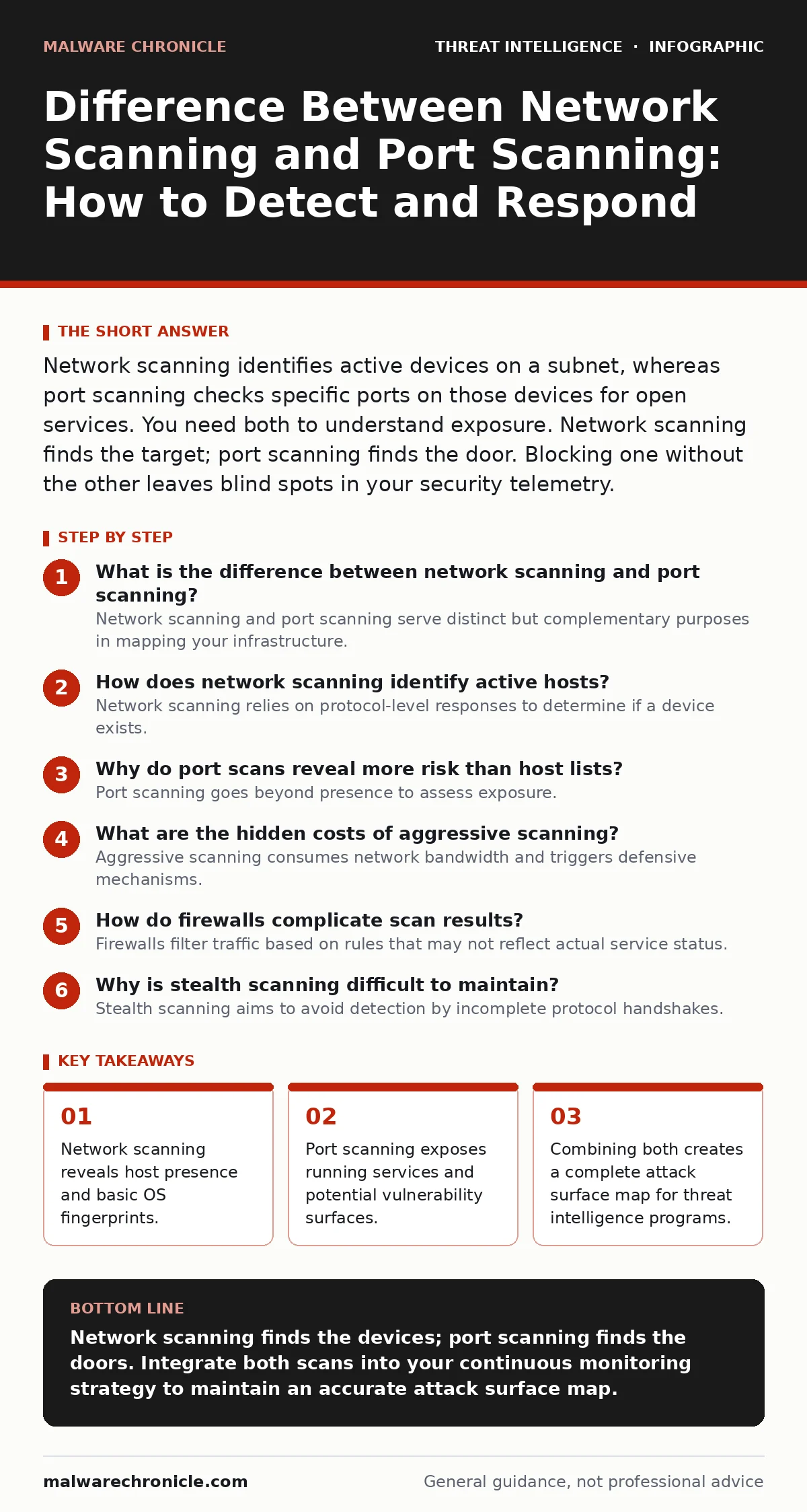
Network scanning identifies active devices on a subnet, whereas port scanning checks specific ports on those devices for open services. You need both to understand exposure. Network scanning finds the target; port scanning finds the door. Blocking one without the other leaves blind spots in your security telemetry.
What is the difference between network scanning and port scanning?
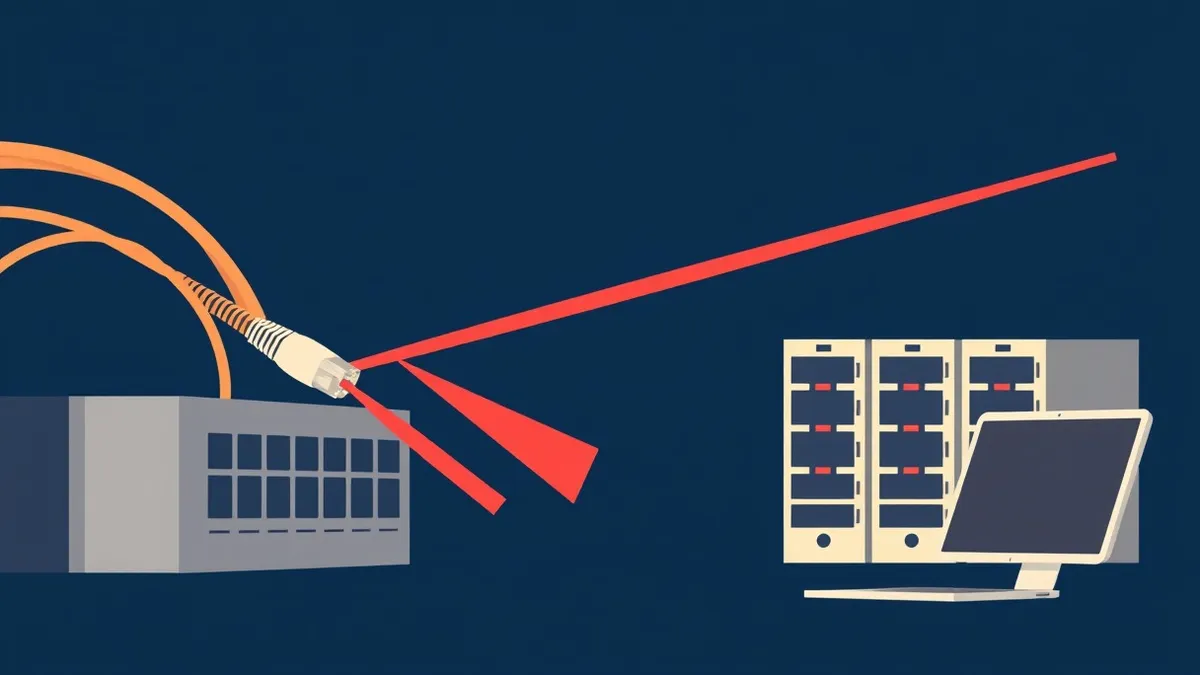
Network scanning and port scanning serve distinct but complementary purposes in mapping your infrastructure. Network scanning determines which devices are currently active and reachable on your network segment. Port scanning examines specific communication endpoints on those active devices to see which services are listening. You cannot effectively scan ports on a device that network scanning has not identified as alive. This sequential dependency defines the operational difference.
How does network scanning identify active hosts?
Network scanning relies on protocol-level responses to determine if a device exists. The most common method uses Internet Control Message Protocol (ICMP) echo requests, commonly known as pings. A device that replies to an ICMP request is considered alive. Some firewalls block ICMP, causing false negatives in this method. Alternative techniques include sending TCP SYN packets to common ports. If the device resets the connection, it is active, even if it ignores ICMP. This method bypasses simple ICMP-blocking rules.
| Scanning Type | Primary Goal | Protocol Used | Typical Output |
|---|---|---|---|
| Network Scan | Host Discovery | ICMP, ARP, TCP | List of IP addresses |
| Port Scan | Service Discovery | TCP, UDP | Open ports and services |
Why do port scans reveal more risk than host lists?
Port scanning goes beyond presence to assess exposure. Each open port represents a service running on the host, such as a web server or a database listener. Attackers prioritize open ports because they indicate where applications are accessible. A closed port offers no interface for interaction. An open port provides a foothold for further exploitation. Port scanners often probe the first 1,000 ports by default. This rapid sweep identifies high-value targets like remote management interfaces.
What are the hidden costs of aggressive scanning?
Aggressive scanning consumes network bandwidth and triggers defensive mechanisms. High-volume scans can saturate links, degrading performance for legitimate users. More critically, they trigger alerts in your operational threat intelligence systems. This creates noise that can obscure genuine attacks. Security teams may experience alert fatigue from processing thousands of false positives in threat detection. Balancing scan speed with stealth requires tuning packet intervals. Slow scans avoid detection but take longer to complete.
How do firewalls complicate scan results?
Firewalls filter traffic based on rules that may not reflect actual service status. A firewall might drop packets to a closed port, making it appear filtered rather than closed. This ambiguity complicates the interpretation of scan results. You cannot distinguish between a port that is closed by the host and one blocked by an intermediate firewall. Advanced scanners use TCP connect scans to bypass some filtering. This method completes the three-way handshake, which often passes through stateful firewalls. However, this approach is slower and more detectable.
See also: SYN Flood Attack Response: Containment, Recovery, and Prevention Steps · Intrusion Detection Systems: Benefits, Limits, and When to Deploy
Why is stealth scanning difficult to maintain?
Stealth scanning aims to avoid detection by incomplete protocol handshakes. A TCP SYN scan sends a synchronization packet and waits for a response. If the target replies with SYN-ACK, the port is open. The scanner then sends a reset packet to close the connection without completing the handshake. This leaves fewer logs on the target system. However, modern intrusion detection systems analyze packet sequences. They can identify SYN scans by the volume of half-open connections. No scan is truly invisible to a well-configured security telemetry stack.
How do you validate scan accuracy?
Validation requires cross-referencing scan data with known infrastructure records. Compare the list of active hosts against your asset inventory. Discrepancies indicate unauthorized devices or misconfigured monitoring tools. Verify open ports by attempting to connect manually using standard tools. This manual check confirms whether a service is truly accessible. Automated scans may misinterpret firewall responses as open ports. Manual verification reduces the risk of false positives in your threat detection pipeline.
What should you do with scan data?
Scan data must feed into your broader security operations. Integrate findings into your threat intelligence program to update risk models. Use port data to prioritize patching efforts for exposed services. Network scan results help identify rogue devices that lack endpoint telemetry coverage. Correlate scan findings with Sigma rules to detect anomalous access patterns. This integration transforms raw data into actionable operational threat intelligence. Regular scanning ensures your asset inventory remains current and accurate.
How does this relate to threat actor profiling?
Attackers use scanning to build profiles of your infrastructure. They map hosts to identify critical servers and then probe ports for exploitable services. Understanding their scanning behavior helps you anticipate their next moves. Defenders can use similar techniques to identify gaps in their own defenses. This proactive approach aligns with effective threat actor profiling strategies. By thinking like an attacker, you strengthen your security posture.
Key takeaways
- Network scanning reveals host presence and basic OS fingerprints.
- Port scanning exposes running services and potential vulnerability surfaces.
- Combining both creates a complete attack surface map for threat intelligence programs.
Network scanning finds the devices; port scanning finds the doors. Integrate both scans into your continuous monitoring strategy to maintain an accurate attack surface map.
Frequently asked questions
Is network scanning illegal?
Scanning networks you own or have explicit permission to test is legal. Unauthorized scanning of third-party networks violates computer fraud laws in many jurisdictions.
Can port scanning detect open source software versions?
Yes, port scanners often include banner grabbing. This technique reads the initial response from a service to identify software names and version numbers.
How often should I perform network scans?
Frequency depends on your environment's volatility. Critical infrastructure requires continuous or daily scanning. Less dynamic networks may need weekly or monthly scans.
Do cloud environments require different scanning methods?
Cloud environments often restrict ICMP and direct port scanning. You must use cloud-native security tools and APIs to assess exposure without violating service terms.
How this guide was produced: written by the Malware Chronicle editorial team with AI assistance, checked against the public references listed below, and reviewed when the facts change. See our editorial policy or report an error.