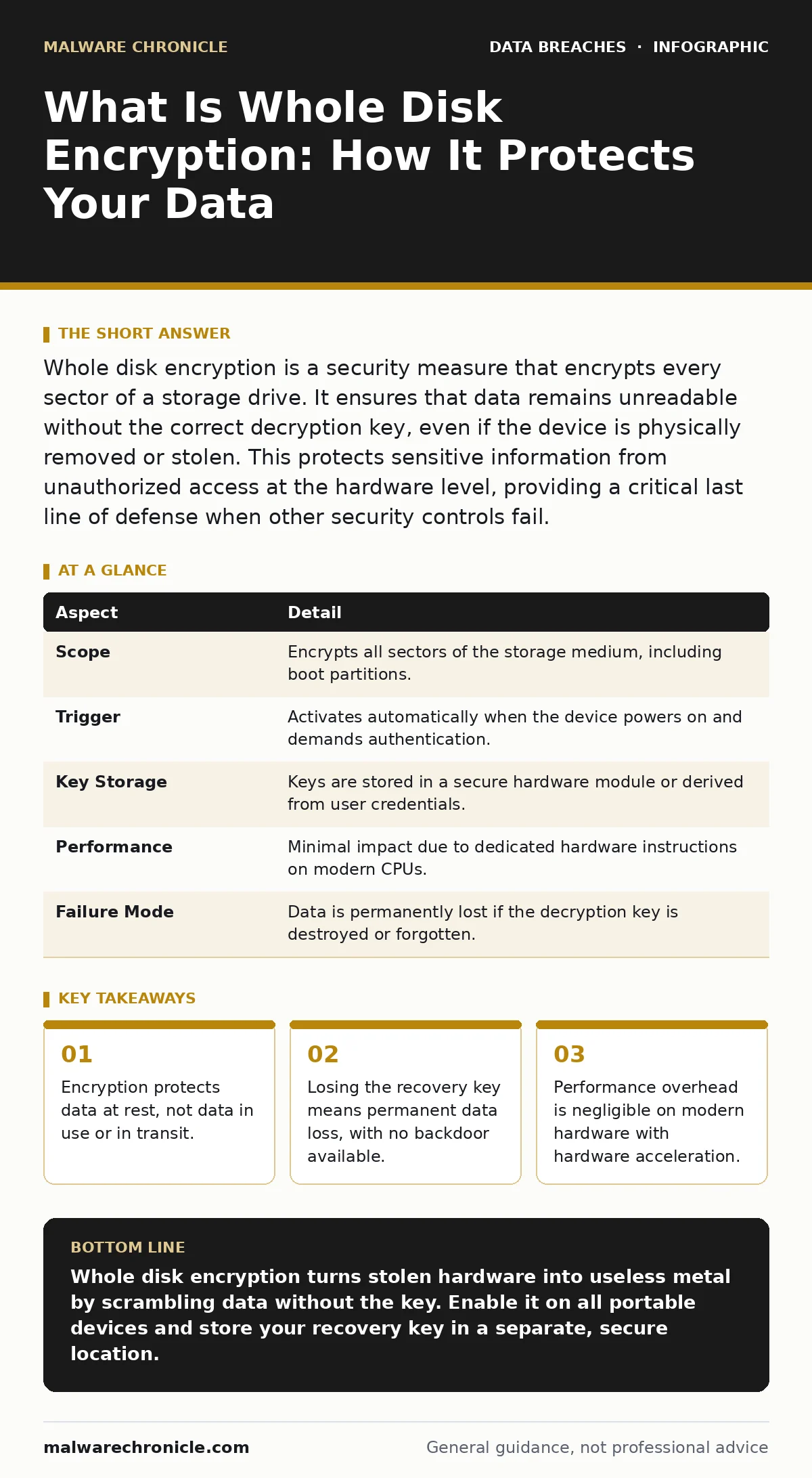
Whole disk encryption is a security measure that encrypts every sector of a storage drive. It ensures that data remains unreadable without the correct decryption key, even if the device is physically removed or stolen. This protects sensitive information from unauthorized access at the hardware level, providing a critical last line of defense when other security controls fail.
What Is Whole Disk Encryption
Imagine leaving a locked safe in your office lobby. If someone steals the safe, they have the metal box, but they cannot open it without the combination. Whole disk encryption works exactly like that safe. It transforms readable data into scrambled ciphertext that looks like random noise. Without the specific cryptographic key, the data is mathematically impossible to decode. This applies to the entire drive, including the operating system, applications, and temporary files.
People type "what is whole disk encryption" when they need to understand this specific mechanism. It is not a firewall. It is not antivirus software. It is a barrier against physical access. If an attacker gains physical possession of your laptop or server, this encryption prevents them from reading the data stored on the disk. It does not stop them from using the device if they know the login password. It stops them from bypassing the login screen entirely by booting from a USB drive or removing the hard drive.
| Aspect | Detail |
|---|---|
| Scope | Encrypts all sectors of the storage medium, including boot partitions. |
| Trigger | Activates automatically when the device powers on and demands authentication. |
| Key Storage | Keys are stored in a secure hardware module or derived from user credentials. |
| Performance | Minimal impact due to dedicated hardware instructions on modern CPUs. |
| Failure Mode | Data is permanently lost if the decryption key is destroyed or forgotten. |
How The Mechanism Works
The process relies on symmetric encryption algorithms. These algorithms use the same key to encrypt and decrypt data. When you install an operating system with whole disk encryption enabled, the system generates a master key. This master key encrypts the data on the disk. The master key itself is then encrypted using a key derived from your password or a hardware token.
When you turn on your computer, the firmware asks for your password. You enter it. The system derives the key from that password. It uses that derived key to unlock the master key. Only then can the operating system boot and read the data. If you do not enter the password, the master key remains locked. The data on the disk stays encrypted. An attacker who removes the drive sees only encrypted blocks. They cannot mount the drive or copy files in a readable format.
This mechanism differs from file-level encryption. File-level encryption protects specific files, like a document or a database. Whole disk encryption protects everything, including swap files and temporary internet cache. These temporary files often contain fragments of sensitive data that file-level encryption might miss. By encrypting the whole disk, you ensure that no data leaks through these side channels.
Who Needs This Protection
You need whole disk encryption if you handle sensitive information on portable devices. This includes laptops, tablets, and external hard drives. If your device contains customer records, financial data, or intellectual property, physical theft is a significant risk. Thieves often target laptops because they are easy to steal and resell. If the drive is not encrypted, the thief can sell the data along with the hardware.
Even if you do not carry sensitive data, you should consider this protection. Your device may contain cached credentials, email archives, or personal photos. These items can be used for identity theft or social engineering attacks. Encrypting the drive ensures that a lost device does not become a data breach. It shifts the risk from data exposure to hardware replacement. Hardware is replaceable. Reputational damage from a data breach is not.
Common Misconceptions About Encryption
Many users believe that whole disk encryption makes their data invulnerable. This is incorrect. Encryption protects data at rest. It does not protect data in use. If malware infects your running system, it can read your data before it is encrypted. It can also log your keystrokes and steal your password. The encryption key is then compromised, and the attacker can decrypt the data later.
Another common mistake is assuming that encryption replaces other security measures. It does not. You still need strong passwords, multi-factor authentication, and regular software updates. Encryption is the last line of defense. It assumes that other defenses have failed. If you rely solely on encryption, you leave your system open to remote attacks and social engineering. You must treat encryption as one layer in a deeper security strategy.
People also often misunderstand the role of the operating system. The OS manages the encryption process. If the OS is compromised, the encryption may be bypassed. This is why keeping your system updated is critical. Vulnerabilities in the encryption implementation can allow attackers to unlock the drive without the password. Regular patching closes these holes.
The Hidden Cost of Convenience
Convenience often undermines security. Many systems offer automatic unlock features. These features store the decryption key in a way that bypasses the need for a password. This is convenient for daily use. It is dangerous if the device is stolen. The attacker does not need to guess your password. They simply boot the device. The system unlocks automatically.
You must disable any automatic unlock features. Force the system to require manual authentication at every boot. This adds a few seconds to your startup time. It adds years of security. The trade-off is small. The risk is large. Never sacrifice security for convenience. The few seconds you save are not worth the potential exposure of your data.
Another hidden cost is key management. If you lose the recovery key, you lose the data. There is no backdoor. No support team can recover it. The encryption is designed to be unbreakable. This means that if you forget your password and have no recovery key, your data is gone forever. This is a permanent state. You must store recovery keys securely. Use a password manager or a printed copy stored in a safe. Do not store the key on the encrypted device itself.
See also: Tokenization Mistakes That Expose Data and How to Fix Them · Cloud Encryption Checklist: Protect Data in Transit and at Rest
Integrating With Backup Strategies
Encryption works best when combined with a solid backup strategy. If your drive fails, encryption does not help you recover the data. You need backups. However, your backups must also be encrypted. If you back up an encrypted drive to an external drive, that external drive must also be protected. If it is not, you have created a new vulnerability.
Follow the 3-2-1 backup rule. Keep 3 copies of your data. Store them on 2 different media types. Keep 1 copy offsite. Ensure that all copies are encrypted. This ensures that even if you lose the primary device and the backup device, your data remains secure. It also protects against ransomware. If ransomware encrypts your primary drive, you can restore from the clean, encrypted backup.
What To Do Next
Enable whole disk encryption on all portable devices. Most operating systems include this feature by default. Check your settings to ensure it is active. If it is not, enable it immediately. This process may take some time, depending on the size of your drive. Do not interrupt the process. A power loss during encryption can corrupt the drive.
Create and store a recovery key. Write it down and store it in a physical safe. Or use a reputable password manager. Test your recovery process. Simulate a lost password scenario. Ensure you can recover access using the key. This test validates that your key is valid and accessible. Do not wait for a real emergency to find out that your key does not work.
Review your data classification policies. Determine what data requires encryption. Classify data by sensitivity. Apply encryption to all devices that handle sensitive data. This includes developer machines that access production databases. It includes sales laptops that contain customer data. Consistency is key. Inconsistent application of encryption creates gaps that attackers can exploit.
Key takeaways
- Encryption protects data at rest, not data in use or in transit.
- Losing the recovery key means permanent data loss, with no backdoor available.
- Performance overhead is negligible on modern hardware with hardware acceleration.
- It does not protect against malware that operates while the system is running.
Whole disk encryption turns stolen hardware into useless metal by scrambling data without the key. Enable it on all portable devices and store your recovery key in a separate, secure location.
Frequently asked questions
Does whole disk encryption slow down my computer?
Modern processors have hardware instructions for encryption, making the performance impact negligible for most users. You will not notice a difference in daily operations.
Can I encrypt an already full hard drive?
Yes, most operating systems allow you to encrypt an existing drive. The process may take several hours depending on the amount of data. Ensure the device is plugged into power during this process.
What happens if I forget my password?
You must use your recovery key to regain access. If you do not have the recovery key, the data is permanently lost. There is no way to bypass the encryption without the key.
Does this protect me from ransomware?
No, whole disk encryption protects against physical theft. Ransomware encrypts your data while the system is running. You need backups and endpoint protection to defend against ransomware attacks.
How this guide was produced: written by the Malware Chronicle editorial team with AI assistance, checked against the public references listed below, and reviewed when the facts change. See our editorial policy or report an error.