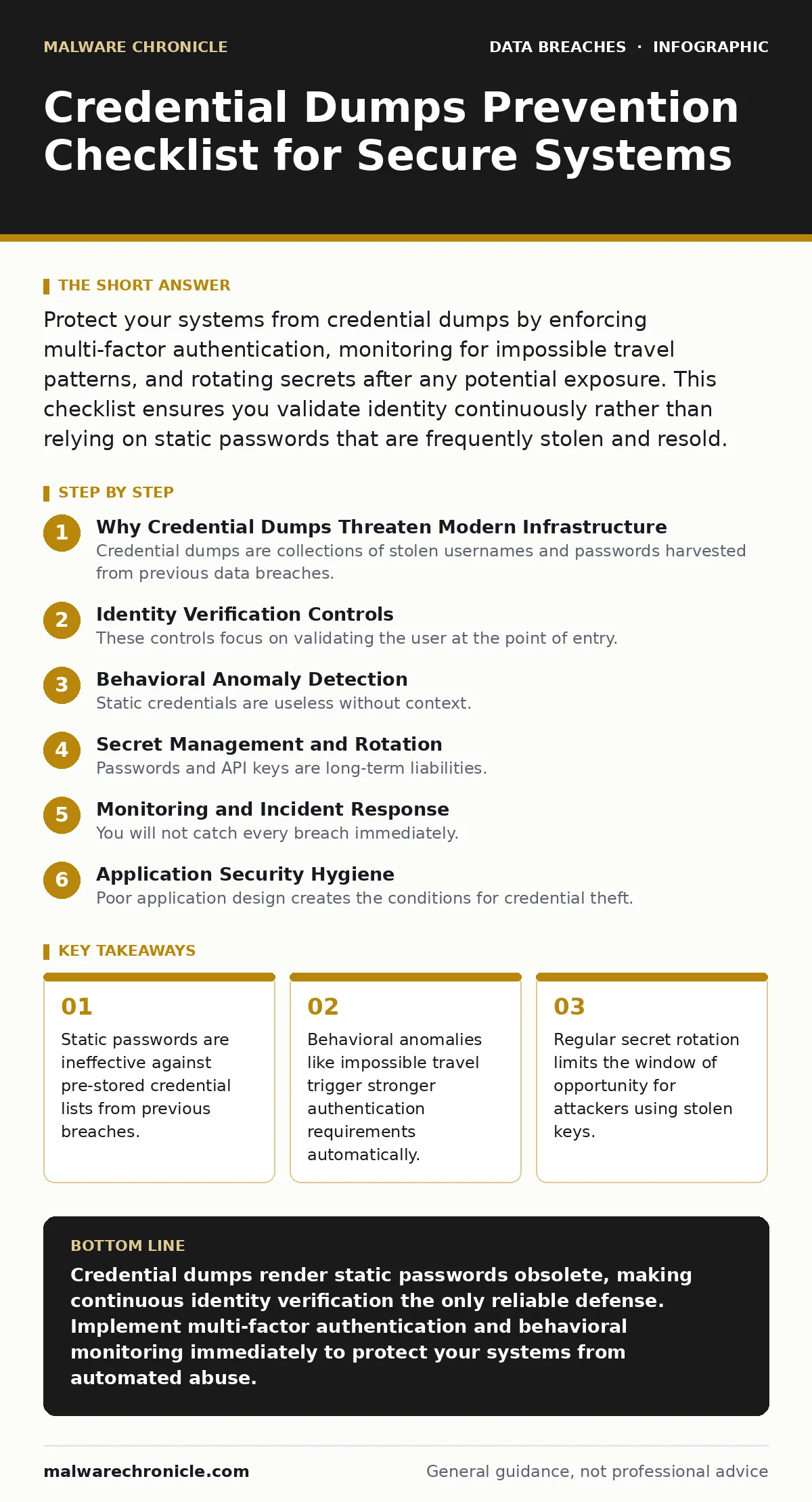
Protect your systems from credential dumps by enforcing multi-factor authentication, monitoring for impossible travel patterns, and rotating secrets after any potential exposure. This checklist ensures you validate identity continuously rather than relying on static passwords that are frequently stolen and resold.
Why Credential Dumps Threaten Modern Infrastructure
Credential dumps are collections of stolen usernames and passwords harvested from previous data breaches. Attackers purchase these lists to automate login attempts against your services. Your application cannot distinguish between a legitimate user and an attacker using a valid password. The threat persists because users reuse credentials across multiple platforms. A breach on an unrelated site provides attackers with valid keys for your system. This reality shifts the security burden from password complexity to identity verification mechanisms. You must assume every password in your system is already known to adversaries.
Identity Verification Controls
These controls focus on validating the user at the point of entry. They reduce the effectiveness of automated brute-force attacks.
- Enforce multi-factor authentication: This requires a second proof of identity, rendering stolen passwords insufficient for account access.
- Block password-only logins for privileged accounts: Administrative actions require higher assurance, preventing automated scripts from escalating privileges.
- Implement step-up authentication for sensitive actions: High-risk operations trigger additional verification, limiting damage if a credential is compromised.
- Disable legacy authentication protocols: Older protocols like NTLM or basic auth lack modern security features and are easy to exploit.
- Require biometric or hardware-based factors for admins: Physical tokens or biometrics are significantly harder to steal than digital secrets.
Behavioral Anomaly Detection
Static credentials are useless without context. Your system must analyze the environment of the login attempt. This layer detects automated abuse that mimics human behavior.
- Monitor for impossible travel patterns: Logins from geographically distant locations in short timeframes indicate credential sharing or theft.
- Flag rapid sequential login failures: Multiple failed attempts from a single IP address suggest automated dictionary attacks against your service.
- Require re-authentication after session inactivity: Long-lived sessions increase exposure risk if the device is temporarily compromised by malware.
- Detect new device or browser fingerprints: First-time logins from unknown environments should trigger additional verification steps.
- Analyze typing dynamics and mouse movements: These micro-behaviors help distinguish human users from automated scripts and bots.
Secret Management and Rotation
Passwords and API keys are long-term liabilities. They must be treated as compromised at all times. Regular rotation limits the utility of any single stolen secret.
- Rotate API keys every ninety days: Frequent expiration reduces the window of opportunity for attackers who have obtained key files.
- Use a centralized secrets manager: Storing keys in code repositories or configuration files exposes them to version control history leaks.
- Revoke access immediately upon employee departure: Delayed revocation allows former employees or their retained credentials to access systems.
- Implement just-in-time access grants: Temporary access limits the amount of standing privilege that can be abused by stolen credentials.
- Audit service accounts regularly: Unused service accounts with active credentials are prime targets for lateral movement by attackers.
Monitoring and Incident Response
You will not catch every breach immediately. Your monitoring must detect the aftermath of a successful login. This section covers the feedback loop that informs your defenses.
- Log all authentication events centrally: Aggregated logs allow for cross-referencing anomalies that single systems might miss entirely.
- Set alerts for impossible travel: Real-time notifications enable security teams to freeze accounts before data exfiltration occurs.
- Test backup restoration procedures regularly: Backups are useless if they cannot be restored quickly during an active ransomware or data theft event.
- Review incident communication plans annually: Clear protocols ensure stakeholders receive accurate information during a credential compromise event.
- Monitor dark web forums for your brand: Early detection of your credentials being sold allows for proactive password resets.
See also: What Causes Data Breaches: The Hidden Mechanics Behind Every Leak
Application Security Hygiene
Poor application design creates the conditions for credential theft. Secure coding practices prevent the initial leakage of authentication data.
- Hash passwords with adaptive algorithms: Algorithms like Argon2 or bcrypt slow down brute-force attacks by making each hash computation expensive.
- Never store plaintext credentials: Storing raw passwords in databases guarantees exposure if the database is accessed by an attacker.
- Implement rate limiting on login endpoints: Throttling requests prevents attackers from testing millions of credential combinations in minutes.
- Use CAPTCHAs for suspicious login attempts: Visual or invisible tests distinguish human users from automated credential stuffing bots.
- Validate input on all authentication fields: Strict validation prevents injection attacks that could bypass authentication logic or extract data.
Integrating with Existing Defenses
Credential protection does not exist in isolation. It must work with your broader security posture. Check out our guide on credential leaks to understand how these lists are initially gathered. Understanding the source helps you tailor your defenses. You should also review our section on password leaks to see how users contribute to the problem. Combating synthetic identity fraud requires verifying not just credentials, but the underlying identity. Finally, ensure your incident communication plans are ready to handle the fallout of a breach.
Key takeaways
- Static passwords are ineffective against pre-stored credential lists from previous breaches.
- Behavioral anomalies like impossible travel trigger stronger authentication requirements automatically.
- Regular secret rotation limits the window of opportunity for attackers using stolen keys.
Credential dumps render static passwords obsolete, making continuous identity verification the only reliable defense. Implement multi-factor authentication and behavioral monitoring immediately to protect your systems from automated abuse.
Frequently asked questions
How do attackers get credential dumps?
Attackers harvest credentials from previous data breaches on other platforms. They compile these into lists and sell them on underground forums for bulk login attempts.
Can multi-factor authentication stop credential dumps?
Multi-factor authentication stops most credential dump attacks because the attacker lacks the second factor. However, it does not protect against compromised authenticator apps or SIM swapping attacks.
What is impossible travel detection?
Impossible travel detection flags logins that occur from geographically distant locations in an unrealistic timeframe. This indicates that the credential is being used by multiple people or automated scripts simultaneously.
How often should I rotate API keys?
You should rotate API keys every ninety days as a standard practice. Immediate rotation is required if you suspect a key has been exposed in a log file or public repository.
How this guide was produced: written by the Malware Chronicle editorial team with AI assistance, checked against the public references listed below, and reviewed when the facts change. See our editorial policy or report an error.