
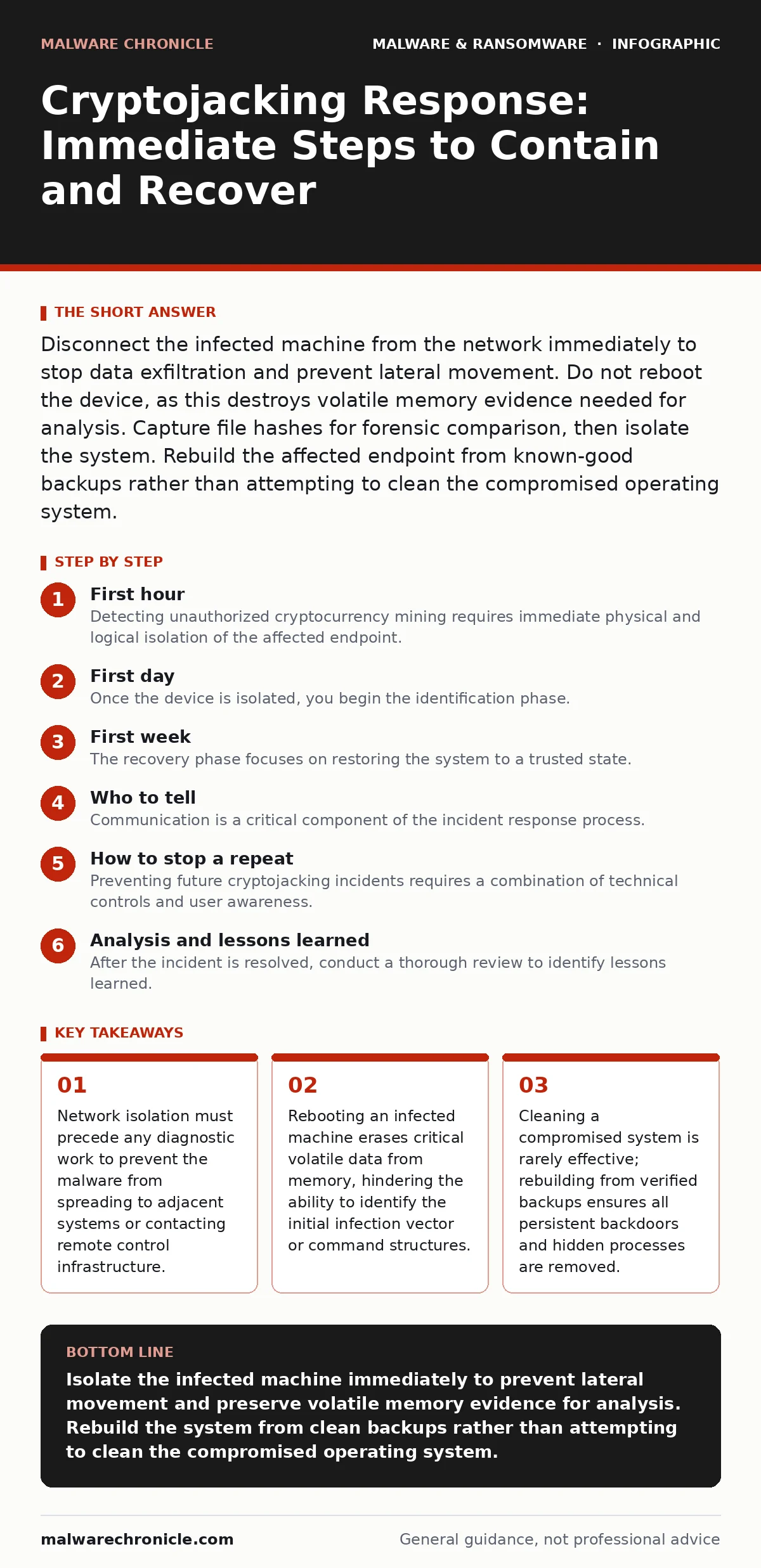
Disconnect the infected machine from the network immediately to stop data exfiltration and prevent lateral movement. Do not reboot the device, as this destroys volatile memory evidence needed for analysis. Capture file hashes for forensic comparison, then isolate the system. Rebuild the affected endpoint from known-good backups rather than attempting to clean the compromised operating system.
First hour
Detecting unauthorized cryptocurrency mining requires immediate physical and logical isolation of the affected endpoint. The primary goal is to sever the connection between the compromised machine and the broader network. Cryptojacking malware often operates silently, consuming CPU or GPU resources to solve cryptographic puzzles for the attacker's benefit. This activity generates significant heat and reduces system performance, but the malware may also include components that steal credentials or install additional payloads.
You must unplug the Ethernet cable or disable the Wi-Fi adapter immediately. If the device is part of a domain, disconnecting it prevents the malware from using the local network to spread via shared drives or internal services. Do not attempt to analyze the system while it remains connected. The malware may be communicating with command and control servers to receive new instructions or to upload stolen data. Cutting the network link stops these interactions instantly.
- Unplug the Ethernet cable or disable wireless network adapters.
- Identify the affected host by its IP address and MAC address.
- Record the current time and date of detection for incident logs.
- Isolate the device from any shared storage or network drives.
- Notify the security operations center or incident response team.
First day
Once the device is isolated, you begin the identification phase. The objective is to determine the scope of the infection and the method of entry. Cryptojacking malware often masquerades as legitimate system processes to avoid detection by standard security tools. It may inject its code into trusted applications or run under the guise of essential background services. You must look beyond simple process names to identify malicious behavior.
Use memory forensics to capture a snapshot of the system's state. This technique allows you to analyze the active memory of the computer without rebooting it. Memory dumps reveal hidden processes, network connections, and injected code that disk-based scans might miss. This evidence helps you understand the malware's capabilities and whether it has established persistence mechanisms that survive reboots.
Examine the process list for high CPU or GPU usage. Legitimate applications should not consume excessive resources continuously. Look for processes with no visible window, generic names, or unusual parent-child relationships. Check the network connections for outbound traffic to known mining pools. These connections often use standard ports like HTTP or HTTPS to blend in with normal web traffic. Identifying these connections helps you map the malware's communication channels.
Review the system logs for signs of unauthorized activity. Look for new user accounts, changes to group policies, or scheduled tasks that run at irregular intervals. These indicators suggest the malware has modified the system to maintain access. Document every finding carefully. This information will be critical for determining the root cause and preventing future infections. If you suspect the malware is a computer worm, check other devices on the same network segment for similar signs of infection.
First week
The recovery phase focuses on restoring the system to a trusted state. Attempting to clean an infected operating system is rarely successful. Malware can hide in system files, registry keys, or firmware components that are difficult to detect and remove. Even if you delete the visible malicious files, hidden backdoors may remain. These backdoors allow the attacker to regain access later.
Rebuild the affected endpoint from known-good backups. Restore the operating system and applications from a clean installation media. Then, restore user data from backups that were created before the infection occurred. Verify the integrity of the restored data by checking file hashes in malware detection systems. This step ensures that the restored files do not contain malicious code. Avoid restoring files that were modified during the infection period.
Update all software and operating systems to the latest versions. Apply security patches to close vulnerabilities that the malware may have exploited. Configure software restriction policies to limit which applications can run on the system. This measure helps prevent unauthorized executables from launching, even if an attacker gains access again. Test the rebuilt system to ensure it functions correctly and performs as expected.
Monitor the rebuilt system closely for any signs of reinfection. Check for unusual network activity, high resource usage, or unexpected changes to system files. Implement additional logging and monitoring to detect similar incidents in the future. This proactive approach helps you identify and respond to threats more quickly. Consider implementing network segmentation to limit the spread of malware if it occurs again.
Who to tell
Communication is a critical component of the incident response process. You must inform the appropriate stakeholders to ensure coordinated action and compliance with legal requirements. The specific individuals and groups you need to contact depend on the severity of the incident and your organization's policies.
Notify the incident response team immediately. They will coordinate the containment, eradication, and recovery efforts. Provide them with all the evidence and findings you have gathered. This information helps them understand the scope of the incident and make informed decisions.
Inform management about the incident. They need to be aware of the potential business impact and any necessary changes to operations. Provide them with a clear and concise summary of the situation, the actions taken, and the expected timeline for recovery. Avoid technical jargon and focus on the business implications.
If the incident involves sensitive data or regulated industries, you may need to notify legal counsel and compliance officers. They will advise you on any legal obligations, such as reporting the incident to regulatory authorities or notifying affected customers. Follow your organization's data breach response plan to ensure you meet all legal requirements.
How to stop a repeat
Preventing future cryptojacking incidents requires a combination of technical controls and user awareness. You must address the vulnerabilities and misconfigurations that allowed the initial infection to occur. Implementing these measures reduces the risk of similar incidents and improves your overall security posture.
Deploy endpoint detection and response solutions to monitor for suspicious behavior. These tools can detect and block malicious processes, network connections, and file modifications in real time. Configure them to alert on high CPU or GPU usage, which is a common indicator of cryptojacking. Regularly update the malware signatures to ensure the tools can detect the latest threats.
Implement application whitelisting to restrict which programs can run on your systems. This control prevents unauthorized executables from launching, even if an attacker bypasses other security measures. Allow only trusted applications to run and block everything else. This approach is more effective than traditional antivirus software, which relies on known malware signatures.
Train users to recognize and report suspicious activity. Educate them on the signs of cryptojacking, such as slow performance or unusual fan noise. Encourage them to report any suspicious emails, websites, or software downloads. User awareness is a critical layer of defense against social engineering attacks that often lead to malware infections.
See also: Attacker Dwell Time: Definition, Measurement and Reduction Tactics · How Threat Hunting Works: The Mechanics of Proactive Defense
Analysis and lessons learned
After the incident is resolved, conduct a thorough review to identify lessons learned. Analyze the incident response process to determine what worked well and what needs improvement. Document the findings and update your incident response plan accordingly.
Review the detection and containment steps to ensure they were effective. Identify any gaps in your monitoring or response capabilities. Implement additional controls or tools to address these gaps. For example, if the malware used logic bombs to trigger its payload, enhance your monitoring for scheduled tasks and system events.
Assess the effectiveness of your communication and coordination efforts. Identify any delays or misunderstandings that occurred during the incident. Improve your communication plans and training to ensure better coordination in the future.
Share the lessons learned with the broader organization. Conduct training sessions or workshops to educate employees on the incident and the steps taken to prevent it. This helps raise awareness and improves the organization's overall security culture.
Key takeaways
- Network isolation must precede any diagnostic work to prevent the malware from spreading to adjacent systems or contacting remote control infrastructure.
- Rebooting an infected machine erases critical volatile data from memory, hindering the ability to identify the initial infection vector or command structures.
- Cleaning a compromised system is rarely effective; rebuilding from verified backups ensures all persistent backdoors and hidden processes are removed.
Isolate the infected machine immediately to prevent lateral movement and preserve volatile memory evidence for analysis. Rebuild the system from clean backups rather than attempting to clean the compromised operating system.
Frequently asked questions
How do I know if my computer is being used for cryptojacking?
Check for unusually high CPU or GPU usage, increased fan noise, and slower system performance. Legitimate applications should not consume excessive resources continuously without a clear reason.
Can I clean an infected system instead of rebuilding it?
Cleaning is rarely effective because malware can hide in system files or firmware that are difficult to detect. Rebuilding from known-good backups ensures all malicious components are removed.
Does antivirus software stop cryptojacking?
Traditional antivirus may detect known mining malware, but sophisticated variants often evade detection. Endpoint detection and response tools that monitor behavior are more effective at identifying suspicious activity.
How long should I monitor a rebuilt system?
Monitor the rebuilt system closely for at least 30 days to ensure no reinfection occurs. Check for unusual network activity, high resource usage, or unexpected changes to system files during this period.
How this guide was produced: written by the Malware Chronicle editorial team with AI assistance, checked against the public references listed below, and reviewed when the facts change. See our editorial policy or report an error.