
Computer worms exploit open ports, weak default credentials, and unpatched vulnerabilities to spread automatically. You reduce risk by disabling unused services, enforcing complex passwords, applying security patches immediately, and segmenting your network to limit lateral movement.
Mistake 1: Leaving Default Credentials Active
Default credentials remain the primary entry point for automated worms targeting Internet of Things devices and network hardware. Manufacturers often ship routers, cameras, and servers with well-known username and password combinations. Attackers scan for these defaults before attempting any complex exploit.
Why it hurts: A worm does not need to guess a password if the administrator never changed the factory settings. Once the worm gains access to one device, it uses that device to scan the internal network for other systems with similar default configurations. This creates a rapid chain reaction of infections.
The fix: Change every default credential before connecting the device to your network. Use a password manager to generate unique, complex passwords for each device. Disable remote login features if the device does not require external access. Review your firewall logs to detect scanning activity that targets common default ports.
Mistake 2: Ignoring Security Patches
Software vendors release patches to fix vulnerabilities that attackers can exploit. Many users delay installing these updates due to fear of breaking existing workflows or causing downtime. This delay leaves the system vulnerable to worms that specifically target the unpatched flaw.
Why it hurts: Worms are often written to exploit a specific bug in a widely used application or operating system. If you do not apply the patch, the worm can execute code on your machine without any user interaction. This automatic execution allows the worm to spread to other connected machines before you realize the system is compromised.
The fix: Enable automatic updates for operating systems and critical applications. Test patches in a staging environment before deploying them to production servers to ensure stability. Prioritize patches for software that faces the internet or handles sensitive data. Review the release notes to understand what vulnerability the patch addresses.
Mistake 3: Exposing Unused Services
Every service running on a server or workstation opens a port that listens for incoming connections. Many administrators leave unused services enabled because they are not aware of the risk or believe the service is harmless. Each open port is a potential entry point for a worm.
Why it hurts: Worms scan for open ports to find vulnerable services. If you run a database server on a web server, the worm may target the database port instead of the web port. Even if the service is secure, the extra attack surface increases the likelihood of a misconfiguration leading to exploitation.
The fix: Audit your running services regularly and disable anything you do not actively use. Close ports in your firewall that are not required for business operations. Use host-based firewalls to restrict which IP addresses can connect to each service. Document every open port and its purpose to maintain accountability.
Mistake 4: Failing to Segment Networks
Flat networks allow any device to communicate with any other device. This lack of segmentation means a worm that infects a single workstation can easily reach critical servers and databases. Without barriers, the worm spreads unchecked across the entire infrastructure.
Why it hurts: Network segmentation limits the blast radius of an infection. In a flat network, a worm can move laterally to reach high-value targets quickly. This allows the attacker to exfiltrate data or deploy ransomware before security teams can isolate the affected systems. The cost of a breach increases significantly when critical assets are exposed.
The fix: Divide your network into smaller zones based on function or sensitivity. Use virtual local area networks to separate guest devices from corporate resources. Implement strict access control lists between zones to permit only necessary traffic. Monitor traffic between segments to detect unusual communication patterns that may indicate a worm.
Mistake 5: Relying Solely on Signature-Based Detection
Traditional antivirus software relies on known signatures to identify malware. This method is effective against known threats but fails against new or modified worms. Attackers can slightly alter the code of a worm to evade signature-based detection.
Why it hurts: A new worm may not have a signature in the antivirus database yet. If you rely only on signature matching, the worm will execute and spread before it is identified. This gap in protection allows the worm to establish a foothold and begin scanning for other vulnerable systems within your network.
The fix: Implement heuristic detection to identify suspicious behavior rather than just known code patterns. Heuristic detection analyzes how a program acts, such as attempting to modify system files or scan for other hosts. Combine this with file hashes in malware detection to verify the integrity of executable files. Regularly update your detection rules to stay ahead of evolving threats.
See also: Difference Between Network Scanning and Port Scanning: How to Detect and Respond · SYN Flood Attack Response: Containment, Recovery, and Prevention Steps
Mistake 6: Disabling User Account Controls
User account control prompts users for permission when applications attempt to make changes to the system. Many users disable these prompts to avoid interruption, granting applications full administrative privileges by default. This removes a critical barrier that stops worms from installing themselves.
Why it hurts: Worms often require administrative privileges to install persistent components or modify system settings. If user account control is disabled, the worm can execute these actions without prompting the user. This silent installation allows the worm to operate undetected and spread to other machines using the compromised account's permissions.
The fix: Keep user account control enabled at the highest security level. Educate users to approve only changes they explicitly initiated. Use least privilege principles to ensure daily tasks run without administrative rights. Monitor for unauthorized elevation attempts that may indicate a worm trying to gain higher access.
Mistake 7: Neglecting Endpoint Protection
Endpoint protection platforms provide centralized management of security policies across all devices. Many organizations rely on local antivirus software without a centralized dashboard, making it difficult to enforce consistent security settings. This inconsistency leaves gaps that worms can exploit.
Why it hurts: Without centralized management, some devices may have outdated definitions or disabled security features. A worm can target these weak links to enter the network. Once inside, it can move to other devices that lack proper protection. The lack of visibility makes it harder to detect and respond to the infection quickly.
The fix: Deploy an endpoint protection platform to manage security settings across all devices. Ensure all endpoints are enrolled and reporting status to the central console. Configure automated responses to isolate infected devices automatically. Regularly review logs to identify trends in threat activity and adjust policies accordingly.
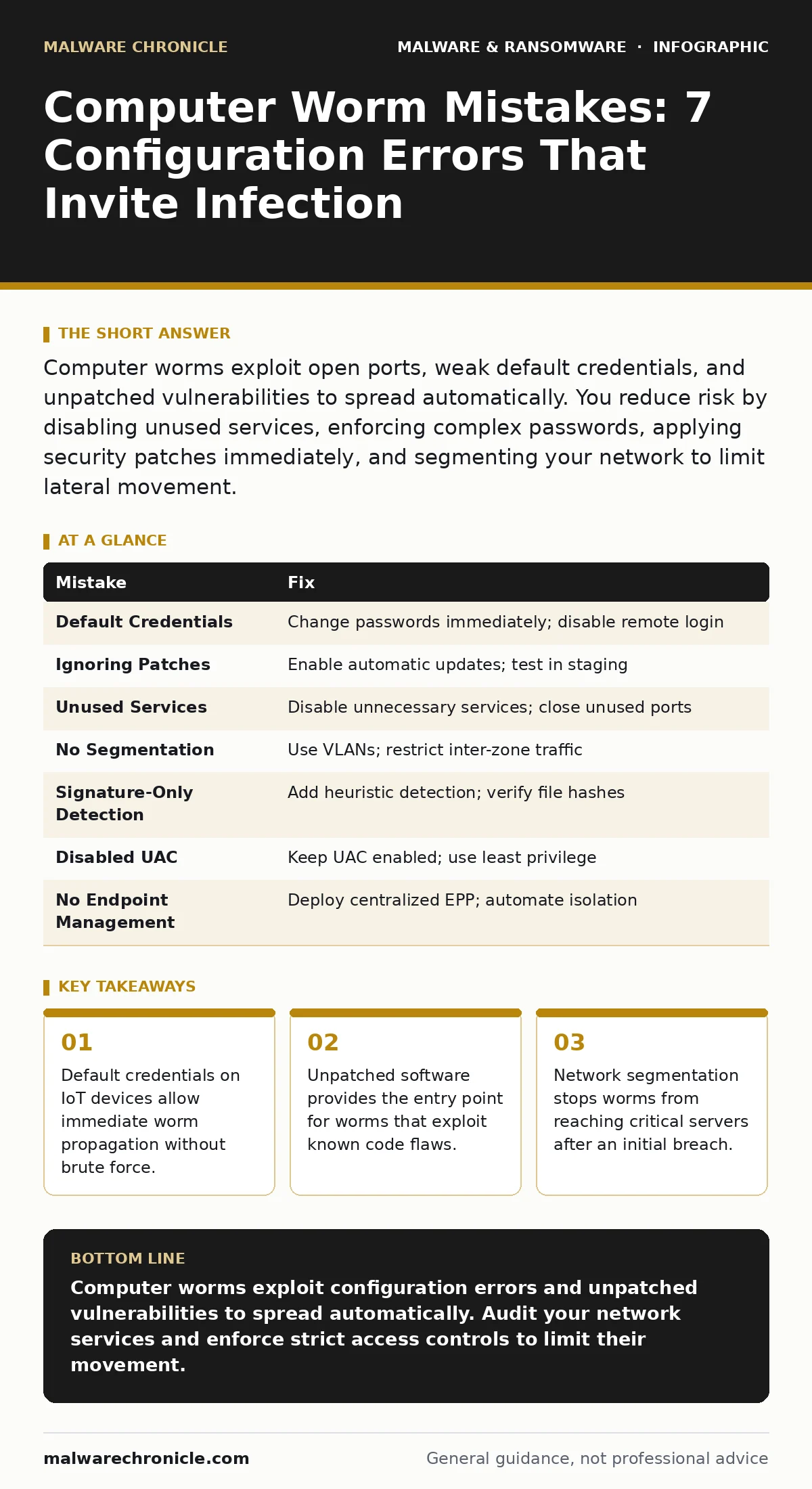
| Mistake | Fix |
|---|---|
| Default Credentials | Change passwords immediately; disable remote login |
| Ignoring Patches | Enable automatic updates; test in staging |
| Unused Services | Disable unnecessary services; close unused ports |
| No Segmentation | Use VLANs; restrict inter-zone traffic |
| Signature-Only Detection | Add heuristic detection; verify file hashes |
| Disabled UAC | Keep UAC enabled; use least privilege |
| No Endpoint Management | Deploy centralized EPP; automate isolation |
Key takeaways
- Default credentials on IoT devices allow immediate worm propagation without brute force.
- Unpatched software provides the entry point for worms that exploit known code flaws.
- Network segmentation stops worms from reaching critical servers after an initial breach.
Computer worms exploit configuration errors and unpatched vulnerabilities to spread automatically. Audit your network services and enforce strict access controls to limit their movement.
Frequently asked questions
How do computer worms differ from viruses?
Worms replicate and spread across networks without requiring user action or a host file, whereas viruses typically need a user to execute an infected file.
Can a firewall stop all computer worms?
No, firewalls block unauthorized network traffic but cannot stop worms that exploit vulnerabilities in allowed connections or originate from inside the network.
What is the role of heuristic detection in stopping worms?
Heuristic detection identifies suspicious behavior patterns, such as rapid network scanning or file modification, allowing it to catch new worms before signatures are available.
How often should I update my security patches?
Apply critical security patches as soon as they are released and tested, as worms often exploit known vulnerabilities within days of disclosure.
How this guide was produced: written by the Malware Chronicle editorial team with AI assistance, checked against the public references listed below, and reviewed when the facts change. See our editorial policy or report an error.