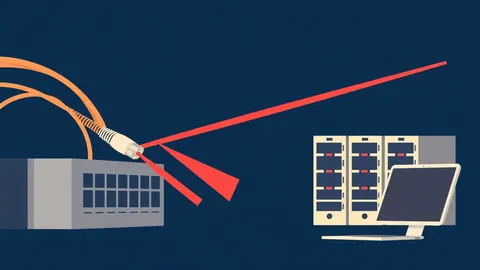
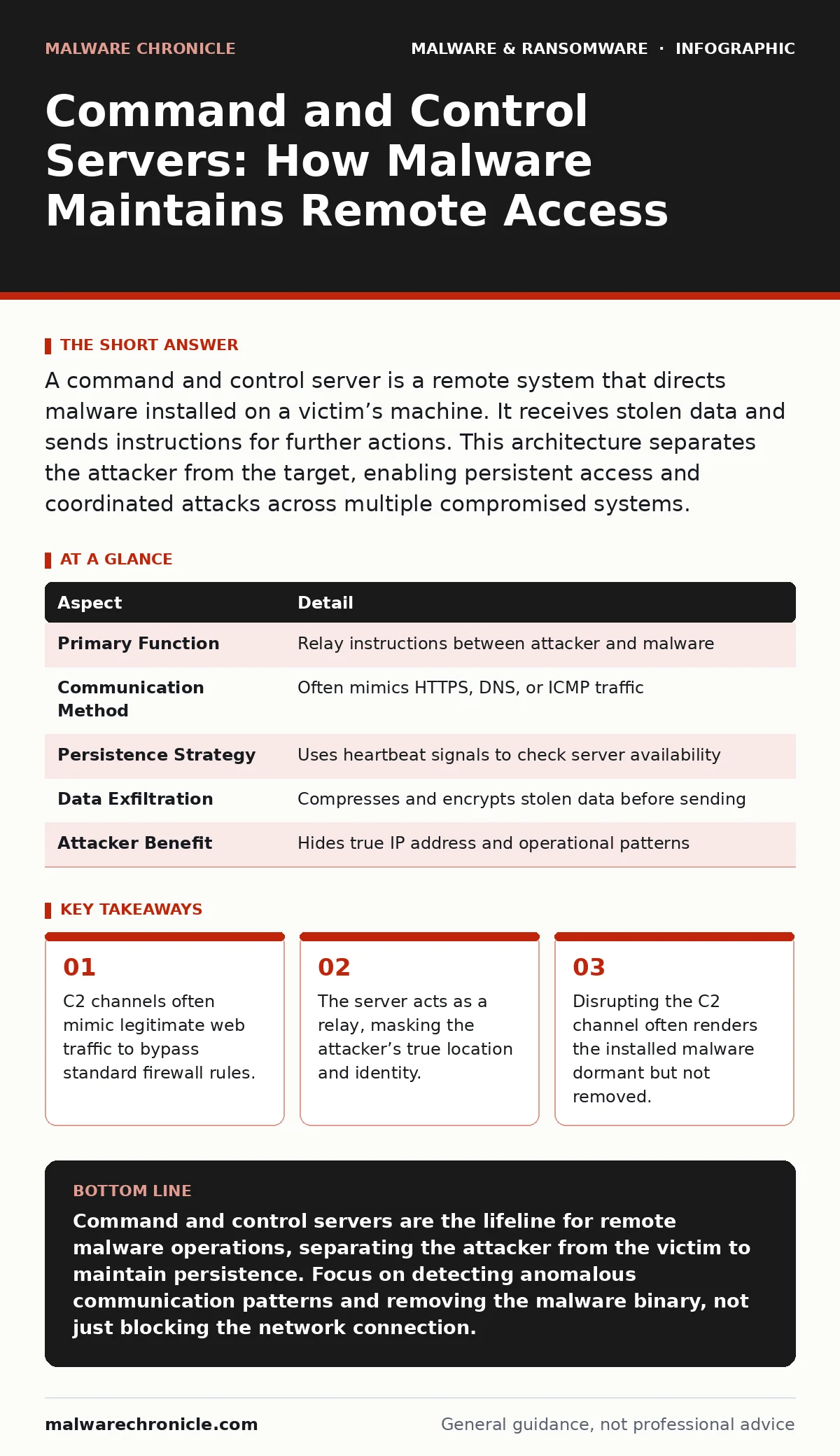
A command and control server is a remote system that directs malware installed on a victim’s machine. It receives stolen data and sends instructions for further actions. This architecture separates the attacker from the target, enabling persistent access and coordinated attacks across multiple compromised systems.
The Invisible Switchboard
Imagine a library where books are locked in individual cabinets. You cannot open a cabinet directly. Instead, you send a note to the librarian. The librarian opens the cabinet, reads the book, and writes a summary back to you. The C2 server is that librarian. It sits between the attacker and the compromised computer, managing the flow of information. This separation provides anonymity and operational flexibility.
The term Command and Control (C2) originates from military strategy. In that context, it refers to the system that directs forces and coordinates operations. In cybersecurity, the concept is identical. The malware on the victim’s machine is the field agent. The C2 server is the headquarters. The agent waits for orders. The headquarters sends new targets or extraction commands.
| Aspect | Detail |
|---|---|
| Primary Function | Relay instructions between attacker and malware |
| Communication Method | Often mimics HTTPS, DNS, or ICMP traffic |
| Persistence Strategy | Uses heartbeat signals to check server availability |
| Data Exfiltration | Compresses and encrypts stolen data before sending |
| Attacker Benefit | Hides true IP address and operational patterns |
Anatomy of a C2 Channel
The connection between the malware and the server is called the channel. This channel must survive network monitoring. Attackers rarely use raw TCP connections anymore. Such connections are easy to spot. Instead, they embed commands inside standard protocols. This technique is known as tunneling.
Suppose the malware sends a DNS query. The query looks like a normal request for a website address. However, the subdomain contains encoded data. The C2 server receives this query and responds with an answer record. That record contains the next instruction for the malware. To a casual observer, this looks like routine internet traffic. Only deep packet inspection reveals the anomaly.
Another common method uses HTTPS traffic. Most organizations allow encrypted web traffic. Blocking it would break business operations. Malware leverages this trust. It establishes a secure session with the C2 server. The content of the session is unreadable to intermediate devices. The attacker can send large files or complex commands without detection.
Daily Operations and Persistence
Malware does not act on its own. It waits for the C2 server to wake it up. This process is called a heartbeat. The malware checks in at regular intervals. If the server responds, the malware executes the pending command. If the server is silent, the malware sleeps. This behavior conserves resources and reduces the chance of detection.
The attacker uses the C2 server to manage multiple victims. This is known as a botnet. The server sends a single command to thousands of machines simultaneously. This allows for coordinated actions, such as distributed denial-of-service attacks or large-scale data theft. The server also updates the malware. If a new security patch is released, the attacker can push an update to the malware to bypass it.
Consider the lifecycle of a ransomware infection. The initial payload installs the ransomware. It then contacts the C2 server. The server verifies the installation. It then sends the encryption key or the ransom note. Without the C2 server, the ransomware cannot complete its mission. This dependency creates a critical vulnerability for the attacker.
What People Usually Get Wrong
Many assume that blocking the C2 server kills the malware. This is incorrect. The malware remains on the system. It simply becomes dormant. It will continue to attempt contact with the server. If the attacker sets up a new server, the malware may reconnect. You must remove the malware binary from the disk. Disrupting the channel only stops the active threat.
Another misconception is that C2 servers are always external. Attackers sometimes compromise internal servers. They use these internal machines as C2 proxies. This is called a pivot. Traffic from the victim to the internal proxy looks like normal internal traffic. Perimeter firewalls see no outbound connection to a suspicious external IP. This technique bypasses many security controls.
Detection Challenges for Developers
Traditional antivirus software relies on malware signatures. These signatures identify known bad files. If the malware changes its code, the signature fails. C2 traffic is dynamic. It changes based on the attacker’s needs. Static signatures cannot catch every variation of C2 communication.
Heuristic detection attempts to find suspicious behavior. It looks for anomalies in network traffic. However, C2 channels mimic legitimate behavior. Distinguishing between a legitimate API call and a C2 heartbeat is difficult. False positives are common. Security teams often ignore alerts to avoid disrupting business. Attackers exploit this fatigue.
You can improve detection by analyzing memory forensics. Malware must load into memory to run. The C2 channel exists in memory. Analyzing memory dumps can reveal the C2 configuration. This includes the server address and the encryption keys. This method is more accurate than network monitoring alone.
See also: Computer Worm Mistakes: 7 Configuration Errors That Invite Infection · Difference Between Network Scanning and Port Scanning: How to Detect and Respond
Mitigation Strategies
You cannot stop all C2 traffic. You can make it harder. One method is software restriction policies. These policies limit which applications can execute. If the malware cannot run, it cannot contact the C2 server. This reduces the attack surface.
Another method is domain generation algorithm detection. Some malware generates random domain names to find the C2 server. These domains look like noise. Machine learning models can identify this pattern. Blocking these domains disrupts the connection.
The Human Element
Attackers often use legitimate services for C2. They create accounts on cloud storage providers or social media platforms. They use these accounts to store commands. The malware retrieves the commands from these public services. This makes detection nearly impossible. The traffic looks like normal user activity.
This is similar to remote access tool abuse. Legitimate tools are used for malicious purposes. The line between good and bad is blurred. You must monitor for unusual usage patterns. A user account that downloads files at 3 AM is suspicious. A server that sends commands to many machines is suspicious.
Understanding C2 is key to understanding modern malware. It is not just a server. It is a communication strategy. By disrupting the strategy, you disrupt the attack. But you must do more than block the server. You must remove the malware and harden the system.
Key takeaways
- C2 channels often mimic legitimate web traffic to bypass standard firewall rules.
- The server acts as a relay, masking the attacker’s true location and identity.
- Disrupting the C2 channel often renders the installed malware dormant but not removed.
Command and control servers are the lifeline for remote malware operations, separating the attacker from the victim to maintain persistence. Focus on detecting anomalous communication patterns and removing the malware binary, not just blocking the network connection.
Frequently asked questions
How do I know if my server is being used as a C2?
Look for unusual outbound connections from internal servers to multiple external IPs. Check for high volumes of encrypted traffic from servers that should not be generating it.
Can C2 servers be located inside my network?
Yes, attackers often compromise internal servers to use as proxies. This hides the traffic from perimeter defenses and makes it look like normal internal communication.
Does blocking the C2 server remove the malware?
No, blocking the server only stops the malware from receiving new commands. The malware remains on the system and must be manually removed.
What is the difference between C2 and a botnet?
C2 is the communication channel. A botnet is the network of compromised computers. The C2 server manages the botnet.
How this guide was produced: written by the Malware Chronicle editorial team with AI assistance, checked against the public references listed below, and reviewed when the facts change. See our editorial policy or report an error.