Kubernetes network policies do not block traffic by default. You must create explicit deny rules to restrict pod communication. Many administrators assume isolation exists out of the box or that policies apply to ingress controllers. These errors create invisible attack paths. Verify your implementation with connectivity tests.
Misreading: Network Policies Block All Traffic by Default
Correct reading: A fresh Kubernetes cluster permits every pod to communicate with every other pod across all ports and protocols. This open-by-default posture exists because most applications require internal service discovery. Adding a single network policy to a pod does not automatically block traffic to that pod. The policy only defines allowed connections. Any connection not explicitly permitted remains blocked only if a default deny policy exists for the namespace. Without that baseline restriction, your specific allow rules add no security value. The cluster continues to accept all unlisted traffic.
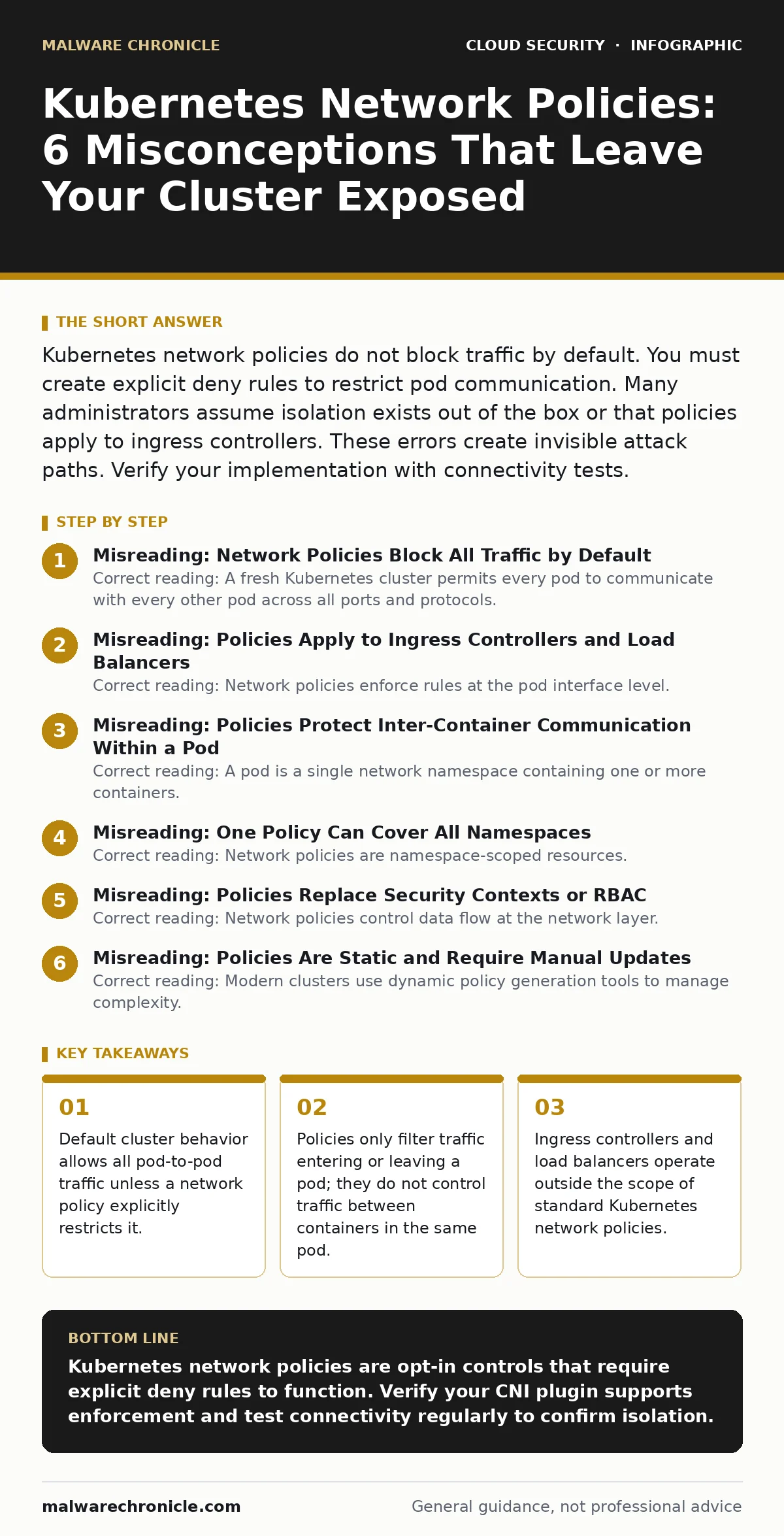
Misreading: Policies Apply to Ingress Controllers and Load Balancers
Correct reading: Network policies enforce rules at the pod interface level. They do not intercept traffic destined for the cluster before it reaches a specific pod. Ingress controllers and external load balancers sit outside the pod network namespace. Traffic flows through these entry points using standard routing mechanisms. A network policy attached to a backend pod cannot inspect or block requests handled by the ingress layer. You must configure access controls on the ingress controller or the load balancer itself. Relying on pod-level policies to secure the cluster perimeter creates a false sense of security.
Misreading: Policies Protect Inter-Container Communication Within a Pod
Correct reading: A pod is a single network namespace containing one or more containers. These containers share the same loopback interface and localhost address. Network policies apply to the pod as a whole unit. They cannot distinguish between containers running inside the same pod. If Container A needs to talk to Container B via localhost, a network policy cannot block that specific interaction. This design choice simplifies multi-container application architectures but eliminates internal pod isolation. If you need strict separation between components, you must deploy them as separate pods. Then you can apply network policies to restrict their communication.
Misreading: One Policy Can Cover All Namespaces
Correct reading: Network policies are namespace-scoped resources. A policy defined in the "production" namespace cannot reference pods in the "staging" namespace by default. Cross-namespace communication requires explicit selectors that match labels in the target namespace. Many administrators create policies that only filter traffic within their own namespace. This leaves cross-namespace lateral movement open. An attacker who compromises a pod in a low-security namespace can often reach high-value targets in other namespaces. You must define policies in both the source and destination namespaces to effectively restrict cross-namespace flows.
Misreading: Policies Replace Security Contexts or RBAC
Correct reading: Network policies control data flow at the network layer. They do not validate user credentials or enforce file system permissions. Role-Based Access Control (RBAC) manages who can modify Kubernetes objects. Security contexts manage file permissions and user IDs inside containers. These mechanisms operate at different layers. A network policy might stop an attacker from reaching a database pod. It does not prevent an attacker with valid API credentials from deleting that pod. It does not stop a compromised process from reading sensitive files on the host. You need defense in depth. Network policies are just one layer.
See also: DevSecOps vs CI/CD: Why Security Needs Its Own Pipeline · How to Set Up Single Sign On: Protocol Choices and Risk Controls
Misreading: Policies Are Static and Require Manual Updates
Correct reading: Modern clusters use dynamic policy generation tools to manage complexity. Manual policy creation leads to configuration drift as applications change. Automated tools can generate policies based on observed traffic patterns or declared dependencies. This approach aligns with policy as code practices. You define the desired state in version control. The system enforces it. This reduces human error and ensures consistency. Static manual policies often become outdated quickly. They either block legitimate traffic or allow excessive access. Automation keeps policies aligned with the actual application architecture.
Misreading: Policies Work Without a Supporting CNI Plugin
Correct reading: The Kubernetes API accepts network policy objects regardless of the underlying network infrastructure. However, the policy only takes effect if your Container Network Interface (CNI) plugin supports enforcement. Standard plugins like Flannel or Calico must be configured correctly. Some lightweight plugins ignore policy definitions entirely. This creates a dangerous gap. The dashboard shows policies as applied, but traffic flows freely. Verify your CNI plugin documentation. Ensure it explicitly supports Kubernetes Network Policy enforcement. Check the plugin logs for policy application errors.
Misreading: Policies Provide Complete Microsegmentation
Correct reading: Network policies offer basic segmentation based on labels and ports. They lack advanced features like application-layer inspection or identity-based routing. True microsegmentation often requires deeper integration with service meshes or advanced CNI plugins. Standard policies cannot inspect HTTP headers or TLS certificates. They cannot enforce mutual TLS between services. They provide coarse-grained control. For sensitive workloads, consider integrating with confidential computing strategies to protect data in use. This adds encryption layers that network policies cannot provide. Policies alone are insufficient for high-security environments.
Key takeaways
- Default cluster behavior allows all pod-to-pod traffic unless a network policy explicitly restricts it.
- Policies only filter traffic entering or leaving a pod; they do not control traffic between containers in the same pod.
- Ingress controllers and load balancers operate outside the scope of standard Kubernetes network policies.
- Missing default deny rules in a namespace leave every pod in that namespace fully exposed to internal attackers.
Kubernetes network policies are opt-in controls that require explicit deny rules to function. Verify your CNI plugin supports enforcement and test connectivity regularly to confirm isolation.
Frequently asked questions
Do network policies work with hostNetwork pods?
No, network policies do not apply to pods that use host networking. These pods share the node's network namespace and bypass pod-level isolation entirely.
Can I allow traffic based on IP addresses?
Standard network policies only support label selectors and CIDR blocks. They cannot filter by specific pod IP addresses that change dynamically.
How do I debug a blocked connection?
Check the policy selectors for label mismatches. Verify the CNI plugin logs for enforcement errors. Use a test pod to isolate the issue.
Do policies affect egress traffic from the cluster?
Only if you define explicit egress rules in your policies. By default, pods can make outbound connections to any external IP address unless restricted.
How this guide was produced: written by the Malware Chronicle editorial team with AI assistance, checked against the public references listed below, and reviewed when the facts change. See our editorial policy or report an error.