Remote access tool abuse relies on legitimate software, making traditional signature-based detection ineffective. Attackers use these tools to move laterally, escalate privileges, and exfiltrate data while appearing as normal administrative activity. You must monitor for unusual behavior, not just known malicious files.
Myth: Remote access tools are only used by attackers
Reality: The most dangerous remote access tools are the ones you intentionally installed. Attackers do not always need to bring their own software to compromise a system. They frequently exploit legitimate administration utilities that are already present on corporate networks. These tools are signed by reputable vendors, which means they bypass many standard security checks.
When you install a remote access tool for IT support, you create a persistent backdoor if the credentials are compromised. The tool itself is not malicious; its function is to provide remote control. However, an attacker with valid credentials can use that same function to take control of a machine. This is why the distinction between good and bad software becomes blurred. The tool is neutral, but the intent behind its use determines the outcome.
Myth: Antivirus software will detect remote access tool abuse
Reality: Traditional antivirus software relies on known signatures or heuristic detection methods to identify threats. Heuristic detection analyzes code behavior to guess if a file is malicious, but it struggles with legitimate programs. Since remote access tools are legal software with valid digital signatures, antivirus engines usually mark them as safe. This creates a blind spot where attackers operate freely.
Attackers know this limitation. They avoid installing new, suspicious binaries that would trigger alerts. Instead, they use the existing remote access client to execute commands. The antivirus sees a trusted process communicating with a trusted server. It does not see a virus; it sees an administrator doing their job. You cannot rely on file reputation alone to stop this type of intrusion.
Myth: Only external attackers use remote access tools
Reality: Insider threats are a significant source of remote access tool abuse. An employee with disgruntled motives or compromised credentials can use their legitimate access to cause harm. They do not need to break into the network because they are already inside. Their actions look identical to those of an external attacker who has stolen their login details.
Imagine a scenario where a former employee retains access to the remote administration console. They can log in from a new device and perform actions without raising immediate suspicion. The system logs show a valid user authentication. Without strict monitoring of user behavior, this activity blends in with normal operations. You must assume that any valid credential can be abused by anyone who holds it.
Myth: Remote access tools are safe on isolated networks
Reality: Network segmentation does not stop remote access tool abuse if the tool is installed on the segmented machine. Once an attacker gains control of a single host, they can use the remote access tool to move laterally. If the tool allows command execution, the attacker can run scripts that reach other parts of the network. This bypasses firewalls that only inspect traffic at the perimeter.
The remote access agent often has the ability to execute commands as the local system user. This privilege allows the attacker to interact with internal services that are not exposed to the internet. They can pivot from a compromised workstation to a file server or a database. Isolation protects against external scans, but it does not protect against an agent that already has a foothold inside.
Myth: Logging remote access sessions provides enough visibility
Reality: Standard logs often record that a session started and ended, but they rarely capture the specific actions taken within that session. An attacker can perform sensitive operations without leaving a clear trail in basic audit logs. They might copy files or change settings without triggering a specific alert. The log shows a connection, not the content of the connection.
To catch this abuse, you need detailed behavioral monitoring. This includes recording every command executed and every file accessed during the session. Without this granularity, you are flying blind. You know someone was there, but you do not know what they did. This lack of detail makes forensic analysis nearly impossible after the fact.
See also: Cryptojacking Response: Immediate Steps to Contain and Recover · Keyloggers Explained: How They Steal Data and How to Stop Them
Myth: Disabling remote access tools eliminates the risk
Reality: Disabling remote access tools removes a vector, but it also removes a critical operational capability. Most organizations need remote support for maintenance and troubleshooting. Completely disabling these tools creates friction and reduces efficiency. A better approach is to restrict their use and monitor their activity closely.
You can limit remote access to specific time windows or require additional authentication steps. This reduces the window of opportunity for an attacker. It also ensures that access is only granted when necessary. This balance between security and usability is key. You do not need to choose between safety and functionality; you need to manage the risk associated with the tool.
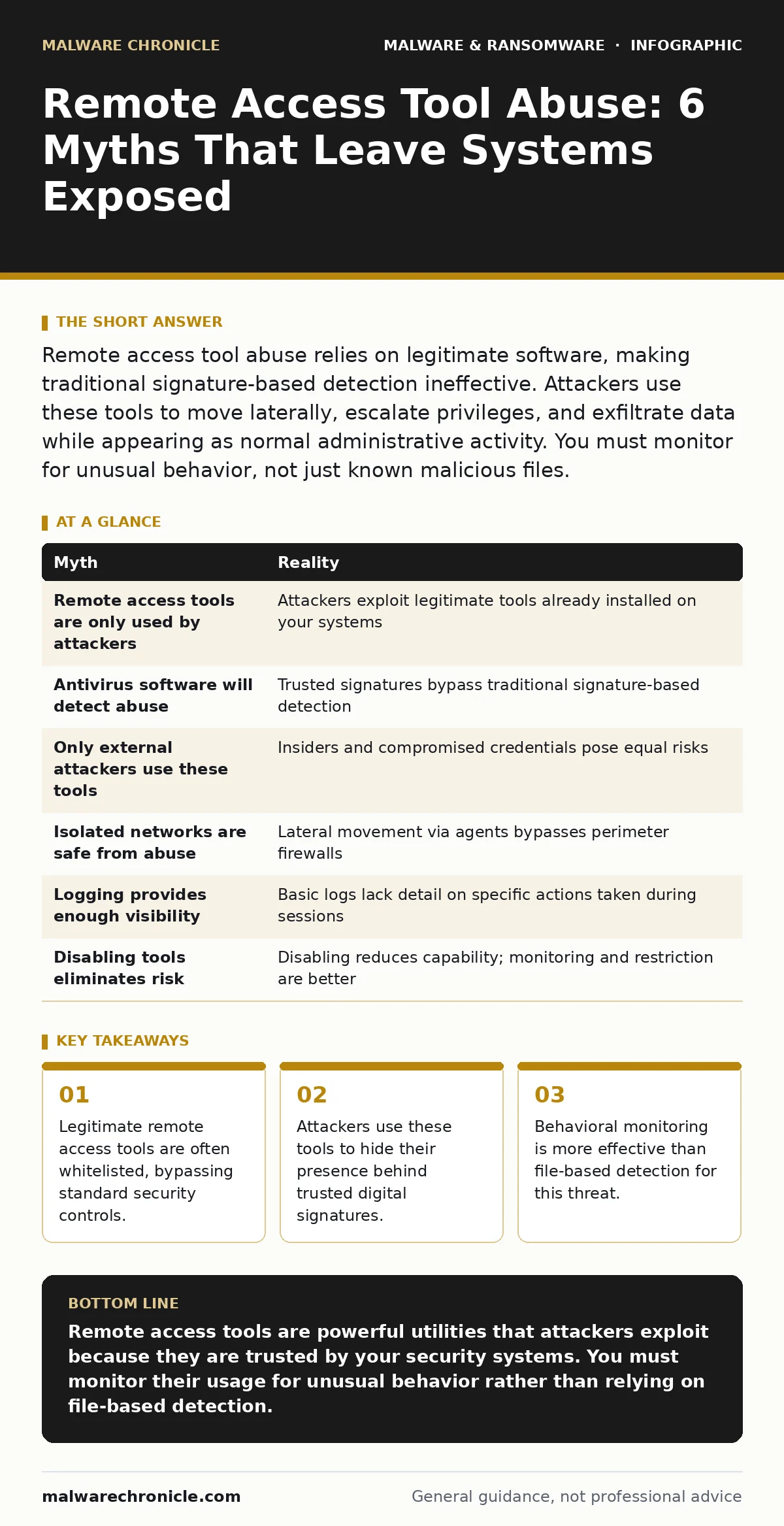
| Myth | Reality |
|---|---|
| Remote access tools are only used by attackers | Attackers exploit legitimate tools already installed on your systems |
| Antivirus software will detect abuse | Trusted signatures bypass traditional signature-based detection |
| Only external attackers use these tools | Insiders and compromised credentials pose equal risks |
| Isolated networks are safe from abuse | Lateral movement via agents bypasses perimeter firewalls |
| Logging provides enough visibility | Basic logs lack detail on specific actions taken during sessions |
| Disabling tools eliminates risk | Disabling reduces capability; monitoring and restriction are better |
Key takeaways
- Legitimate remote access tools are often whitelisted, bypassing standard security controls.
- Attackers use these tools to hide their presence behind trusted digital signatures.
- Behavioral monitoring is more effective than file-based detection for this threat.
Remote access tools are powerful utilities that attackers exploit because they are trusted by your security systems. You must monitor their usage for unusual behavior rather than relying on file-based detection.
Frequently asked questions
How do I know if my remote access tool is being abused?
Look for sessions initiated outside of business hours, from unusual locations, or by users who do not typically perform administrative tasks.
Can remote access tools be used to spread malware?
Yes, attackers can use the command execution features to download and run malicious payloads, including **computer worms** that spread across the network.
What is the best way to secure remote access?
Use multi-factor authentication, limit access to specific times, and monitor all sessions for anomalous command execution.
Do remote access tools leave traces for forensic analysis?
They leave connection logs, but without detailed session recording, it is difficult to determine exactly what actions were taken during the session.
How this guide was produced: written by the Malware Chronicle editorial team with AI assistance, checked against the public references listed below, and reviewed when the facts change. See our editorial policy or report an error.