
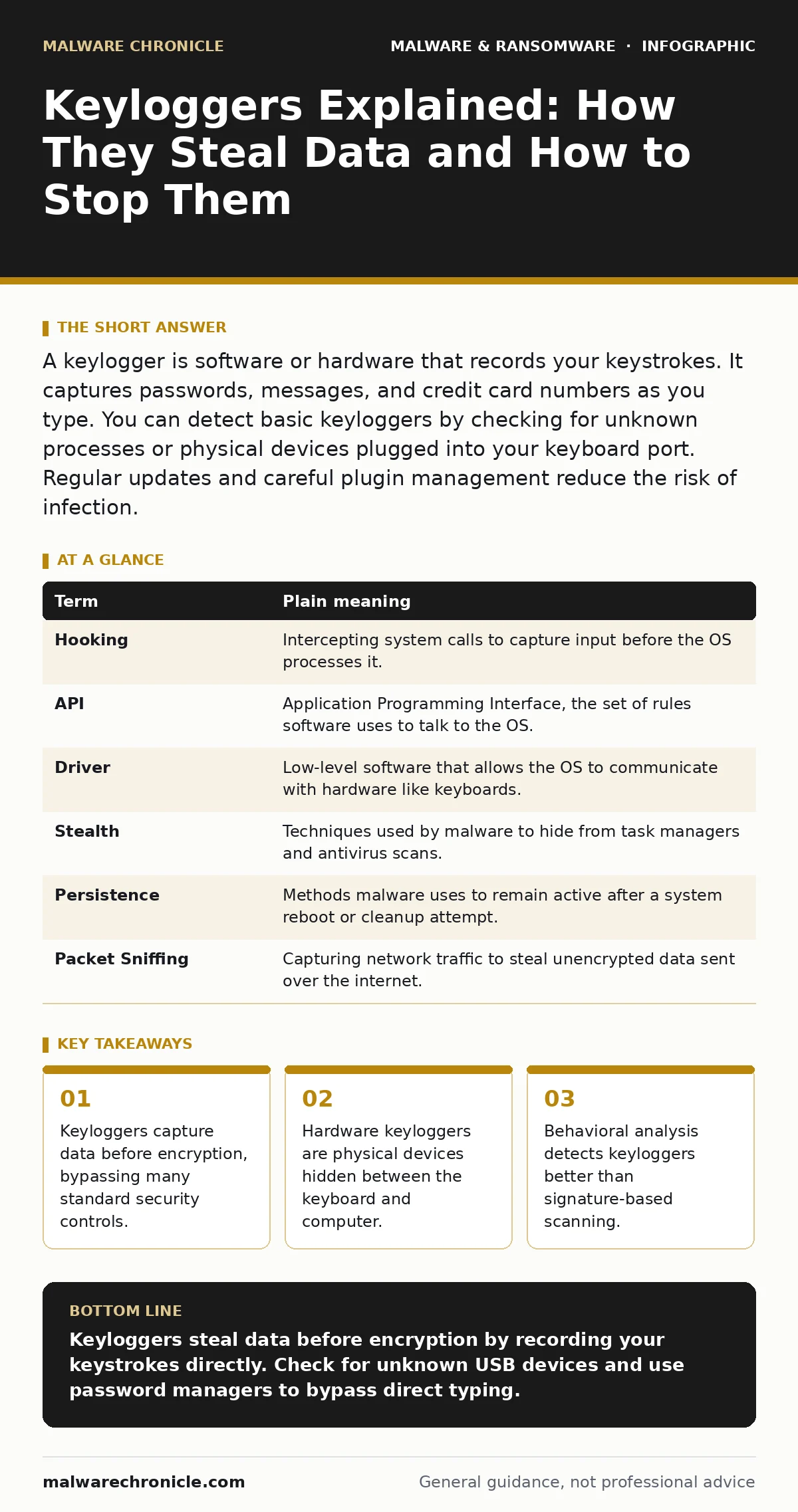
A keylogger is software or hardware that records your keystrokes. It captures passwords, messages, and credit card numbers as you type. You can detect basic keyloggers by checking for unknown processes or physical devices plugged into your keyboard port. Regular updates and careful plugin management reduce the risk of infection.
The Unseen Scribe Analogy
Imagine you are writing a secret letter. You hire a scribe to write it down for you. You trust the scribe to keep the letter private. Now imagine the scribe makes a photocopy of every page before handing it to you. You never see the copy. You assume your letter is safe. The scribe has the full text. A keylogger is that scribe. It records every character you press. It does not care if you encrypt the final document. It captures the raw input at the source. This means your security layers are often irrelevant. The data is stolen before protection begins.
What Exactly Is a Keylogger
A keylogger is a type of spyware. It logs keystrokes on a computer or mobile device. There are two main types. Software keyloggers run as programs on your operating system. They hook into the keyboard driver or intercept API calls. Hardware keyloggers are physical devices. They plug into the USB port or sit between the keyboard cable and the computer. They store data on a small chip. Both types achieve the same goal. They create a record of your input. This record includes passwords, search terms, and financial details. The threat is silent. You see no error messages. You feel no slowdown. The theft happens in the background.
Key Terms You Need to Know
Understanding the mechanics helps you spot the threat. These terms define how keyloggers operate and how they are detected.
| Term | Plain meaning |
|---|---|
| Hooking | Intercepting system calls to capture input before the OS processes it. |
| API | Application Programming Interface, the set of rules software uses to talk to the OS. |
| Driver | Low-level software that allows the OS to communicate with hardware like keyboards. |
| Stealth | Techniques used by malware to hide from task managers and antivirus scans. |
| Persistence | Methods malware uses to remain active after a system reboot or cleanup attempt. |
| Packet Sniffing | Capturing network traffic to steal unencrypted data sent over the internet. |
Why Encryption Is Not Enough
You might think strong encryption stops keyloggers. It does not. Encryption protects data at rest or in transit. It scrambles the file or the network packet. The keylogger sits before the encryption step. It records the plaintext password as you type it. It then lets the encryption process happen normally. The attacker has the clear text. They do not need to break the encryption. This is a critical insight. Many users rely on HTTPS and full-disk encryption. These measures are valuable. They do not stop input capture. You must assume the input channel is compromised. This changes how you view security. It shifts focus from data protection to input integrity.
The Hidden Cost of Convenience
Keyloggers often arrive through trusted channels. You install a legitimate-looking utility. You grant it admin rights. It installs a background service. This service monitors your input. The trade-off is convenience for control. You gain a useful tool. You lose input privacy. This mirrors remote access tool abuse.
Legitimate tools for support can become surveillance tools. The same permissions allow remote control or keystroke logging. The mechanism is identical. The intent differs. You cannot always distinguish intent from permission. Granting broad access increases risk. The cost is not just data loss. It is the erosion of trust in your own system. You can no longer trust what you type.
See also: Computer Worm Mistakes: 7 Configuration Errors That Invite Infection · Point-of-Sale Malware Explained: How It Steals Payment Data
Simple Safety Habits for Detection
You can reduce risk with specific checks. These habits help you spot anomalies. They do not guarantee safety. They improve your situational awareness.
- Check for unknown USB devices. Look at your keyboard connection. Is there a small black box? Hardware keyloggers are often visible. If you see an unknown device, remove it. Do not plug it into another machine.
- Monitor background processes. Open your task manager. Look for unfamiliar names. High CPU usage by a small process is suspicious. Legitimate system services have known names. Unknown names require investigation.
- Use on-screen keyboards. For sensitive entry, use the virtual keyboard. This bypasses the physical keyboard driver. Software keyloggers often miss mouse clicks. It is slower. It adds friction. That friction is the safety feature.
When Usual Advice Fails
Standard advice says update your antivirus. This helps against known threats. It misses new or custom keyloggers. Signature-based detection relies on known patterns. Custom keyloggers have no signature. They are unique to the attacker. You need behavior-based detection. Look for what the software does, not what it is. Does it monitor input? Does it hide? This approach is harder. It requires more resources. It generates more false positives. But it catches what signatures miss. This is similar to malware signatures. They are useful but incomplete. You need multiple layers. One layer is never enough.
The Role of Network Hygiene
Keyloggers often send data over the network. They exfiltrate the log files. This traffic can be detected. Unusual outbound connections are a red flag. Small, regular uploads to unknown IPs suggest data theft. This is where computer worms differ. Worms spread. Keyloggers steal. But both use network channels. Blocking unauthorized outbound traffic helps. It limits the exfiltration path. The data is still stolen. But it stays on your device. This allows for forensic recovery. It prevents immediate loss. Network monitoring is a secondary control. It complements input protection.
Key takeaways
- Keyloggers capture data before encryption, bypassing many standard security controls.
- Hardware keyloggers are physical devices hidden between the keyboard and computer.
- Behavioral analysis detects keyloggers better than signature-based scanning.
Keyloggers steal data before encryption by recording your keystrokes directly. Check for unknown USB devices and use password managers to bypass direct typing.
Frequently asked questions
Can a keylogger steal passwords from a password manager?
If you type the master password, yes. If you use biometrics or autofill, the keylogger may not capture the secret. The risk depends on how you unlock the vault.
Do mobile phones have keyloggers?
Yes. Malicious apps can request accessibility permissions. These permissions allow input monitoring. Only install apps from trusted stores. Review permissions carefully.
How do I remove a software keylogger?
Boot into safe mode. Disable network access. Use reputable removal tools. Scan for rootkits. Reinstall the operating system if the infection is deep. Persistence mechanisms are hard to clear.
Are hardware keyloggers common?
They are less common than software. They require physical access. They are used in targeted attacks. Check your keyboard connection periodically. Look for unusual devices or loose cables.
How this guide was produced: written by the Malware Chronicle editorial team with AI assistance, checked against the public references listed below, and reviewed when the facts change. See our editorial policy or report an error.