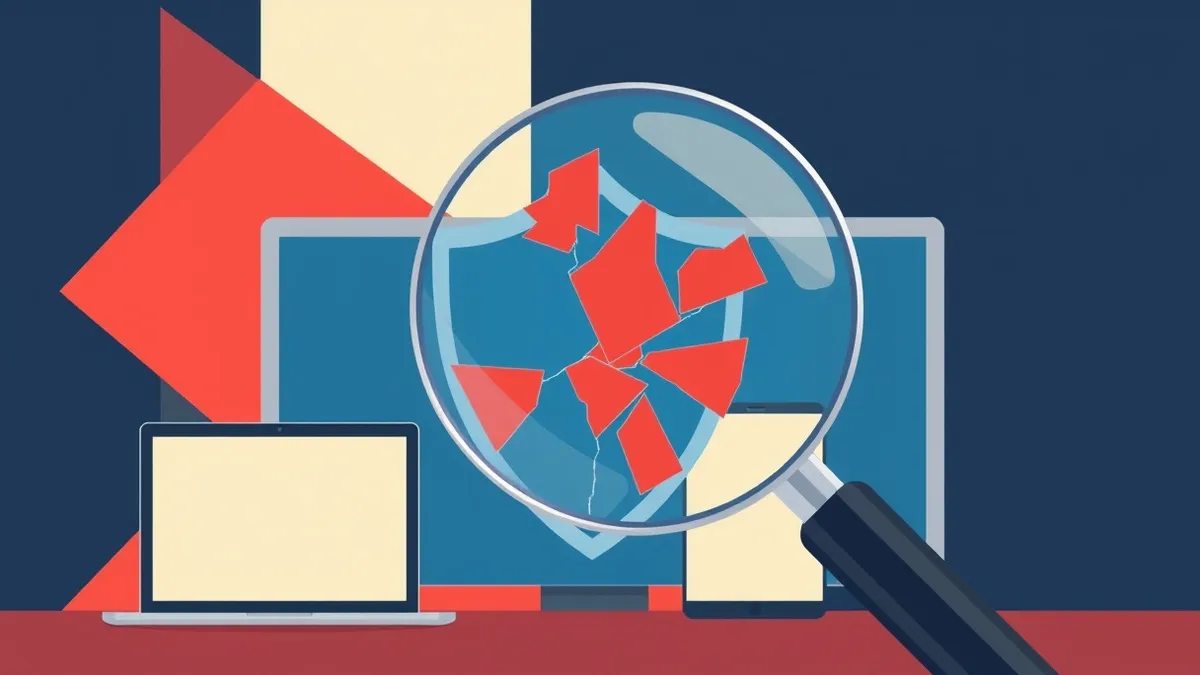
Malware signatures act like digital fingerprints, identifying threats by comparing file characteristics against a database of known bad software. This method catches established threats quickly but struggles with new variants, modified code, or malware that hides its true nature until execution.
The Library Card Analogy
Imagine a library that tracks every returned book. The librarian keeps a list of titles known to contain harmful instructions, like a manual on dismantling locks. When a book arrives, the clerk checks the cover and spine against this list. If the title matches, the book is rejected. This is how signature-based detection works. It relies on a known reference point to identify a threat.
This system works well for exact matches. If you return the exact same book, the librarian catches it immediately. The process is fast because the clerk only needs to compare one piece of data: the title. However, this analogy reveals the core limitation. If someone repaints the cover and changes the title slightly, the clerk may miss it entirely. The content inside remains dangerous, but the identifier has changed.
Defining the Digital Fingerprint
In computing, a malware signature is a unique string of bytes or a pattern found within a malicious file. Security tools scan incoming files and compare their structure against a global database of these signatures. This database grows as analysts discover new threats and extract their identifying features.
Think of a signature as a specific arrangement of letters in a word. If the malware always contains the sequence "ABCD1234," the scanner looks for that exact sequence. This allows systems to process thousands of files in seconds. You benefit from this speed because the system does not need to read the entire file or understand its logic. It only checks for the presence of the known pattern.
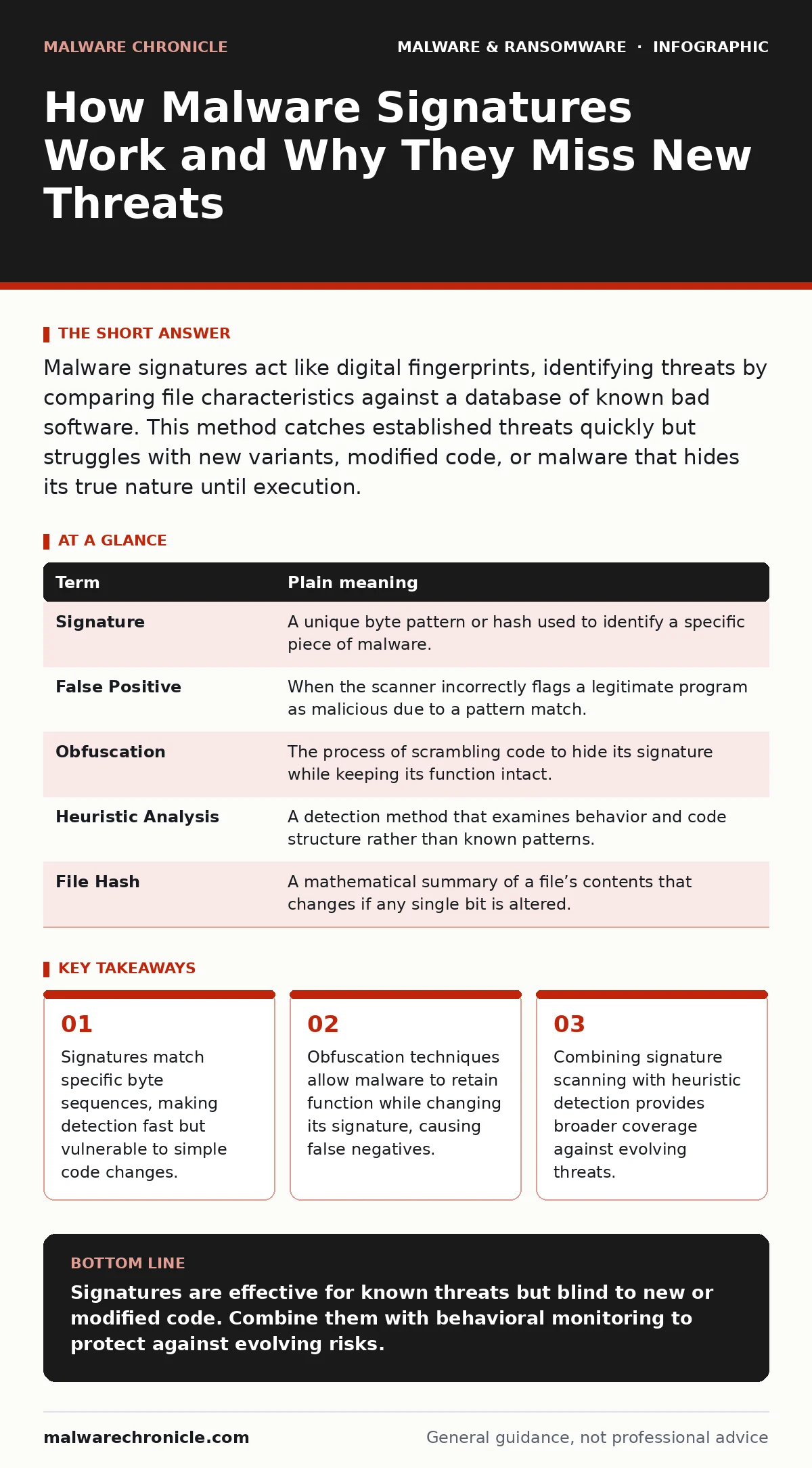
| Term | Plain meaning |
|---|---|
| Signature | A unique byte pattern or hash used to identify a specific piece of malware. |
| False Positive | When the scanner incorrectly flags a legitimate program as malicious due to a pattern match. |
| Obfuscation | The process of scrambling code to hide its signature while keeping its function intact. |
| Heuristic Analysis | A detection method that examines behavior and code structure rather than known patterns. |
| File Hash | A mathematical summary of a file’s contents that changes if any single bit is altered. |
The Limit of Exact Matching
The primary weakness of signatures is their dependence on exactness. Malware authors know that changing even one byte can break the match. They often use compilers that rearrange code blocks or insert dummy instructions. This is similar to rewriting a harmful book with different fonts and page layouts. The story is the same, but the physical appearance differs.
This creates a blind spot for your defenses. A new variant of a known worm might slip through because its signature is not yet in the database. This is where understanding computer worms becomes relevant, as they often self-replicate with slight variations. If your protection relies solely on signatures, you are only protected against threats that have already been identified and cataloged.
Confusion with Behavioral Detection
Many users confuse signatures with behavior monitoring. A signature tells you "this file is bad" based on past data. Heuristic detection tells you "this file is acting badly" based on current actions. The former is a lookup; the latter is an observation.
Imagine the librarian now watches the reader. If the reader starts tearing out pages or writing on the walls, the librarian intervenes, regardless of the book’s title. This behavioral approach catches zero-day threats that have no known signature. However, it is slower and more prone to errors. A legitimate program might perform aggressive actions, leading to a false positive. You must balance the speed of signatures with the breadth of heuristics.
The Cost of False Positives
A false positive occurs when a security tool blocks a legitimate file. This happens when a benign program shares a byte pattern with known malware. For developers, this is a significant operational cost. Your application might contain a library that happens to match a signature for a known trojan.
When this happens, your users cannot run your software. You must contact the security vendor to update their database, a process that can take days. During this time, your business suffers. This is why many organizations use software restriction policies to whitelist trusted publishers. This ensures that files from verified sources bypass the signature check, reducing the risk of accidental blocks.
See also: Detect Wiper Malware Early: Signals, Logs, and Hidden Blind Spots · Cryptojacking Response: Immediate Steps to Contain and Recover
Layering Your Defenses
No single detection method is perfect. Signatures provide a high-confidence baseline for known threats. They are the first line of defense because they are fast and accurate for cataloged items. However, they leave gaps for new or modified code.
To close these gaps, you layer additional controls. File hashes in malware detection offer a way to track specific versions of files, but like signatures, they fail if the file changes. Memory forensics can identify malware that has already executed and hidden itself from disk scans. By combining signature scanning with these other methods, you create a defense that is harder to bypass.
Practical Steps for Better Visibility
You can improve your understanding of how signatures affect your environment by taking these steps. These actions help you see the limitations of pattern-based detection in real time.
- Review quarantine logs: Look for files that were blocked by signature. Note if any were legitimate tools that caused false positives. This helps you identify patterns in your own software that might trigger alerts.
- Test with known samples: Use a safe, isolated environment to scan a file known to be malicious. Observe how quickly the signature detects it compared to a heuristic engine. This demonstrates the speed advantage of exact matching.
- Monitor update cycles: Track how often your security tools update their signature databases. A delay in updates means you are vulnerable to new threats that have already been identified by the wider community.
Key takeaways
- Signatures match specific byte sequences, making detection fast but vulnerable to simple code changes.
- Obfuscation techniques allow malware to retain function while changing its signature, causing false negatives.
- Combining signature scanning with heuristic detection provides broader coverage against evolving threats.
Signatures are effective for known threats but blind to new or modified code. Combine them with behavioral monitoring to protect against evolving risks.
Frequently asked questions
Do antivirus signatures catch ransomware?
Yes, signatures can catch known ransomware variants that have been previously identified and added to detection databases. However, new ransomware strains often evade signature detection until analysts create a new signature.
Why is my antivirus not detecting a suspicious file?
The file may be a new variant with a modified signature, or it may use obfuscation techniques to hide its true pattern. It could also be a zero-day threat that has not yet been cataloged in any signature database.
How often should signature databases be updated?
Security vendors release updates frequently, often daily or multiple times per day. Your system should be configured to receive these updates automatically to ensure you have the latest protection against newly identified threats.
Can I create my own malware signatures?
Yes, advanced users can extract unique byte patterns from suspicious files and add them to their local security rules. This is useful for blocking specific internal threats, but it requires expertise to avoid creating false positives.
How this guide was produced: written by the Malware Chronicle editorial team with AI assistance, checked against the public references listed below, and reviewed when the facts change. See our editorial policy or report an error.