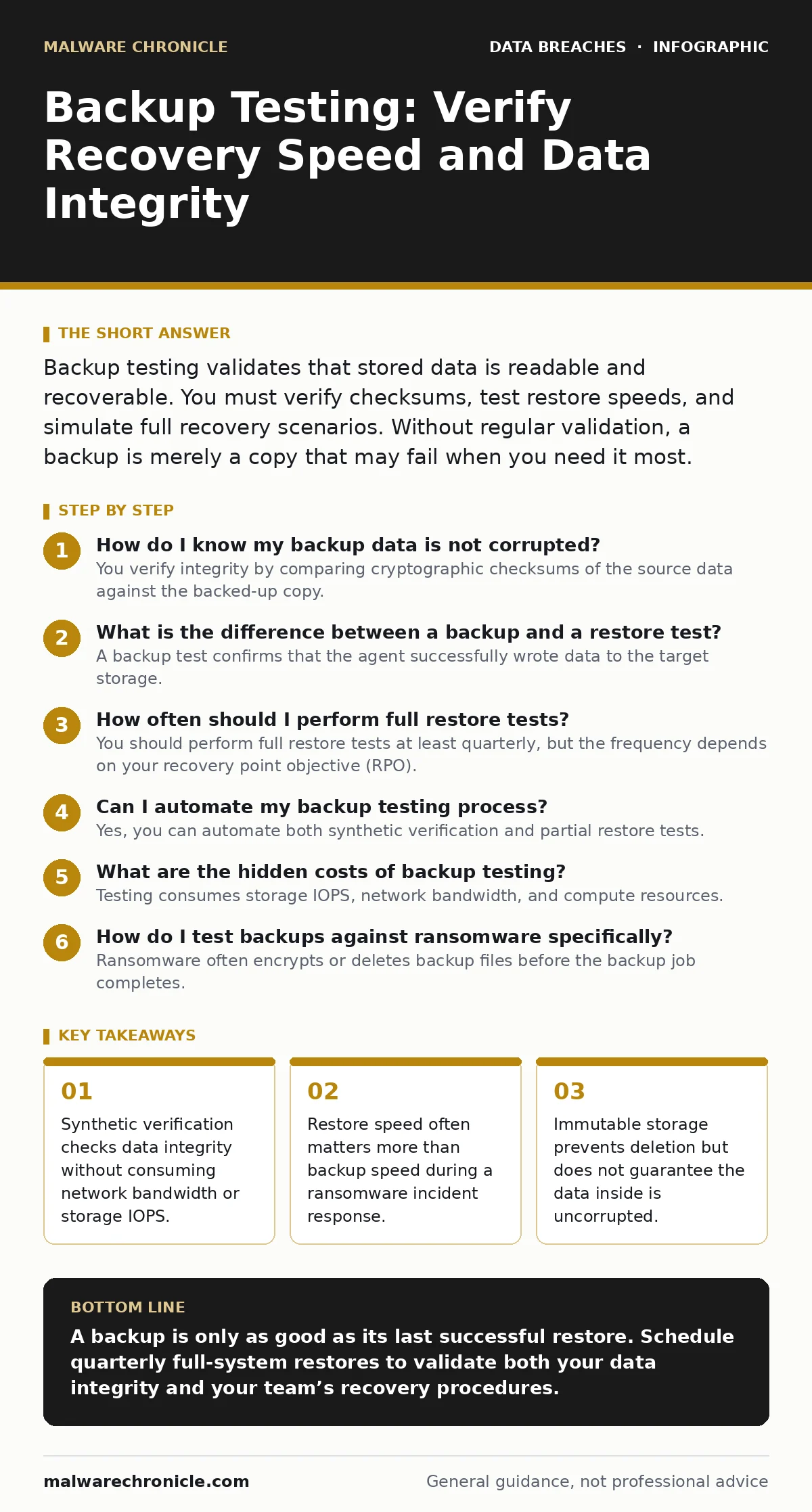
Backup testing validates that stored data is readable and recoverable. You must verify checksums, test restore speeds, and simulate full recovery scenarios. Without regular validation, a backup is merely a copy that may fail when you need it most.
How do I know my backup data is not corrupted?
You verify integrity by comparing cryptographic checksums of the source data against the backed-up copy. Most modern backup solutions calculate a hash value, such as SHA-256, for each file or block before writing it to storage. The system stores this hash alongside the data. During verification, the system recalculates the hash of the stored data. If the new hash matches the stored hash, the data has not changed. If they differ, the data is corrupted or tampered with.
This process is often called synthetic verification because it validates the data without reading it back to the primary system. It is fast and does not impact production performance. However, it only proves the bits are intact. It does not prove the application can read the file.
What is the difference between a backup and a restore test?
A backup test confirms that the agent successfully wrote data to the target storage. A restore test proves that you can read that data and make it usable again. Many organizations focus heavily on backup success rates while neglecting restore validation. A backup job can report success even if the data is fragmented or the indexing service fails.
Imagine a database backup that completes without error. The backup software confirms the size and hash. However, the restore process requires specific libraries or schema versions that are missing on the recovery server. The backup succeeded, but the restore fails. Testing the restore path exposes these dependency gaps before a real incident occurs.
How often should I perform full restore tests?
You should perform full restore tests at least quarterly, but the frequency depends on your recovery point objective (RPO). RPO is the maximum acceptable amount of data loss measured in time. If your RPO is twenty-four hours, monthly testing might suffice. If your RPO is minutes, you need weekly or even daily validation of critical systems.
Frequency is not the only factor. You must rotate which systems you test. Testing the same server every month creates a false sense of security. Other servers may have configuration drift or permission issues that prevent recovery. Randomizing the selection of test targets ensures that no single point of failure goes unnoticed for long periods.
| Test Type | Frequency | Scope | Primary Goal |
|---|---|---|---|
| Synthetic Verification | Daily | All Jobs | Detect bit-rot and tampering |
| Sample File Restore | Weekly | Random Files | Validate read access and permissions |
| Full System Restore | Quarterly | Critical Servers | Measure recovery time and dependencies |
| Disaster Recovery Drill | Annually | Entire Environment | Test team coordination and runbooks |
Can I automate my backup testing process?
Yes, you can automate both synthetic verification and partial restore tests. Automation tools can schedule daily hash checks and alert you if a verification fails. They can also spin up a temporary virtual machine, restore a sample file or small database, and then tear down the environment. This removes human error from the verification process.
Automation has limits. It cannot easily test complex application logic or user acceptance. You still need manual drills to verify that business processes work after a restore. Automated tests catch technical failures; manual tests catch procedural failures. Combining both approaches gives you the highest level of confidence.
What are the hidden costs of backup testing?
Testing consumes storage IOPS, network bandwidth, and compute resources. Running a full restore test during business hours can degrade performance for end users. Even synthetic verification requires CPU cycles to calculate hashes. If you test too aggressively, you may cause outages unrelated to the backup itself.
There is also a labor cost. Defining success criteria for each system takes time. You must decide what "working" means for a web server versus a database server. A web server is working if it returns an HTTP 200 status. A database is working if you can execute a query. Defining and maintaining these criteria is an ongoing operational expense that many teams underestimate.
See also: Credential Dumps Prevention Checklist for Secure Systems
How do I test backups against ransomware specifically?
Ransomware often encrypts or deletes backup files before the backup job completes. Standard integrity checks might miss this if the malware modifies the data in a way that preserves the file structure but destroys the content. You must use immutable storage, which prevents modification or deletion for a set period.
Test by attempting to restore from an isolated, air-gapped copy. Air-gapping means physically or logically disconnecting the backup media from the network. This ensures that even if your primary network is compromised, the air-gapped backup remains untouched. You must physically transport or manually connect this media to perform the test.
Why does my restore take longer than my backup?
Backup operations can compress and deduplicate data on the fly. They write sequentially to storage, which is fast. Restore operations often require decompression, deduplication resolution, and random I/O reads. If your storage backend is slow, restores will lag behind backup speeds.
Additionally, backup agents may cache data locally. The backup job reads from a fast local cache and writes to remote storage. The restore job must read from remote storage and write to local disk. This asymmetry means backup speed is not a reliable predictor of recovery time. Always measure restore speed independently.
What is the most common mistake in backup testing?
The most common mistake is testing only the technology, not the process. You can have a perfect restore script that fails because the runbook is outdated. Runbooks are step-by-step instructions for recovery. If they reference old server names, incorrect passwords, or deprecated APIs, the restoration will fail.
Imagine a security incident where the primary authentication server is down. Your runbook says to log in to the backup server to start the restore. If the backup server uses the same authentication system, you cannot log in. You cannot restore the authentication server. This circular dependency is a fatal flaw that only a full drill reveals.
How do I prove my backups are secure to auditors?
Auditors require evidence of both integrity and confidentiality. You must provide logs showing successful verification checks. You must also demonstrate that backup data is encrypted at rest and in transit. Encryption at rest ensures that stolen storage media cannot be read. Encryption in transit ensures that data moving over the network cannot be intercepted.
Keep these logs immutable. If an attacker compromises your backup system, they can delete or alter the logs to hide their activity. Storing audit logs in a separate, write-once system prevents this tampering. This separation of duties is a standard requirement for compliance frameworks like SOC 2 and HIPAA.
Key takeaways
- Synthetic verification checks data integrity without consuming network bandwidth or storage IOPS.
- Restore speed often matters more than backup speed during a ransomware incident response.
- Immutable storage prevents deletion but does not guarantee the data inside is uncorrupted.
A backup is only as good as its last successful restore. Schedule quarterly full-system restores to validate both your data integrity and your team’s recovery procedures.
Frequently asked questions
Can cloud backups be tested without downloading all data?
Yes, most cloud providers offer synthetic verification that checks object integrity server-side without transferring data to your network.
Does immutable storage eliminate the need for testing?
No, immutable storage prevents deletion but does not verify that the data is readable or uncorrupted. Regular testing is still required.
How do I handle testing for air-gapped backups?
You must physically connect the media to a clean system in a controlled environment to verify the data can be read.
What if a restore test fails?
Treat it as a production incident. Investigate the root cause, fix the issue, and re-test immediately. Do not delay the next scheduled test.
How this guide was produced: written by the Malware Chronicle editorial team with AI assistance, checked against the public references listed below, and reviewed when the facts change. See our editorial policy or report an error.