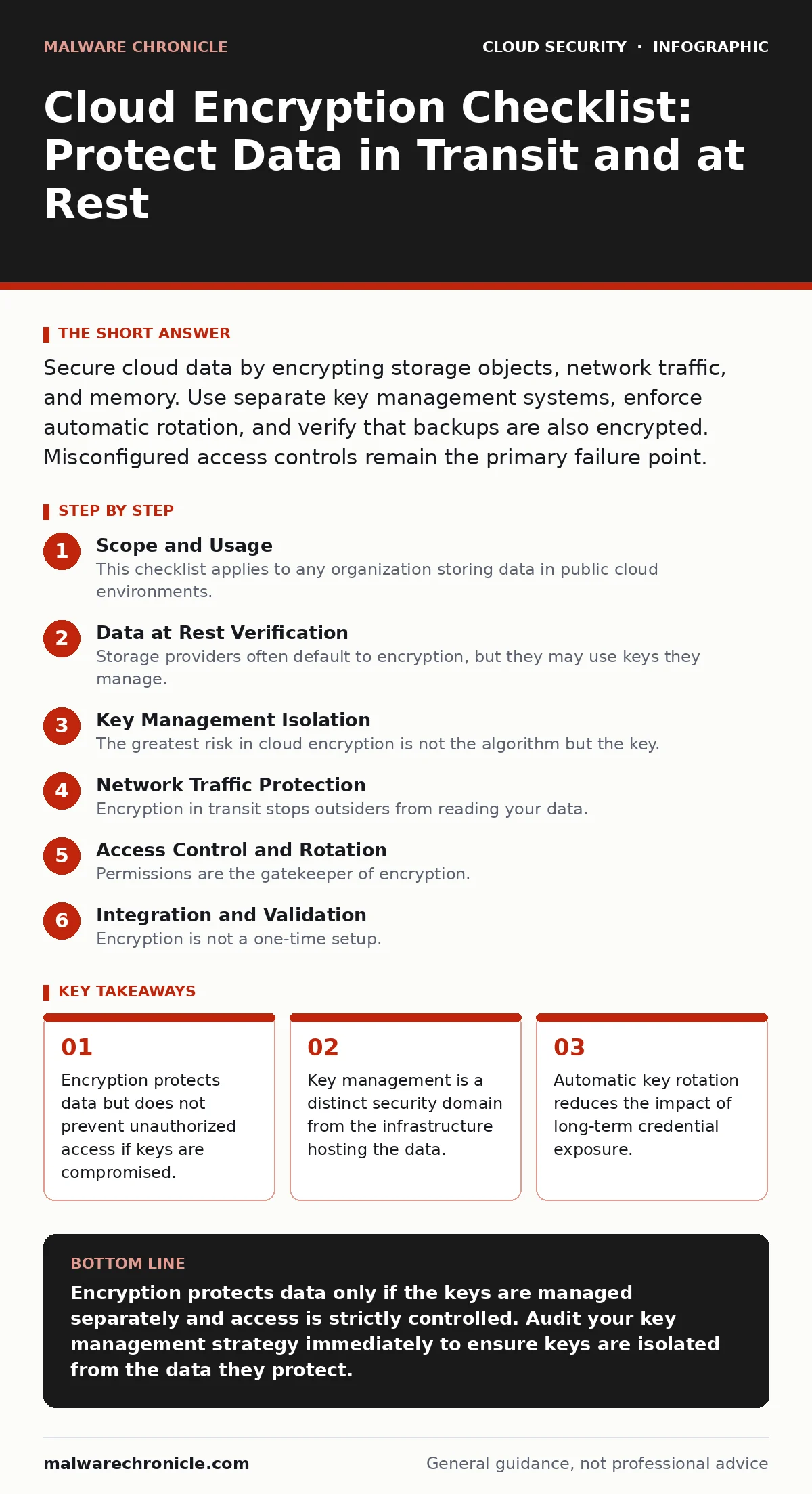
Secure cloud data by encrypting storage objects, network traffic, and memory. Use separate key management systems, enforce automatic rotation, and verify that backups are also encrypted. Misconfigured access controls remain the primary failure point.
Scope and Usage
This checklist applies to any organization storing data in public cloud environments. It covers data at rest, in transit, and in use. You should run this audit before deploying new services and annually for existing ones. The goal is to verify that encryption is active, keys are isolated, and access is restricted.
Data at Rest Verification
- Enable server-side encryption for all object storage buckets: Prevents raw data exposure if storage media is physically accessed or misconfigured.
- Encrypt database volumes and snapshots: Ensures that point-in-time backups are protected with the same rigor as live data.
- Verify file system encryption on virtual machines: Protects data on ephemeral disks that may persist briefly after instance termination.
- Confirm encryption for managed service logs: Audit trails often contain sensitive metadata that reveals system behavior and user actions.
Storage providers often default to encryption, but they may use keys they manage. This is convenient but limits your control. If you require compliance with strict data sovereignty laws, you must supply your own keys. This shifts the burden of key management to you.
Key Management Isolation
- Use a dedicated Key Management Service: Separates cryptographic operations from the compute resources that request them.
- Store keys in a different region or account: Prevents a regional outage or account compromise from exposing both data and keys.
- Disable programmatic key deletion without approval: Stops accidental or malicious destruction of keys that would make data unrecoverable.
- Audit key usage logs weekly: Detects unusual patterns that may indicate key exfiltration or unauthorized decryption attempts.
The greatest risk in cloud encryption is not the algorithm but the key. If an attacker gains access to your cloud account, they can often access the keys stored within it. Isolating keys in a separate account or region creates a barrier. This is a core principle of confidential computing, which aims to protect data even from the cloud provider itself.
Network Traffic Protection
- Enforce TLS for all external API endpoints: Prevents eavesdropping on data moving between users and your services.
- Use mutual TLS for internal service communication: Ensures that both client and server verify each other’s identity before exchanging data.
- Disable legacy protocol versions: Older protocols contain known vulnerabilities that allow attackers to downgrade encryption strength.
- Pin certificates for critical internal services: Prevents attackers from using rogue certificates to intercept traffic within your network.
Encryption in transit stops outsiders from reading your data. It does not stop insiders with access to the endpoints. You must combine network encryption with strict access controls. This relates directly to service mesh security, which manages identity and encryption between microservices automatically.
Access Control and Rotation
- Implement least-privilege IAM roles for key access: Limits who can decrypt data to only those services that strictly need it.
- Automate key rotation on a fixed schedule: Reduces the window of exposure if a key is compromised without manual intervention.
- Review cross-account key permissions quarterly: Prevents stale permissions that allow other accounts to decrypt your data.
- Test disaster recovery with encrypted backups: Verifies that you can actually restore data when keys are available and permissions are correct.
Permissions are the gatekeeper of encryption. A strong cipher is useless if anyone can request the key. You must define exactly which identities can use each key. This aligns with policy as code practices, where access rules are defined in version-controlled files rather than manual console clicks.
See also: What Is Whole Disk Encryption: How It Protects Your Data · What Causes Data Breaches: The Hidden Mechanics Behind Every Leak
Integration and Validation
- Scan infrastructure code for unencrypted resources: Catches misconfigurations before they reach the production environment.
- Verify encryption status in monitoring dashboards: Provides real-time visibility into any resources that fall out of compliance.
- Document key ownership and recovery procedures: Ensures that critical data remains accessible during personnel changes or emergencies.
- Conduct periodic penetration testing on key services: Identifies logical flaws that bypass encryption controls entirely.
Encryption is not a one-time setup. It is a continuous process of verification. You must ensure that new services inherit these protections automatically. This is why cloud landing zones include encryption standards as baseline requirements for all new workloads.
Common Pitfalls
- Assume default encryption covers all data types: Some services encrypt storage but not logs or metadata.
- Ignore encryption for development environments: Attackers often target less-secure dev accounts to find valid keys.
- Overlook third-party integrations: External services may require data in plaintext, creating a gap in your chain.
- Fail to test key revocation: If a key is compromised, you must be able to revoke it immediately without downtime.
Many teams focus only on production. This leaves development and staging environments exposed. These environments often contain copies of production data. They also share the same key management infrastructure. Securing them is as important as securing production.
Next Steps
Review your current cloud setup against this checklist. Identify any gaps in key management or access control. Prioritize fixing issues that expose data without proper key isolation. Integrate these checks into your deployment pipeline to prevent future regressions.
Key takeaways
- Encryption protects data but does not prevent unauthorized access if keys are compromised.
- Key management is a distinct security domain from the infrastructure hosting the data.
- Automatic key rotation reduces the impact of long-term credential exposure.
Encryption protects data only if the keys are managed separately and access is strictly controlled. Audit your key management strategy immediately to ensure keys are isolated from the data they protect.
Frequently asked questions
Does enabling encryption automatically secure my cloud data?
No. Encryption secures the data format, but you must still manage who can access the decryption keys and how they are stored.
Should I use my own keys or provider-managed keys?
Provider-managed keys are easier but offer less control. Your own keys provide better isolation and compliance control but require more management.
How often should I rotate encryption keys?
Rotate keys regularly, such as annually or biannually, or immediately if there is any suspicion of compromise. Automation is highly recommended.
What happens if I lose my encryption key?
The data becomes permanently inaccessible. You cannot recover it without the key or a valid backup of the key itself.
How this guide was produced: written by the Malware Chronicle editorial team with AI assistance, checked against the public references listed below, and reviewed when the facts change. See our editorial policy or report an error.