
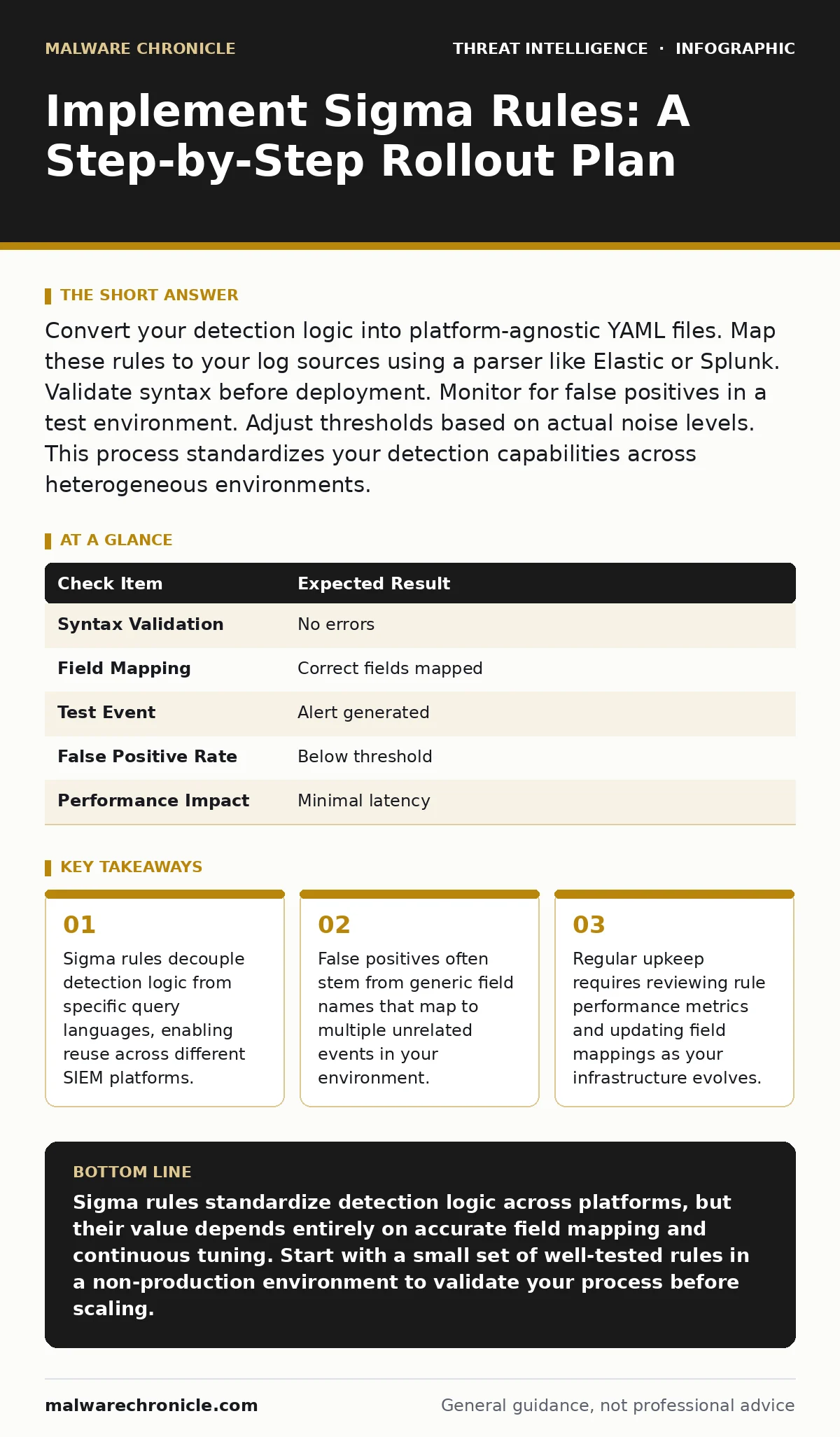
Convert your detection logic into platform-agnostic YAML files. Map these rules to your log sources using a parser like Elastic or Splunk. Validate syntax before deployment. Monitor for false positives in a test environment. Adjust thresholds based on actual noise levels. This process standardizes your detection capabilities across heterogeneous environments.
Defining Your Detection Scope
You cannot detect what you do not measure. Before writing a single line of code, you must understand the data flowing into your security information and event management system. Sigma rules rely on structured logging. If your logs are unstructured or missing key fields, the rules will fail silently or generate excessive noise.
Start by identifying the specific behaviors you want to catch. Are you looking for unusual process creation? Failed login attempts? Changes to system files? Define the actor, the action, and the target. This clarity prevents you from writing vague rules that trigger on benign activity.
Consider the volume of data. A rule that checks every single file access event will overwhelm your system. You need to balance coverage with performance. Narrowing the scope to high-value targets reduces the computational load and makes alert triage manageable.
Mapping Fields to Your Environment
Sigma rules use generic field names. These names do not exist in your raw logs. You must map these generic names to the actual fields in your data. This mapping is the most critical technical step. If the mapping is wrong, the rule never fires.
Create a mapping file for each log source. For example, a Windows Security Event might map the Sigma field event_id to your system’s EventID field. Linux audit logs might map process_command_line to execve. You must document these mappings explicitly.
Different platforms handle these mappings differently. Some parsers automatically infer the mapping. Others require manual configuration. Verify that your parser supports the Sigma specification version you are using. Mismatched versions can cause subtle parsing errors that are difficult to diagnose.
Writing Your First Rule
Start with a simple rule. Do not attempt to catch complex multi-stage attacks immediately. Write a rule for a single, well-defined event. Use the standard YAML structure. Define the title, description, and author. Specify the log source and the event category.
The detection section defines the logic. Use selection for the primary conditions. Use filter to exclude known benign activity. Use condition to combine these blocks with boolean logic. Keep the logic simple. Complex conditions are harder to debug and more likely to produce false positives.
Test the syntax locally. Many editors offer linting for YAML. Ensure the indentation is correct. YAML is sensitive to whitespace. A single extra space can break the entire rule. Use a validator to check the structure before uploading it to your system.
Step 1: Install a Sigma Processor
You need a tool to convert Sigma rules into the query language your SIEM understands. Install a Sigma processor that supports your target platform. This tool acts as the compiler for your detection logic.
Verify the installation by running a simple conversion command. The tool should output a valid query string. If it fails, check your dependencies. Ensure the processor version matches your Sigma rule version. This alignment prevents compatibility issues during runtime.
Step 2: Configure Data Connectors
Connect the processor to your data sources. Define the connection parameters for each log source. This might include API keys, endpoints, or file paths. Ensure the processor has read access to the logs.
Test the connection by pulling a small sample of data. The processor should be able to retrieve and parse the logs without errors. If it cannot read the data, the rules will not execute. Fix any permission or network issues before proceeding.
Step 3: Deploy Rules in a Test Environment
Do not deploy rules directly to production. Create a isolated test environment. Load a subset of your logs into this environment. Apply the Sigma rules to this data.
Monitor the output. Check if the rules fire as expected. Look for alerts that match known malicious activity. Also look for alerts that match benign activity. This step reveals false positives and false negatives. Adjust the rule logic based on these findings.
Step 4: Tune Thresholds and Filters
Refine the rules based on the test results. Add filters to exclude known benign processes or users. Adjust thresholds to reduce noise. For example, if a rule triggers on every user login, add a filter to ignore service accounts.
Document the changes. Explain why each filter was added. This documentation helps future maintainers understand the context. It also provides a audit trail for compliance purposes. Repeat this tuning process until the alert rate is manageable.
Step 5: Enable Production Monitoring
Deploy the tuned rules to your production environment. Enable logging for the rule engine. Monitor the alert volume closely in the first few days. Be prepared to disable rules that generate excessive noise.
Set up alerts for rule failures. If the processor crashes or fails to parse logs, you need to know immediately. These failures indicate a breakdown in your detection capability. Address them before they become a security gap.
Verifying Rule Effectiveness
You must prove the rules work. Create a verification checklist. Test each rule with a simulated attack. For example, if you have a rule for Kerberoasting, simulate a service ticket request. Check if the rule triggers.
| Check Item | Expected Result |
|---|---|
| Syntax Validation | No errors |
| Field Mapping | Correct fields mapped |
| Test Event | Alert generated |
| False Positive Rate | Below threshold |
| Performance Impact | Minimal latency |
Review the alerts. Did they contain the correct context? Was the severity appropriate? If not, refine the rule. This iterative process ensures your detections are reliable.
Maintaining Detection Hygiene
Sigma rules are not set and forget. Your environment changes. New software is installed. New users are added. Old vulnerabilities are patched. These changes affect how your rules behave.
Schedule regular reviews. Check for new Sigma rules that address emerging threats. Evaluate if your existing rules are still relevant. Remove rules that no longer apply. This keeps your detection stack lean and effective.
Monitor the performance of your rule engine. As you add more rules, the processing load increases. If latency grows, you may need to optimize your queries or upgrade your hardware. Balance coverage with system health.
See also: Detect Wiper Malware Early: Signals, Logs, and Hidden Blind Spots · Sysmon Best Practices: Reduce Noise and Catch Hidden Threats
Integrating with Broader Strategy
Sigma rules are one part of your defense. They complement other techniques. Use them alongside threat hunting to identify gaps in your automated detection. Hunters can find patterns that static rules miss.
Combine Sigma with security telemetry analysis. High-quality telemetry improves rule accuracy. Poor telemetry leads to blind spots. Ensure your logging strategy supports the data requirements of your rules.
Consider the lifecycle of an attack. Sigma rules can detect early indicators. They can also catch late-stage actions. Align your rules with the stages of the attack lifecycle to reduce attacker dwell time. The sooner you detect, the less damage occurs.
Handling Edge Cases
Not all events fit neatly into categories. Some attacks use legitimate tools in unexpected ways. These are known as living-off-the-land techniques. Standard rules may miss them.
You need custom rules for these scenarios. Analyze your baseline behavior. Identify deviations. Write rules that flag unusual usage of common tools. This requires deep understanding of your environment.
Be cautious with broad rules. They can generate massive amounts of noise. Use whitelisting to exclude known good behavior. Regularly review these whitelists to ensure they remain accurate.
Key takeaways
- Sigma rules decouple detection logic from specific query languages, enabling reuse across different SIEM platforms.
- False positives often stem from generic field names that map to multiple unrelated events in your environment.
- Regular upkeep requires reviewing rule performance metrics and updating field mappings as your infrastructure evolves.
Sigma rules standardize detection logic across platforms, but their value depends entirely on accurate field mapping and continuous tuning. Start with a small set of well-tested rules in a non-production environment to validate your process before scaling.
Frequently asked questions
Can I use Sigma rules with any SIEM?
Yes, provided your SIEM supports the Sigma specification or you use a converter tool that translates Sigma rules into your SIEM's native query language.
How do I handle false positives?
Refine your rules by adding filters for known benign activity, adjusting thresholds, or narrowing the scope of the detection logic based on your specific environment.
Do Sigma rules replace YARA rules?
No, they serve different purposes. Sigma rules analyze log data for behavioral anomalies, while YARA rules scan files and memory for specific static patterns.
How often should I update my Sigma rules?
Review and update them regularly, ideally whenever your infrastructure changes or new threat intelligence becomes available, to ensure they remain effective and relevant.
How this guide was produced: written by the Malware Chronicle editorial team with AI assistance, checked against the public references listed below, and reviewed when the facts change. See our editorial policy or report an error.