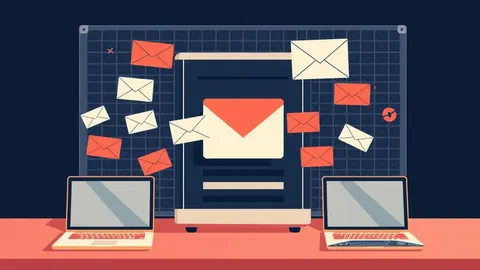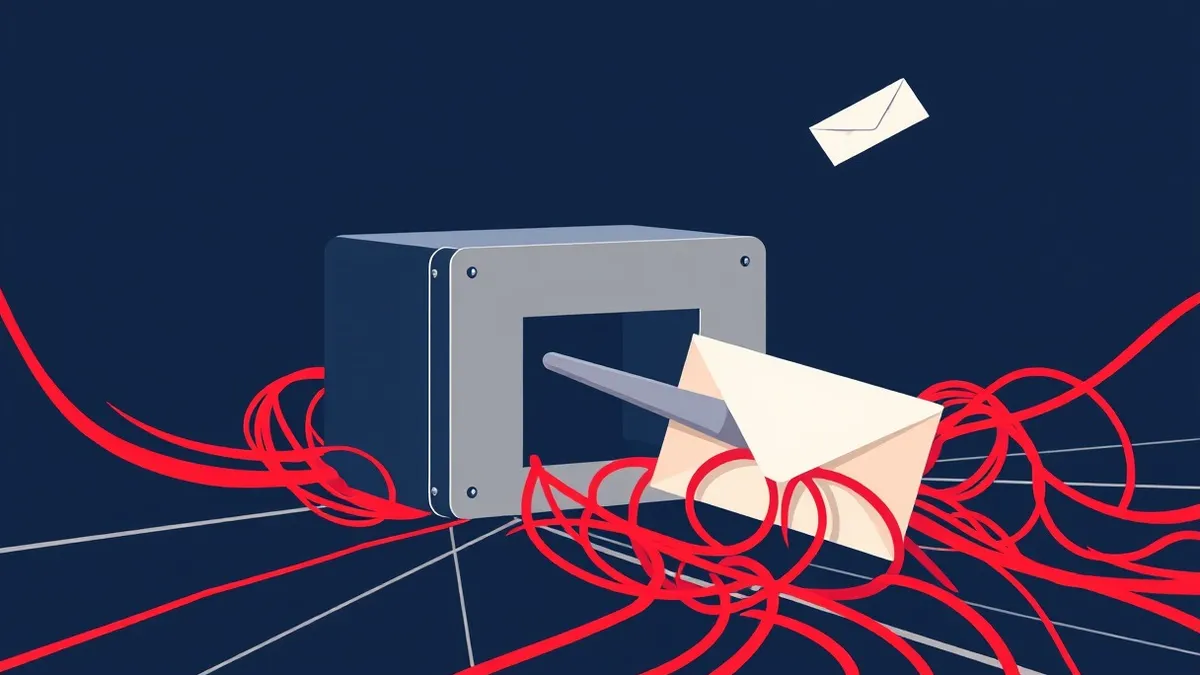
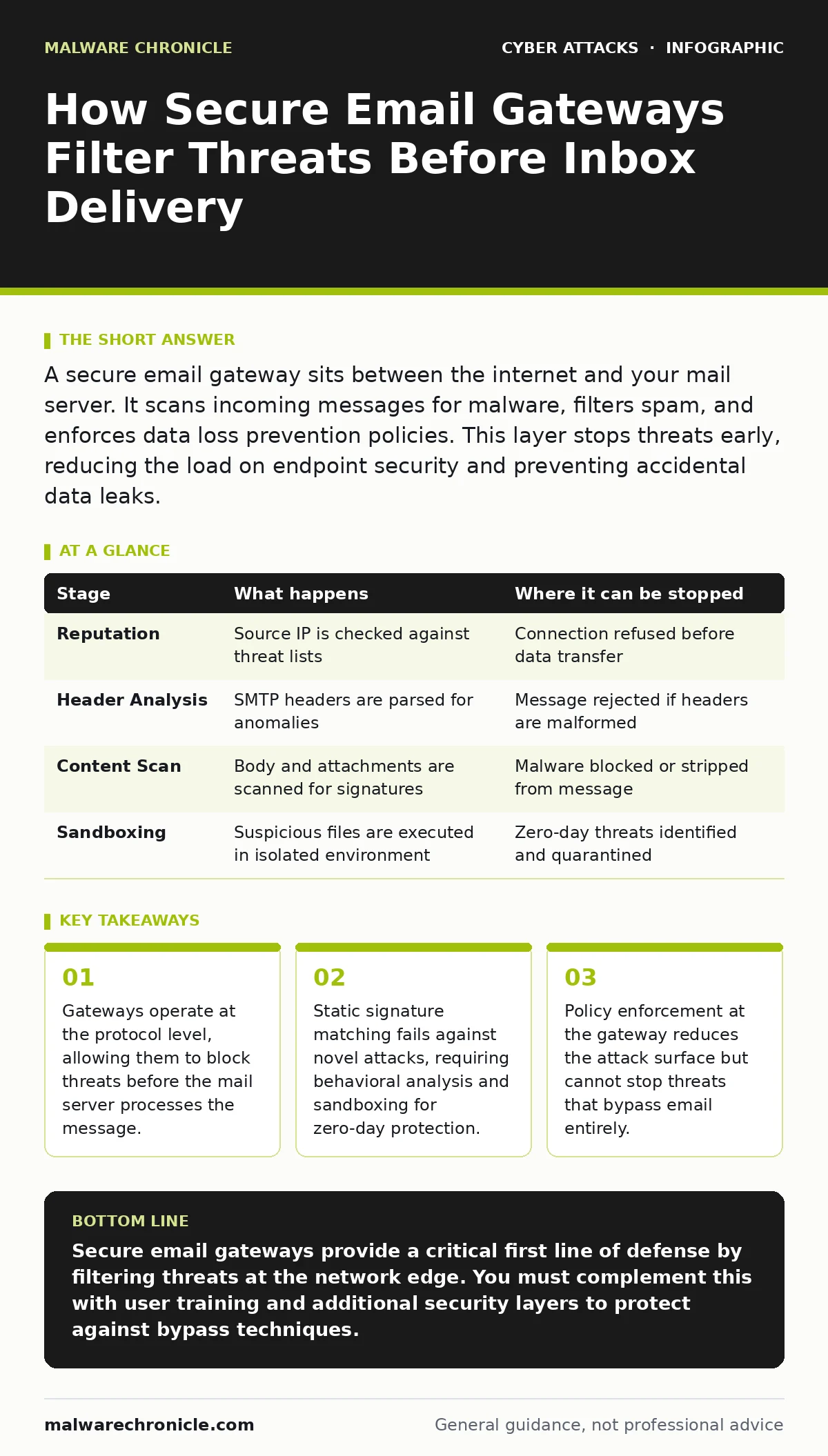
A secure email gateway sits between the internet and your mail server. It scans incoming messages for malware, filters spam, and enforces data loss prevention policies. This layer stops threats early, reducing the load on endpoint security and preventing accidental data leaks.
The Network Edge Inspection Point
A secure email gateway acts as a checkpoint for all incoming and outgoing email traffic. It sits between the public internet and your internal mail infrastructure. This positioning allows it to intercept messages before they reach your primary mail server. By filtering at this boundary, the gateway prevents malicious content from consuming server resources. It also ensures that your internal systems never see the raw, unfiltered traffic. This separation creates a critical buffer zone for security analysis.
The gateway connects to the global network via standard mail protocols. It receives messages destined for your domain and holds them for inspection. Once the analysis is complete, it either delivers the clean message or quarantines the threat. This process happens in seconds, ensuring minimal delay for legitimate users. The gateway maintains logs of every decision for later review and compliance.
### Stage 1: Connection and Reputation Filtering
The first stage occurs when a remote mail server attempts to deliver a message. The gateway checks the source IP address against global threat intelligence feeds. These feeds contain lists of known spam sources, botnets, and compromised servers. If the source has a poor reputation, the gateway rejects the connection immediately. This stops the transfer before any message content is transmitted.
This step relies on historical data about the sending server. It does not look at the email content itself. A new attacker might use a clean IP address to bypass this filter. Therefore, reputation filtering is a first line of defense, not a final one. It reduces the volume of traffic that needs deeper inspection.
| Stage | What happens | Where it can be stopped |
|---|---|---|
| Reputation | Source IP is checked against threat lists | Connection refused before data transfer |
| Header Analysis | SMTP headers are parsed for anomalies | Message rejected if headers are malformed |
| Content Scan | Body and attachments are scanned for signatures | Malware blocked or stripped from message |
| Sandboxing | Suspicious files are executed in isolated environment | Zero-day threats identified and quarantined |
### Stage 2: Header and Protocol Analysis
If the connection is allowed, the gateway examines the Simple Mail Transfer Protocol headers. These headers contain metadata about the message path and sender. The gateway looks for inconsistencies, such as mismatched sender domains or unusual routing paths. It also checks for signs of spoofing, where an attacker fakes the sender address.
This stage detects many forms of social engineering. Attackers often use free email services to send phishing attempts. The gateway can flag these messages based on the domain reputation. It can also enforce policies that require digital signatures for certain senders. This adds a layer of verification that the message truly comes from the claimed source.
### Stage 3: Content and Attachment Scanning
The gateway then inspects the body of the email and any attached files. It uses pattern matching to identify known malware signatures. This is similar to how antivirus software works on a computer. The gateway maintains a large database of known threats. If a match is found, the message is blocked or the attachment is removed.
This method is effective against widespread, known malware. However, it fails against new or modified threats. Attackers can slightly alter a virus to avoid detection. This is why signature-based scanning is not enough on its own. It must be combined with other techniques to catch novel attacks. The gateway also scans for sensitive data to prevent accidental leaks.
### Stage 4: Dynamic Sandboxing and Behavioral Analysis
For messages that pass the initial scans, the gateway may use sandboxing. This involves opening attachments in a isolated, virtual environment. The sandbox observes how the file behaves when executed. It looks for malicious actions, such as trying to connect to a command and control server. This detects zero-day threats that have no known signature.
Sandboxing adds a slight delay to message delivery. This trade-off is necessary for deeper security. The gateway can also analyze links in the email body. It rewrites URLs to pass through a proxy that checks the destination in real-time. This prevents users from clicking on links that lead to phishing sites. Even if the link is safe at the time of sending, it can be checked again when clicked.
See also: Brand Impersonation: Risks and Low-Cost Protections for Small Business · Phishing Simulations: 8 Practices That Actually Work
### Stage 5: Policy Enforcement and Delivery
The final stage applies organizational policies to the message. This includes rules for handling sensitive information, such as credit card numbers or health records. The gateway can block messages that contain such data from leaving the organization. It can also apply tags to messages that require further review.
Once all checks are complete, the gateway delivers the message to your mail server. If any stage flagged the message, it may be quarantined instead. Administrators can review quarantined messages to release false positives. This process ensures that legitimate business communications are not interrupted. The gateway provides a detailed log of every action taken.
Limits and Bypass Techniques
Secure email gateways are powerful but not infallible. They cannot protect against threats that do not come through email. For instance, browser-in-the-browser attacks mimic login pages in a way that email filters cannot detect. These attacks happen in the web browser, not the inbox. Similarly, DNS spoofing can redirect users to fake sites regardless of email security.
Gateways also struggle with highly targeted attacks. If an attacker uses a personal account to send a malicious link, the gateway may not flag it. The threat intelligence might not yet recognize the new phishing page. This is why conditional access policies are necessary to verify user identity. They add a layer of security that email filters cannot provide.
Integration with Broader Security
Email security does not operate in a vacuum. It works best when integrated with other security tools. For example, intrusion detection systems can alert you if a gateway misses a threat that reaches the network. Cyber incident response team protocols should include procedures for handling email-based incidents. This ensures a coordinated reaction to breaches.
Training is also a key component. Phishing simulations help users recognize threats that slip through technical controls. When users know how to spot suspicious messages, they become an additional line of defense. This human element complements the automated filtering of the gateway. Together, these layers create a resilient security posture.
Key takeaways
- Gateways operate at the protocol level, allowing them to block threats before the mail server processes the message.
- Static signature matching fails against novel attacks, requiring behavioral analysis and sandboxing for zero-day protection.
- Policy enforcement at the gateway reduces the attack surface but cannot stop threats that bypass email entirely.
Secure email gateways provide a critical first line of defense by filtering threats at the network edge. You must complement this with user training and additional security layers to protect against bypass techniques.
Frequently asked questions
Can a secure email gateway stop all phishing attempts?
No, no single tool can stop all phishing. Gateways block known threats and many novel ones, but determined attackers can sometimes bypass filters.
How does sandboxing affect email delivery speed?
Sandboxing adds a short delay as the system analyzes suspicious files. This trade-off is necessary to catch zero-day threats that signature scanning misses.
Do I still need antivirus software if I have a gateway?
Yes, endpoint antivirus provides protection for files that bypass the gateway or arrive through other channels. Layered security is more effective than a single point of defense.
How often should I review email security policies?
You should review policies regularly, especially when new threats emerge or business processes change. Regular audits ensure that your defenses remain effective.
How this guide was produced: written by the Malware Chronicle editorial team with AI assistance, checked against the public references listed below, and reviewed when the facts change. See our editorial policy or report an error.