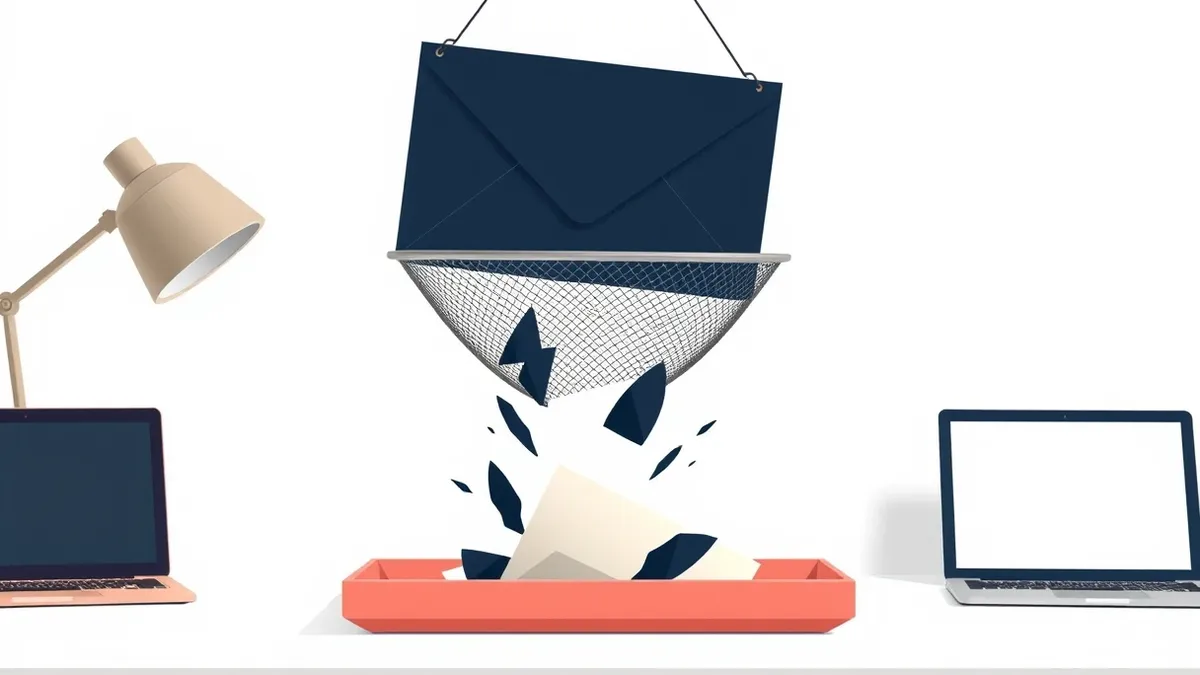
Email filtering uses multiple layers of analysis to separate malicious content from legitimate mail. It combines sender reputation checks, content scanning, and behavioral analysis to block threats before they reach the inbox. You must configure these rules carefully to balance security with deliverability, as overly strict settings can block important communications.
How does email filtering actually work?
Email filtering examines incoming messages against multiple data points before delivering them to the user. The system checks the sender’s IP address against known blacklists, analyzes the message headers for anomalies, and scans the body for malicious code or suspicious links. It also evaluates the sender’s historical behavior to determine trustworthiness. This multi-layered approach ensures that no single flaw allows a threat to bypass defenses.
Can filters stop all phishing attempts?
Filters cannot stop every phishing attempt because attackers constantly evolve their tactics to mimic legitimate communication. Sophisticated attacks use clean domains, professional language, and minimal technical artifacts, making them appear benign to automated scanners. Human judgment remains the final line of defense. Filters reduce the volume of obvious threats, but they do not eliminate the risk of social engineering.
What is the difference between spam and malware?
Spam refers to unsolicited bulk messages, while malware is malicious software designed to harm systems or steal data. Not all spam contains malware, and not all malware arrives via spam. Some malware arrives through targeted, personalized emails that bypass spam filters. Understanding this distinction helps you prioritize threats. Malware requires immediate technical response, whereas spam primarily consumes bandwidth and attention.
Why do legitimate emails end up in spam?
Legitimate emails often trigger spam filters due to aggressive content rules or poor sender reputation. If a message contains many links, images, or unusual formatting, the filter may flag it as suspicious. Similarly, if the sending server lacks proper authentication records, the filter treats the message as untrusted. This false positive rate is a known trade-off in security. You must regularly review quarantine logs to release blocked legitimate traffic.
How do SPF, DKIM, and DMARC improve security?
These three protocols verify the authenticity of the sending domain. SPF (Sender Policy Framework) lists authorized mail servers. DKIM (DomainKeys Identified Mail) adds a cryptographic signature to prove the message was not altered. DMARC (Domain-based Message Authentication, Reporting, and Conformance) tells receivers how to handle messages that fail these checks. Together, they prevent attackers from easily spoofing your domain. See the guide on brand impersonation for more on protecting your identity.
See also: Phishing Simulations: 8 Practices That Actually Work · How Secure Email Gateways Filter Threats Before Inbox Delivery
What role does machine learning play in filtering?
Machine learning algorithms analyze vast amounts of email data to identify subtle patterns that rule-based systems miss. They learn from user behavior, such as which messages are marked as spam or safe. This adaptive capability allows filters to detect new threats without manual rule updates. However, these models require training data and can produce unexpected results if the data is biased. They are powerful but not infallible.
How do I handle attachments safely?
Attachments pose a significant risk because they can execute code immediately upon opening. Safe handling requires sandboxing, where the file runs in an isolated environment to observe its behavior. Static scanning checks for known signatures, but it misses zero-day threats. Dynamic analysis watches for malicious actions, such as attempting to access sensitive files or network resources. Combining both methods provides deeper protection against complex payloads.
What causes false positives in enterprise filtering?
False positives occur when the filter incorrectly identifies a safe message as malicious. This often happens with internal communications that use non-standard formats or contain links to internal systems. External partners sending invoices or reports may also trigger alerts if their servers lack proper authentication. These errors disrupt workflow and erode trust in the security system. Regular tuning and user feedback loops help reduce these incidents.
How does email filtering integrate with other security tools?
Email filtering works best when integrated with broader security ecosystems. It shares threat intelligence with intrusion detection systems to correlate email threats with network activity. It also feeds data into endpoint protection platforms to block malware that slips through. This integration ensures that a threat detected in one area triggers responses in others. Siloed defenses leave gaps that attackers exploit.
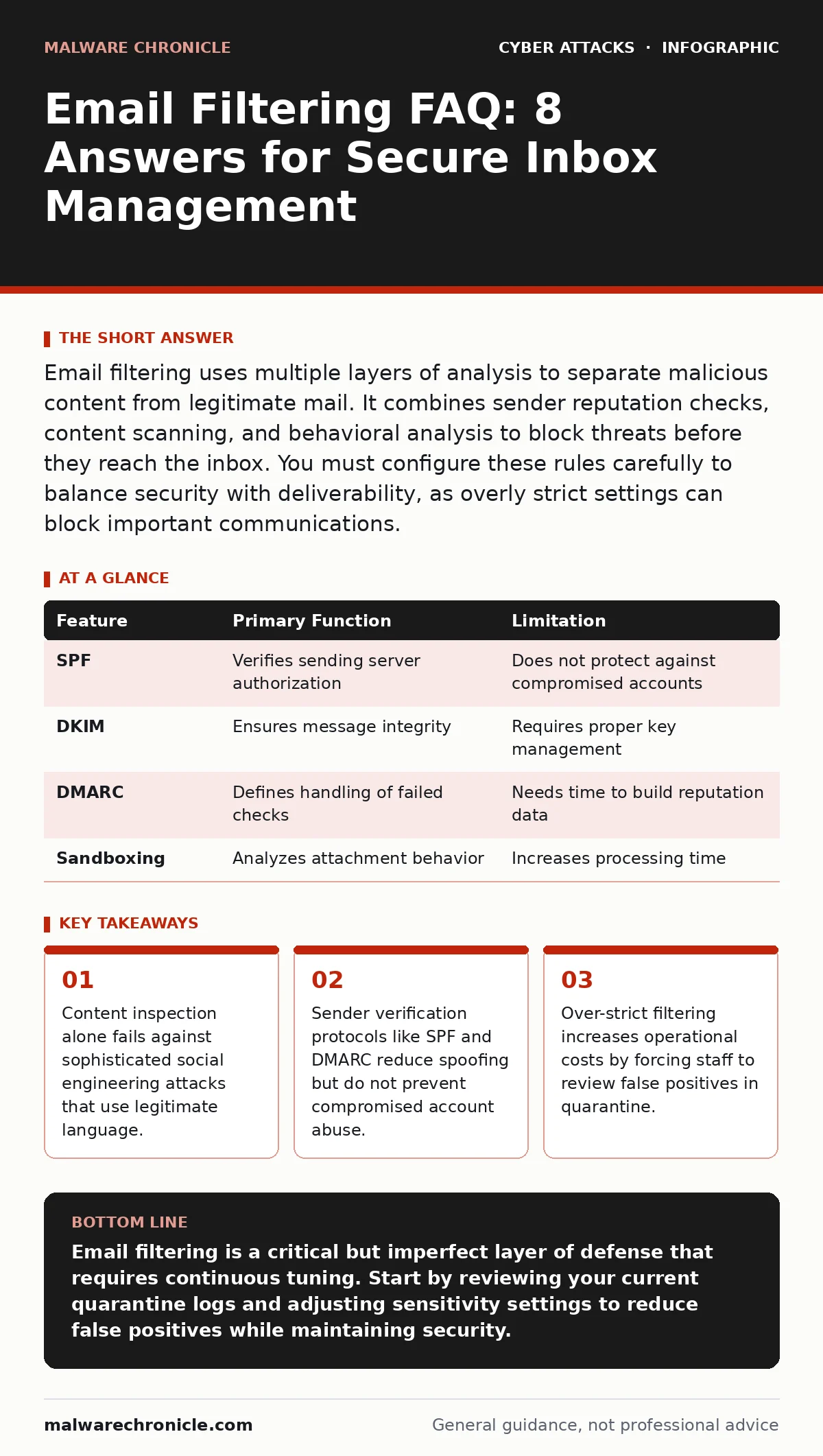
| Feature | Primary Function | Limitation |
|---|---|---|
| SPF | Verifies sending server authorization | Does not protect against compromised accounts |
| DKIM | Ensures message integrity | Requires proper key management |
| DMARC | Defines handling of failed checks | Needs time to build reputation data |
| Sandboxing | Analyzes attachment behavior | Increases processing time |
What are the signs of a weak filtering setup?
A weak filtering setup allows known threats to reach users’ inboxes. You will notice an increase in password reset requests or reports of suspicious emails. High volumes of spam indicate that rule sets are outdated or too permissive. Conversely, a flood of false positives suggests the system is too strict. Monitoring these metrics helps you identify configuration issues early. See the guide on intrusion detection systems for broader monitoring strategies.
How do I balance security with user productivity?
Balancing security and productivity requires finding the right sensitivity threshold. Overly strict filters block legitimate work, causing delays and frustration. Too lenient filters let threats through, risking data loss. You must involve users in the process by providing clear reporting mechanisms. Their feedback helps refine rules without compromising safety. This iterative approach ensures that security supports, rather than hinders, business operations.
What happens when a filter misses a threat?
When a filter misses a threat, the message reaches the user’s inbox. The next line of defense is user awareness and endpoint protection. If the user clicks a malicious link or opens an infected attachment, the threat can spread. Incident response plans must account for this possibility. Quick containment and remediation are critical. See the guide on account takeover for steps to mitigate compromised credentials.
How do I test my email filtering effectiveness?
Testing involves sending simulated phishing emails to a subset of users. These tests should mimic real-world attacks, including current tactics and techniques. Measure how many users click the links or report the messages. Use this data to adjust filtering rules and training programs. Regular testing ensures that your defenses remain effective against evolving threats. Do not rely solely on vendor claims; verify performance with your own data.
What is the future of email filtering?
The future of email filtering lies in deeper contextual analysis and AI-driven threat detection. Systems will increasingly analyze the intent behind messages, not just their content. Integration with identity management will become more seamless, linking email threats to user behavior profiles. This shift will reduce false positives and catch sophisticated attacks earlier. Staying informed about these developments ensures your defenses remain current. See the guide on conditional access policies for related identity security measures.
Key takeaways
- Content inspection alone fails against sophisticated social engineering attacks that use legitimate language.
- Sender verification protocols like SPF and DMARC reduce spoofing but do not prevent compromised account abuse.
- Over-strict filtering increases operational costs by forcing staff to review false positives in quarantine.
Email filtering is a critical but imperfect layer of defense that requires continuous tuning. Start by reviewing your current quarantine logs and adjusting sensitivity settings to reduce false positives while maintaining security.
Frequently asked questions
Can I block all emails from a specific country?
You can block emails based on geographic location, but this often blocks legitimate business communications and may violate privacy regulations. It is better to use reputation-based filtering.
How often should I update my email filtering rules?
You should review and update rules regularly, especially after new threat trends emerge. Automated systems handle many updates, but manual checks ensure alignment with business needs.
Does email filtering protect against ransomware?
Email filtering can block ransomware delivery via email, but it does not protect against other vectors. You need endpoint protection and backups for comprehensive ransomware defense.
What is the impact of email filtering on server performance?
Email filtering adds processing overhead, which can slow down mail delivery. Cloud-based filtering offloads this work, reducing the impact on your local infrastructure.
How this guide was produced: written by the Malware Chronicle editorial team with AI assistance, checked against the public references listed below, and reviewed when the facts change. See our editorial policy or report an error.