
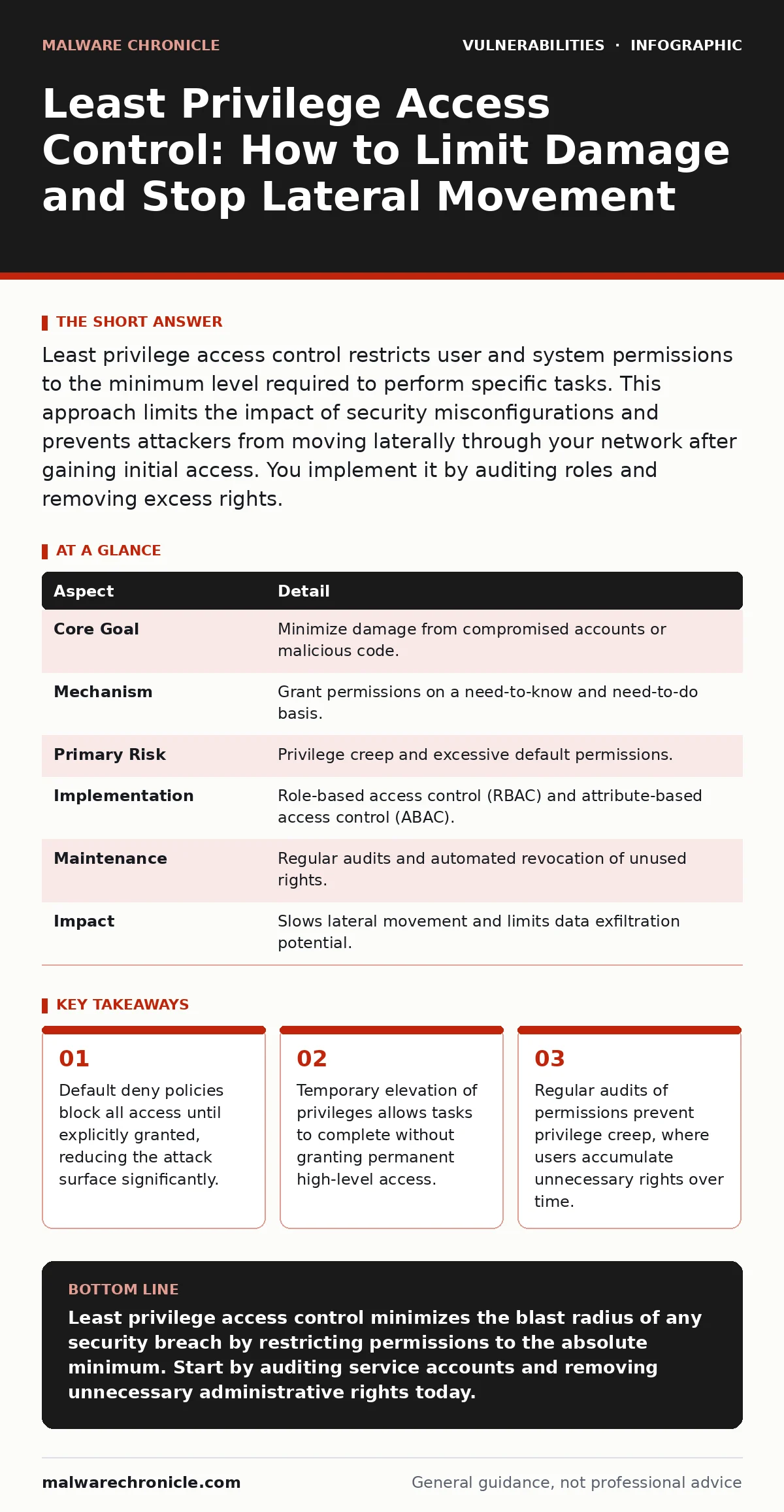
Least privilege access control restricts user and system permissions to the minimum level required to perform specific tasks. This approach limits the impact of security misconfigurations and prevents attackers from moving laterally through your network after gaining initial access. You implement it by auditing roles and removing excess rights.
The Principle of Least Privilege Access Control
Imagine a hotel key card that opens only your specific room. If a thief steals that card, they cannot access the safe deposit boxes or the manager’s office. Least privilege access control applies this same logic to digital systems. It ensures that every user, process, and service has only the permissions necessary to complete its immediate job. Nothing more, nothing less.
This concept is the foundation of defense in depth. When you grant broad permissions, you give attackers a wide highway. When you restrict permissions, you force them into narrow alleys. Most organizations struggle with this because convenience often overrides security. Developers want easy access to staging environments. Administrators want one account for all servers. These shortcuts create massive risk.
| Aspect | Detail |
|---|---|
| Core Goal | Minimize damage from compromised accounts or malicious code. |
| Mechanism | Grant permissions on a need-to-know and need-to-do basis. |
| Primary Risk | Privilege creep and excessive default permissions. |
| Implementation | Role-based access control (RBAC) and attribute-based access control (ABAC). |
| Maintenance | Regular audits and automated revocation of unused rights. |
| Impact | Slows lateral movement and limits data exfiltration potential. |
How Permission Boundaries Work
Least privilege access control relies on the principle of default deny. By default, a system blocks all actions. You must explicitly allow specific actions for specific users or processes. This is different from default allow, where systems permit everything unless you block it. Default allow is dangerous because you cannot block every possible threat. You can only block what you know about.
Role-based access control (RBAC) assigns permissions to roles rather than individuals. A developer role might have write access to code repositories but no access to production databases. Attribute-based access control (ABAC) is more granular. It grants access based on attributes like time of day, location, or device health. Both methods reduce the number of permission decisions you need to make manually.
When a process runs, it inherits the permissions of the user who started it. If a web server runs as root, any vulnerability in that server gives the attacker full control of the machine. If the server runs as a dedicated user with no shell access, the attacker is trapped in that single process. This containment is the primary benefit of least privilege.
Who Bears the Burden of Restriction
Every entity in your infrastructure needs a permission profile. This includes human users, service accounts, and automated scripts. Human users are the easiest to manage but often request excessive rights. Service accounts are the hardest. They often run critical backend processes and are granted broad permissions to ensure uptime. These accounts are prime targets for attackers because they rarely have multi-factor authentication.
Developers often face friction when least privilege is enforced. They need to test code that interacts with multiple systems. If their local environment lacks the necessary permissions, testing slows down. This friction leads to workarounds. Developers might create temporary admin accounts or disable security checks. These workarounds defeat the purpose of least privilege access control. You must provide safe, easy ways to request temporary elevation.
Suppose a database administrator needs to run a one-time migration script. Granting them permanent database admin rights is dangerous. Instead, provide a tool that elevates their privileges for the duration of the script execution. Once the script finishes, the privileges revert. This balances security with operational efficiency.
Common Misconceptions About Restriction
Many teams believe that least privilege means making systems difficult to use. This is a misconception. Good implementation makes security invisible to the user. The system should grant access seamlessly when the context is correct. If a user has to fill out a ticket for every minor task, they will find a way around the system. Friction drives shadow IT.
Another common error is assuming that internal users are trusted. Least privilege applies to insiders just as much as outsiders. A disgruntled employee with admin rights can cause as much damage as an external hacker. You must treat all access as potentially hostile. This mindset shift is difficult but necessary.
People also forget about application permissions. An application might only need to read from a specific folder. If it runs with full disk access, it can read sensitive files it does not need. This is a common source of security misconfigurations. You must audit application permissions regularly.
Implementing Control in Development Pipelines
Static application security testing (SAST) tools can help identify hardcoded credentials and excessive permissions in code. However, they do not enforce runtime permissions. You must configure your deployment pipelines to run build agents with minimal rights. The build agent should only be able to compile code and push artifacts to a repository. It should not have access to production secrets.
Container images should run as non-root users. Many base images default to root. You must change this in your Dockerfile or container configuration. This ensures that if an attacker escapes the container, they do not have root access on the host. This is a critical layer of defense for containerized applications.
See also: What Causes Data Breaches: The Hidden Mechanics Behind Every Leak
Auditing and Revoking Excess Rights
Permissions accumulate over time. This is known as privilege creep. A user might join a project, get admin rights, leave the project, and keep the rights. You must have a process to review and revoke these rights. Automated tools can help by identifying inactive accounts and unused permissions.
Regular audits should check for orphaned accounts. These are accounts that still exist but have no owner. They are often used by attackers because no one monitors their activity. You should also review group memberships. Users often belong to groups they no longer need. Removing them from these groups reduces their attack surface.
Security advisories often highlight vulnerabilities that exploit excessive permissions. When a new vulnerability is announced, check if your least privilege controls would have mitigated it. Often, the answer is yes. If the attacker needed admin rights to exploit the bug, and your users only have standard rights, you are safe. This is the power of least privilege access control.
Balancing Security with Usability
The goal is not to stop all access. The goal is to stop unauthorized access. You must find the balance where security does not hinder productivity. This requires collaboration between security teams and development teams. Security teams must understand the technical requirements of applications. Development teams must understand the risks of excessive permissions.
Browser updates and automatic software updates help maintain security hygiene. They ensure that clients have the latest protections against known vulnerabilities. However, they do not replace the need for least privilege. A fully updated browser can still be used by an attacker with high-level credentials. You must control who can use what.
The Long-Term Benefit of Restriction
Implementing least privilege access control is an ongoing process. It is not a one-time project. You must continuously review and adjust permissions as your organization changes. New roles emerge, new systems are added, and old systems are retired. Your permission model must evolve with these changes.
The cost of implementation is upfront effort and some operational friction. The cost of not implementing is catastrophic breach potential. When an attacker gains a foothold, they look for paths to more valuable assets. Least privilege blocks those paths. It forces them to work harder, making detection more likely.
Frequently Asked Questions
Q: Does least privilege access control slow down development?
A: It can initially, but proper tooling and just-in-time access reduce friction. The long-term benefit of reduced security incidents outweighs the initial setup time.
Q: How do I handle emergency access?
A: Create a break-glass account with strict monitoring and logging. Use it only in emergencies and revoke access immediately after use.
Q: Can least privilege prevent all attacks?
A: No. It limits the impact of an attack. It does not prevent initial compromise. You still need other defenses like patching and input validation.
Q: What is the difference between RBAC and ABAC?
A: RBAC assigns permissions based on job roles. ABAC assigns permissions based on specific attributes like time, location, or device status. ABAC is more flexible but more complex.
Key takeaways
- Default deny policies block all access until explicitly granted, reducing the attack surface significantly.
- Temporary elevation of privileges allows tasks to complete without granting permanent high-level access.
- Regular audits of permissions prevent privilege creep, where users accumulate unnecessary rights over time.
Least privilege access control minimizes the blast radius of any security breach by restricting permissions to the absolute minimum. Start by auditing service accounts and removing unnecessary administrative rights today.
Frequently asked questions
Does least privilege access control slow down development?
It can initially, but proper tooling and just-in-time access reduce friction. The long-term benefit of reduced security incidents outweighs the initial setup time.
How do I handle emergency access?
Create a break-glass account with strict monitoring and logging. Use it only in emergencies and revoke access immediately after use.
Can least privilege prevent all attacks?
No. It limits the impact of an attack. It does not prevent initial compromise. You still need other defenses like patching and input validation.
What is the difference between RBAC and ABAC?
RBAC assigns permissions based on job roles. ABAC assigns permissions based on specific attributes like time, location, or device status. ABAC is more flexible but more complex.
How this guide was produced: written by the Malware Chronicle editorial team with AI assistance, checked against the public references listed below, and reviewed when the facts change. See our editorial policy or report an error.