
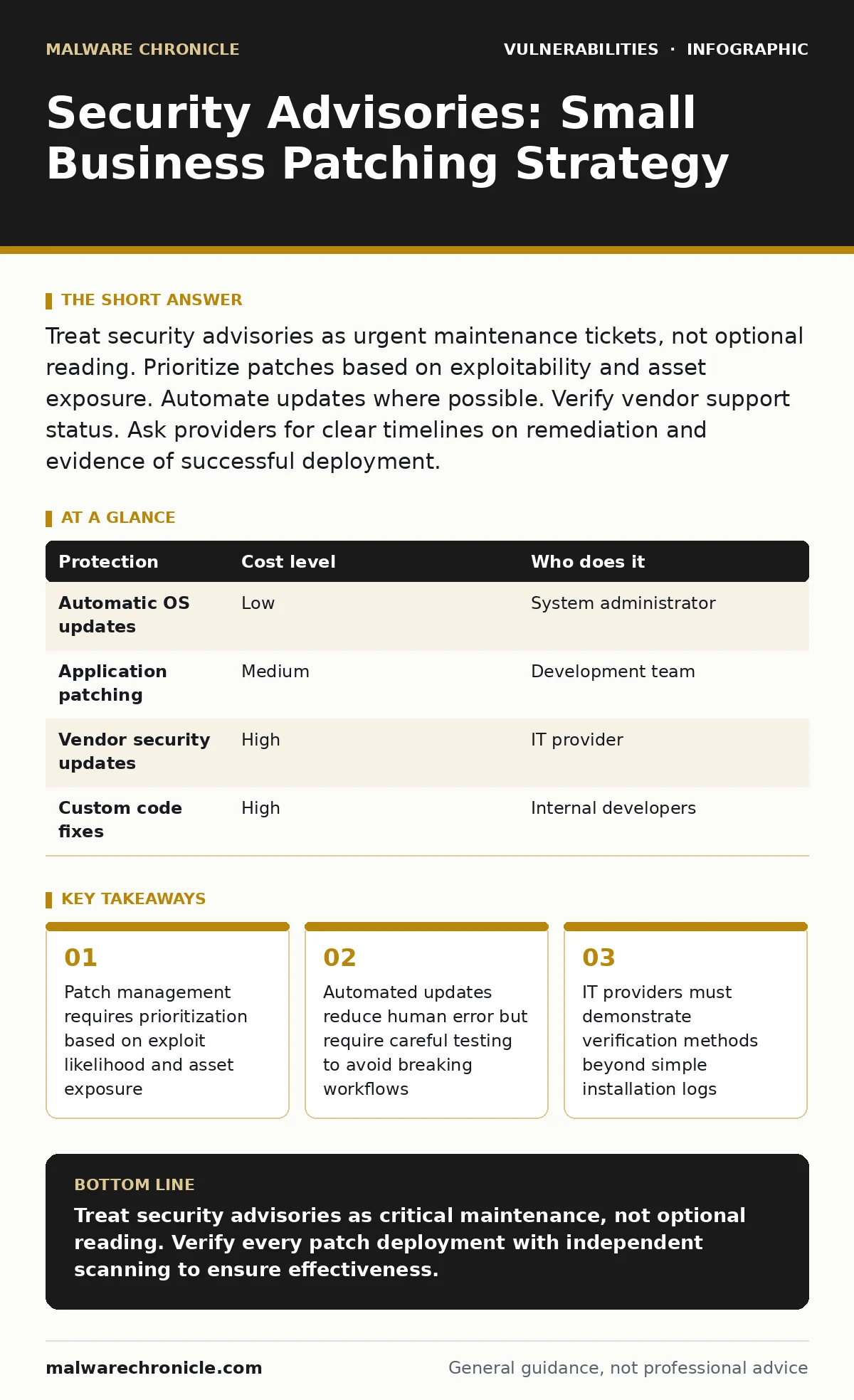
Treat security advisories as urgent maintenance tickets, not optional reading. Prioritize patches based on exploitability and asset exposure. Automate updates where possible. Verify vendor support status. Ask providers for clear timelines on remediation and evidence of successful deployment.
Why Advisories Matter at Small Scale
Small organizations face disproportionate risk from unpatched systems. Attackers target small businesses because they often lack dedicated security staff. They rely on automated tools that scan for known vulnerabilities. These tools do not care about company size. They only care about open ports and outdated software versions. A single unpatched server can serve as an entry point. Once inside, attackers move laterally to access sensitive data. The assumption that small targets are invisible is false. Automated attacks are indiscriminate and persistent. You must treat every advisory as a potential breach vector.
Understanding the Advisory Content
Security advisories provide technical details about a vulnerability. They include the affected software version, the severity rating, and the fix. Severity ratings help you prioritize work. Common Vulnerability Scoring System scores indicate impact. A score of 9 or 10 means immediate action is required. Lower scores still require attention but allow for scheduling. Read the description carefully. Some vulnerabilities require user interaction. Others exploit remote code execution without any user input. Remote execution flaws are far more dangerous. They allow attackers to take control of your system from anywhere.
Prioritizing Patch Deployment
You cannot patch everything at once. Resources are limited. Time is limited. You must triage based on exposure. Internet-facing systems need immediate attention. Internal servers with no external access have lower priority. Critical business applications take precedence over legacy tools. Check if the vulnerability is actively exploited. Public exploits make the risk higher. Vendor acknowledgment of active exploitation is a red flag. If the vendor confirms active use, patch immediately. Delaying patch deployment increases the window of opportunity for attackers. This window can close quickly once a patch is available.
| Protection | Cost level | Who does it |
|---|---|---|
| Automatic OS updates | Low | System administrator |
| Application patching | Medium | Development team |
| Vendor security updates | High | IT provider |
| Custom code fixes | High | Internal developers |
Automating Update Processes
Manual patching is error-prone. Humans forget. Humans make mistakes. Automation reduces these risks. Configure systems to download updates automatically. Schedule installations during maintenance windows. Test updates in a staging environment first. This prevents breaking production systems. Not all software supports automatic updates. Legacy applications may require manual intervention. Identify these exceptions early. Create a separate process for manual updates. Document the steps clearly. Ensure multiple team members understand the process. Automation is not a set-and-forget solution. It requires monitoring and adjustment. You must verify that updates applied successfully.
Managing Third-Party Dependencies
Modern applications rely on third-party libraries. These libraries introduce their own vulnerabilities. You must track dependencies. Use tools to scan for known flaws in libraries. This practice is similar to how developers handle PHP object injection risks. You need visibility into every component. Update libraries regularly. Remove unused dependencies. Each unused library is a potential attack surface. Vendor support status matters. Abandoned libraries will not receive patches. You must replace them or accept the risk. This creates a hidden technical debt. It grows silently until a breach occurs.
See also: Browser Updates for Small Teams: Automated Patching Strategies · Pen Testing vs Vulnerability Scanning: The Real Difference
What to Ask Your IT Provider
If you outsource IT, you need clarity. Do not assume they are patching. Ask specific questions. Request a list of all managed assets. Ask for their patch management policy. Inquire about their testing procedures. Ask how they verify successful deployment. Request evidence of recent patching cycles. Ask about their response time for critical advisories. Clarify who is responsible for application patches. Ensure there is no gap in responsibility. Document these answers. Review them annually. This ensures accountability. It also helps you assess the provider's competence.
- What is your average time to patch critical vulnerabilities?
- How do you test patches before deployment to production?
- Do you monitor for actively exploited vulnerabilities?
- What is your process for handling end-of-life software?
- How do you verify that patches were applied correctly?
Verifying Patch Effectiveness
Applying a patch is not enough. You must verify it worked. Use vulnerability scanning tools to confirm. These tools check for known flaws. They provide an independent verification. Do not rely solely on installation logs. Logs can be misleading. A failed installation might still report success. Regular scanning identifies gaps. It also detects new vulnerabilities. Combine scanning with manual checks. This double verification ensures security. It reduces the chance of false confidence. You should also review access logs. Look for signs of exploitation. Unusual activity might indicate a breach. Early detection limits damage.
Handling End-of-Life Software
Software eventually reaches end of life. Vendors stop providing updates. This leaves you exposed. You must plan for this. Identify end-of-life dates early. Create a migration plan. Replace the software with a supported alternative. If replacement is not possible, isolate the system. Restrict network access. Use application whitelisting. This limits what the system can run. It reduces the attack surface. Monitor the system closely. Look for signs of compromise. This is a temporary measure. You must find a permanent solution. Running unsupported software is a significant risk. It is a known weakness that attackers exploit.
Integrating with Development Practices
Security is not just an IT issue. It is a development issue. Integrate security into your development lifecycle. Use static application security testing (SAST) tools. These tools find flaws in code before deployment. They catch issues early. Fixing code is cheaper than patching live systems. Train developers on secure coding practices. They should understand authorization bypass vulnerabilities. They should know how to prevent them. Code reviews should include security checks. Make security a shared responsibility. This reduces the burden on IT. It creates a stronger defense.
Maintaining a Patch Calendar
Create a regular schedule for patching. Do not wait for advisories. Proactive patching is better. Schedule monthly updates for non-critical systems. Schedule weekly updates for critical systems. Adjust the schedule based on risk. Critical vulnerabilities require immediate action. Use the calendar to plan resources. Allocate time for testing. Allocate time for deployment. Communicate the schedule to users. Downtime is inevitable. Planning reduces disruption. Consistency builds a culture of security. It makes patching a routine task. Routine tasks are less likely to be neglected. This discipline protects your business.
Key takeaways
- Patch management requires prioritization based on exploit likelihood and asset exposure
- Automated updates reduce human error but require careful testing to avoid breaking workflows
- IT providers must demonstrate verification methods beyond simple installation logs
Treat security advisories as critical maintenance, not optional reading. Verify every patch deployment with independent scanning to ensure effectiveness.
Frequently asked questions
How quickly should I patch a critical vulnerability?
Patch critical vulnerabilities within 24 to 48 hours. Delaying increases the risk of exploitation. Automated tools scan for these flaws continuously.
Can automatic updates cause system instability?
Yes, automatic updates can break compatibility. Always test updates in a staging environment first. This prevents production outages.
What if a vendor does not provide a patch?
Isolate the affected system. Restrict network access. Use application whitelisting. Plan for immediate replacement with supported software.
Do I need to patch internal servers?
Yes, internal servers are targets for lateral movement. Attackers often start with external systems and move inward. Patch all systems.
How this guide was produced: written by the Malware Chronicle editorial team with AI assistance, checked against the public references listed below, and reviewed when the facts change. See our editorial policy or report an error.