
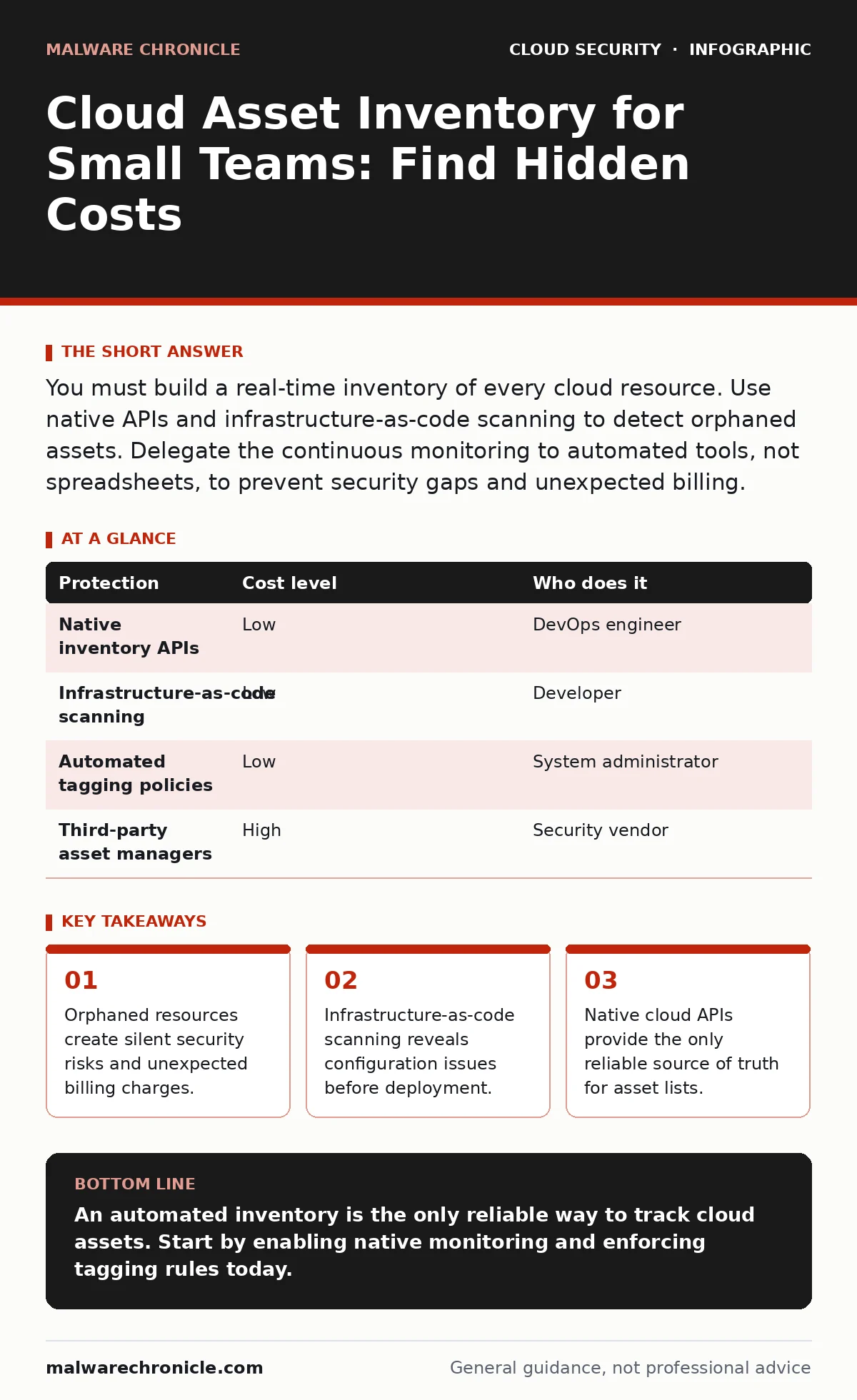
You must build a real-time inventory of every cloud resource. Use native APIs and infrastructure-as-code scanning to detect orphaned assets. Delegate the continuous monitoring to automated tools, not spreadsheets, to prevent security gaps and unexpected billing.
The Hidden Cost of Forgotten Resources
You assume your cloud environment is static. It is not. Every time a developer pushes a change, new resources appear. Old resources linger after their purpose ends. This drift creates a gap between what you think you own and what actually exists.
This gap is dangerous. Orphaned storage buckets may contain sensitive data. Idle virtual machines provide entry points for attackers. You cannot protect what you cannot see. An accurate inventory is the foundation of security and cost control.
Small teams often rely on manual tracking. This fails quickly. Manual lists become outdated within hours. You need a system that updates automatically. The goal is a single source of truth that reflects the current state of your environment.
Why Small Scale Demands Rigor
Size does not exempt you from risk. In fact, small teams are more vulnerable. You likely have fewer eyes on the system. One person might manage multiple roles. If that person leaves, knowledge walks out the door.
Automation exacerbates the problem. Tools that provision resources automatically can create hundreds of assets in minutes. Without strict controls, these assets accumulate. They become invisible to the team.
You must treat your inventory as a living document. It requires constant updates. The mechanism for this update must be automated. Relying on human memory is a failure point. You need technical controls that enforce visibility.
Affordable Ways to Build Visibility
You do not need expensive tools to start. Most cloud providers offer native services for inventory. These services scan your environment and list every resource. They are often included in base accounts or have low costs.
Use the provider’s API to pull data. You can write a simple script to fetch this data daily. Store the results in a secure location. This gives you a snapshot of your environment.
Combine this with infrastructure-as-code scanning. This practice checks your deployment scripts for errors. It ensures that new resources are tagged correctly. Tagging helps you identify the owner of each asset. Without tags, you cannot trace back to the creator.
| Protection | Cost level | Who does it |
|---|---|---|
| Native inventory APIs | Low | DevOps engineer |
| Infrastructure-as-code scanning | Low | Developer |
| Automated tagging policies | Low | System administrator |
| Third-party asset managers | High | Security vendor |
The Role of Tagging and Metadata
Tags are labels you attach to resources. They are not just for billing. They are for security. A tag can indicate the environment, the owner, and the purpose.
Without tags, you cannot filter your inventory. You cannot distinguish between a test server and a production database. This ambiguity leads to mistakes. You might delete a critical resource by accident.
Enforce tagging rules at the deployment stage. Use policy as code to reject resources without required tags. This prevents clutter from entering your system. It ensures that every asset has a clear identity.
What to Delegate to Automation
Do not try to manage the inventory manually. Delegate the collection and verification to tools. You can use cloud-native services to monitor changes. These services alert you when new resources appear.
You should also delegate the enforcement of standards. Use cloud landing zones to define secure baselines. These zones ensure that new resources meet security requirements. They reduce the burden on your team.
Consider confidential computing for sensitive workloads. This approach protects data in use. It adds a layer of security that does not rely on the underlying hardware. However, it requires careful management. Ensure your inventory tracks these specialized resources.
See also: How to Set Up Single Sign On: Protocol Choices and Risk Controls
Detecting Insecure Container Images
If you use containers, your inventory must include images. Insecure container images are a common risk. They may contain known vulnerabilities. They can compromise your entire environment.
Scan your images before deployment. Use automated tools to check for issues. Integrate this scan into your deployment pipeline. This ensures that only safe images run in your environment.
Track which images are running where. This helps you respond to vulnerabilities. If a critical flaw is discovered, you need to know where it exists. Your inventory provides this map.
Questions for Your IT Provider
If you outsource parts of your cloud management, you must verify their processes. You need to know how they track assets. Ask these questions to assess their capability.
- How do you detect orphaned resources?
- What tools do you use for continuous monitoring?
- How do you handle tagging and metadata?
- Can you provide a real-time inventory report?
- What is your process for decommissioning old assets?
Integrating with Security Practices
Your inventory must feed into your security tools. Use service mesh security to control traffic between services. The inventory helps you define which services can communicate.
Without an accurate list, you cannot configure the mesh correctly. You might block legitimate traffic. Or you might allow unauthorized access. The inventory provides the map for these rules.
Regularly review your inventory against your security policies. Look for resources that violate standards. Remediate these issues promptly. This continuous loop keeps your environment secure.
Key takeaways
- Orphaned resources create silent security risks and unexpected billing charges.
- Infrastructure-as-code scanning reveals configuration issues before deployment.
- Native cloud APIs provide the only reliable source of truth for asset lists.
An automated inventory is the only reliable way to track cloud assets. Start by enabling native monitoring and enforcing tagging rules today.
Frequently asked questions
How often should I update my cloud asset inventory?
You should update it in real-time. Use automated tools that scan your environment continuously. Manual updates are too slow to catch changes.
Can I use a spreadsheet for my inventory?
No. Spreadsheets become outdated quickly. They cannot handle the volume of changes in a cloud environment. Use automated tools instead.
What if I don’t have a DevOps team?
You can still use native cloud tools. Many providers offer simple interfaces for inventory. Start with basic monitoring and add automation as you grow.
How do I handle multi-cloud environments?
Use tools that support multiple providers. Ensure your inventory aggregates data from all clouds. This gives you a unified view of your assets.
How this guide was produced: written by the Malware Chronicle editorial team with AI assistance, checked against the public references listed below, and reviewed when the facts change. See our editorial policy or report an error.