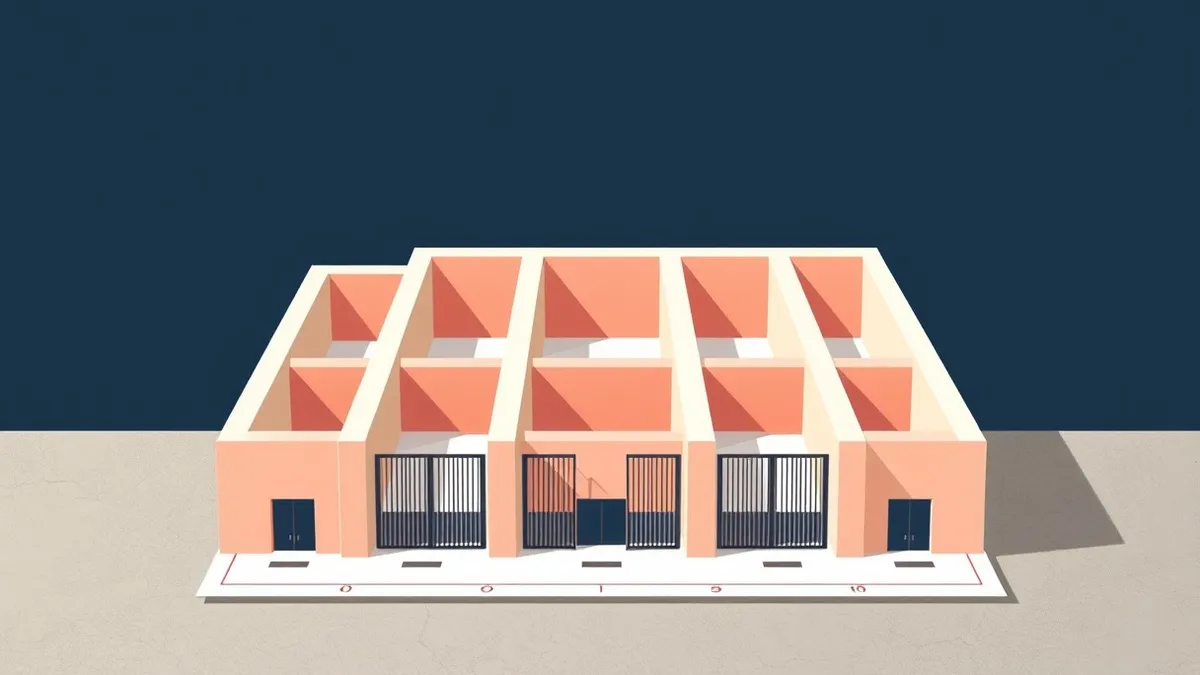
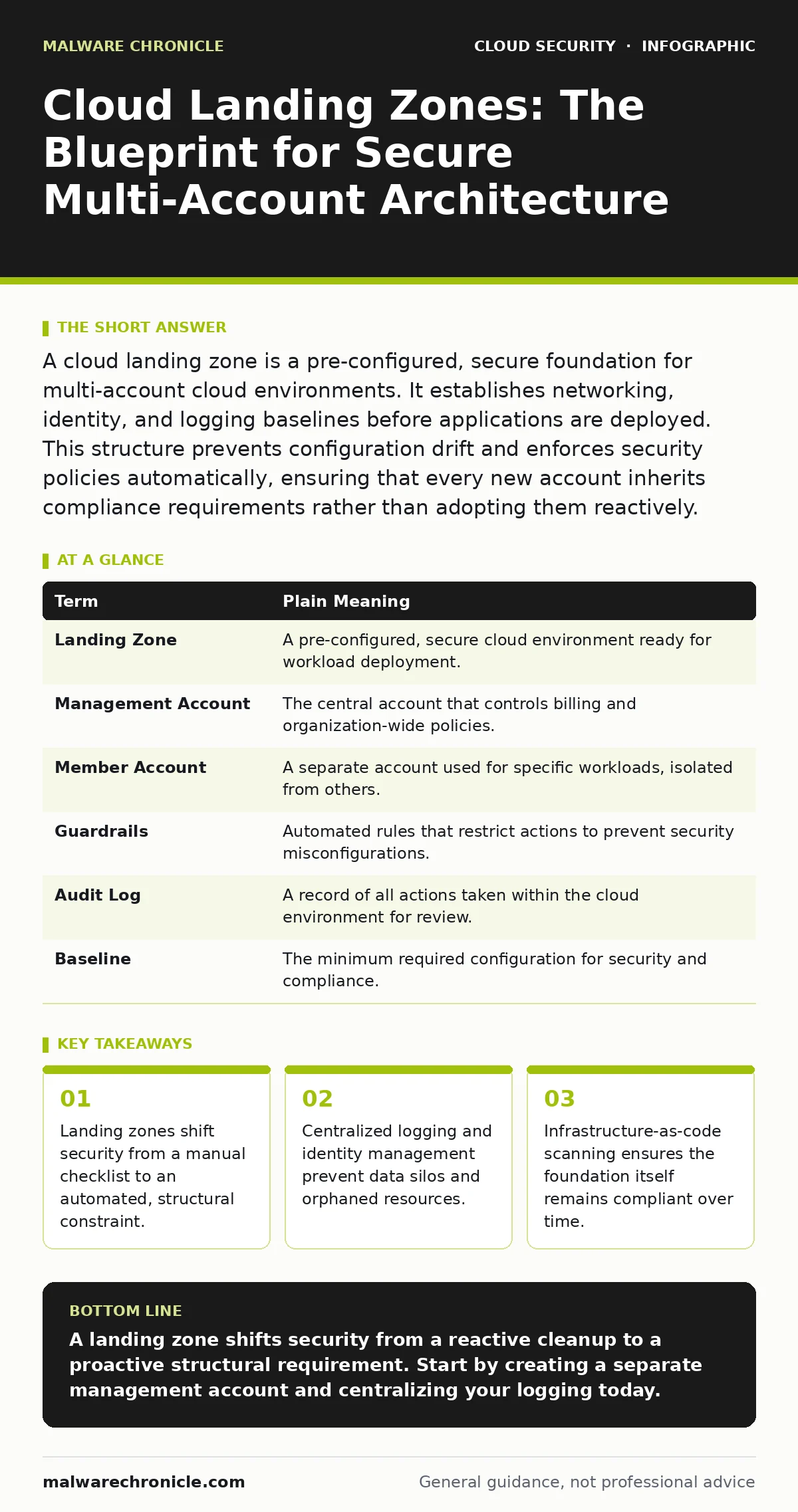
A cloud landing zone is a pre-configured, secure foundation for multi-account cloud environments. It establishes networking, identity, and logging baselines before applications are deployed. This structure prevents configuration drift and enforces security policies automatically, ensuring that every new account inherits compliance requirements rather than adopting them reactively.
The Construction Site Analogy
Imagine you are building a complex office park. You do not hand shovels to workers on a raw dirt field. First, you lay roads, install power grids, and define property lines. This preparation ensures that every building constructed later connects to the same utilities and follows zoning laws. A cloud landing zone functions identically. It is the prepared ground upon which you build your cloud applications. Without it, each application team digs its own well, leading to chaotic, insecure, and unmanageable infrastructure.
Defining the Foundation
A landing zone is not a single server or a specific tool. It is a collection of accounts, networks, and policies designed to support multi-account cloud operations. The primary goal is governance. You want to ensure that when a developer spins up a new environment, it automatically has the correct security settings. This reduces the cognitive load on engineering teams. They do not need to research how to configure network segmentation. They simply deploy into an environment that already has those controls in place.
| Term | Plain Meaning |
|---|---|
| Landing Zone | A pre-configured, secure cloud environment ready for workload deployment. |
| Management Account | The central account that controls billing and organization-wide policies. |
| Member Account | A separate account used for specific workloads, isolated from others. |
| Guardrails | Automated rules that restrict actions to prevent security misconfigurations. |
| Audit Log | A record of all actions taken within the cloud environment for review. |
| Baseline | The minimum required configuration for security and compliance. |
Structuring Multi-Account Environments
The core strength of a landing zone is isolation. You separate workloads into different accounts. One account might hold production data, while another holds development tools. If a vulnerability is exploited in the development account, the attacker cannot easily jump to production. This is known as lateral movement prevention. By using a management account to oversee these units, you gain a single view of costs and security posture. You also avoid the risk of a single compromised account exposing your entire organization.
Automating Policy Enforcement
Manual configuration is error-prone. Human beings forget to enable encryption or misconfigure firewall rules. A landing zone uses automation to enforce standards. When a new account is created, scripts automatically apply the required guardrails. These might include disabling public access to storage buckets or enforcing multi-factor authentication. This approach is often referred to as policy as code. The policy is written in code and applied automatically, ensuring consistency. If someone tries to change a setting that violates the policy, the system rejects the action or reverts it.
Centralizing Observability
Security requires visibility. If logs are scattered across dozens of accounts, you cannot detect an attack. A landing zone aggregates logs into a central location. This central repository allows you to search for suspicious activity across the entire organization. You can correlate events from different accounts to identify complex threats. For example, a login from a rare location in one account combined with a data export in another might indicate a breach. Without centralized logging, these signals remain hidden in silos.
See also: DevSecOps vs CI/CD: Why Security Needs Its Own Pipeline · How to Set Up Single Sign On: Protocol Choices and Risk Controls
Integrating Security Scans
The foundation itself must be secure. The code that builds the landing zone should be scanned for vulnerabilities. This is where infrastructure-as-code scanning becomes critical. You check the templates that define your network and permissions before they are applied. This prevents introducing security flaws into the foundation. Additionally, if you are moving existing workloads to this new structure, consider cloud migration security practices to ensure data integrity during the transition.
First Practical Steps
You do not need to build a perfect landing zone on day one. Start small. Focus on the controls that provide the highest security value with the least operational overhead.
- Create a dedicated management account that holds no production data.
- Enable centralized logging in this account and configure all other accounts to send logs there.
- Implement a basic network segmentation rule that prevents direct internet access to database instances.
Long-Term Maintenance
A landing zone is not a one-time project. As your organization grows, you will add new services and accounts. You must update the baseline configurations to accommodate these changes. Regularly review your cloud asset inventory to ensure all resources are accounted for. If you use containers, remember that insecure container images can still bypass network controls, so image scanning remains necessary. The landing zone provides the structure, but you must maintain the content within it.
Key takeaways
- Landing zones shift security from a manual checklist to an automated, structural constraint.
- Centralized logging and identity management prevent data silos and orphaned resources.
- Infrastructure-as-code scanning ensures the foundation itself remains compliant over time.
A landing zone shifts security from a reactive cleanup to a proactive structural requirement. Start by creating a separate management account and centralizing your logging today.
Frequently asked questions
Do I need a landing zone if I only use one cloud account?
You can still benefit from the structural principles, but the complexity of multi-account governance is less critical. Focus on separating development and production environments logically within that single account.
How does this relate to confidential computing?
Confidential computing protects data in use, while a landing zone protects the environment. You can deploy confidential computing workloads into a landing zone, benefiting from both environmental controls and data encryption during processing.
Can I use a landing zone for hybrid cloud setups?
Yes. The landing zone manages the cloud portion, but you should ensure that identity and logging standards are consistent with your on-premises infrastructure to maintain unified security oversight.
What happens if I accidentally delete a guardrail?
If your landing zone is built using infrastructure-as-code, you can revert the change by redeploying the code. This is why version control for your configuration files is necessary for recovery.
How this guide was produced: written by the Malware Chronicle editorial team with AI assistance, checked against the public references listed below, and reviewed when the facts change. See our editorial policy or report an error.