
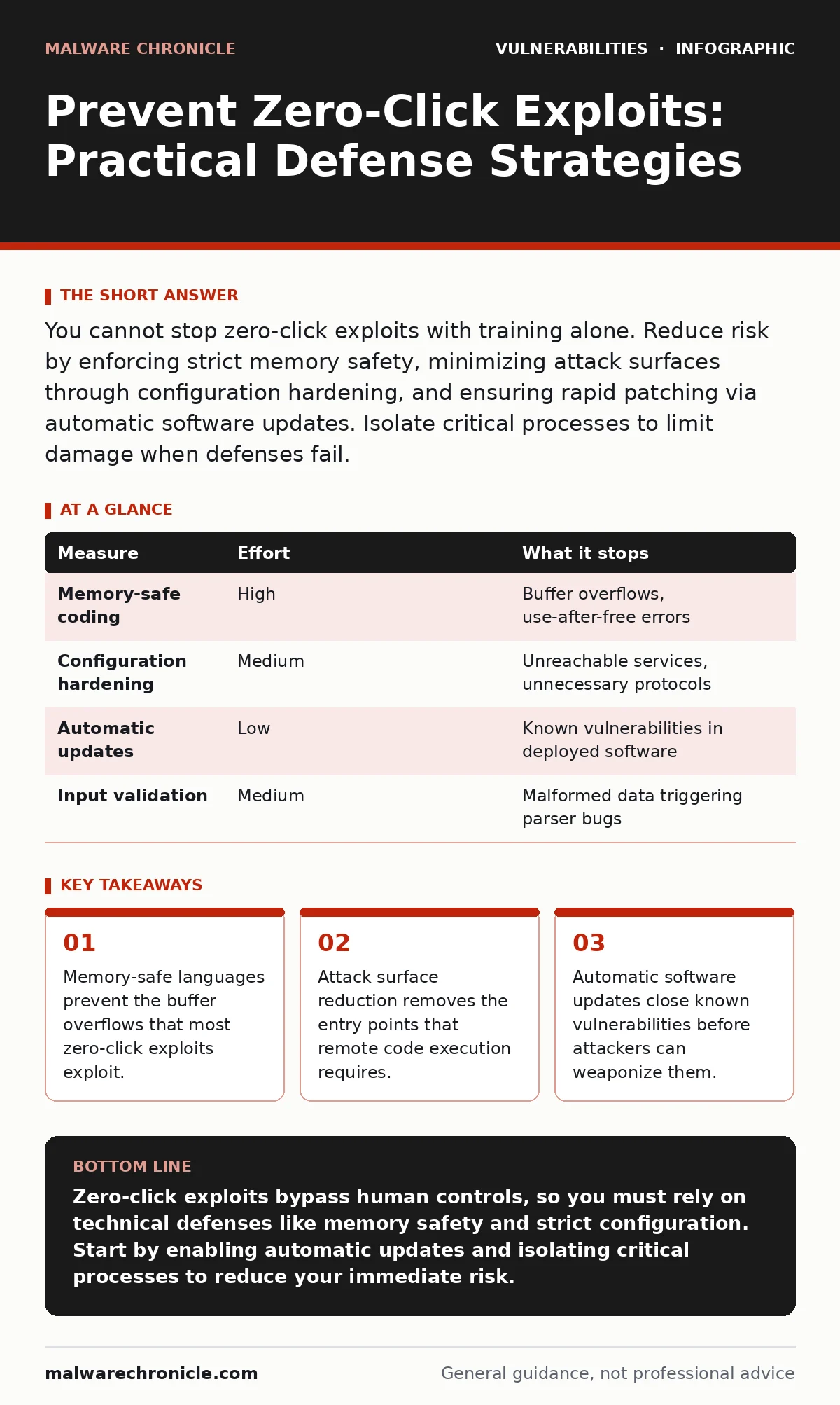
You cannot stop zero-click exploits with training alone. Reduce risk by enforcing strict memory safety, minimizing attack surfaces through configuration hardening, and ensuring rapid patching via automatic software updates. Isolate critical processes to limit damage when defenses fail.
Why User Training Fails Against Zero-Click Threats
Zero-click exploits execute code without any user interaction. They target vulnerabilities in software that processes data automatically, such as image parsers or network stacks. Because the user does not click a link or open a file, security awareness training provides no defense. The attack happens silently in the background. You must shift from behavioral controls to technical controls. Behavioral controls assume a human makes a mistake. Technical controls assume the system will be attacked and design for failure. This shift is necessary because the threat model has changed from social engineering to pure software exploitation.
The Priority of Memory Safety
Most zero-click exploits rely on memory corruption bugs. These bugs allow an attacker to overwrite memory and redirect program execution. Using memory-safe languages like Rust or Go prevents these bugs at the source. These languages enforce bounds checking at compile time or runtime. They make it impossible to write code that overflows a buffer.
If you are building new services, choose a memory-safe language. If you are maintaining legacy code, isolate the dangerous components. Wrap C or C++ libraries in safe wrappers. This reduces the chance that a null pointer dereference bug or similar error becomes exploitable. Memory safety is the strongest defense because it eliminates the root cause of many remote code execution vectors.
Minimizing the Attack Surface
Every feature you expose is a potential entry point. Zero-click exploits often target services that listen for incoming connections or process untrusted data. Reduce the number of enabled features to the minimum required for functionality. Disable unused protocols and services. Restrict network access using firewalls and segmentation. Only allow traffic from trusted sources.
This practice is known as configuration hardening. It does not fix vulnerabilities, but it makes them unreachable. An attacker cannot exploit a service that is not listening. Imagine a building with many doors. Closing the unused doors does not fix the locks, but it forces the intruder to use the main entrance where security is higher.
The Role of Automatic Updates
Vulnerabilities are discovered and patched continuously. The window between disclosure and patching is when attackers are most active. Manual update processes introduce delays. Human error, forgetfulness, or operational constraints can leave systems exposed for weeks or months. Automatic software updates eliminate this delay.
Configure systems to download and install security patches immediately. Test updates in a staging environment to prevent breakage, but do not delay security fixes. Speed is critical when facing zero-click threats. The attacker does not wait for your quarterly maintenance window. They exploit the vulnerability as soon as it is known. Automation ensures you are not left behind.
What Does Not Work Alone
Many organizations rely on endpoint detection and response tools to stop exploits. These tools monitor system behavior for signs of compromise. They are useful for detecting post-exploitation activity. They do not prevent the initial exploit. A zero-click exploit can execute code before any detection mechanism triggers. Relying solely on detection is like installing a camera after the thief has already entered. You will see what happened, but you will not stop it. You need preventive controls. Detection is a backup, not a primary defense. Combine it with prevention to create layers of security. No single tool stops all attacks.
| Measure | Effort | What it stops |
|---|---|---|
| Memory-safe coding | High | Buffer overflows, use-after-free errors |
| Configuration hardening | Medium | Unreachable services, unnecessary protocols |
| Automatic updates | Low | Known vulnerabilities in deployed software |
| Input validation | Medium | Malformed data triggering parser bugs |
See also: Silent Security Patches: What They Are and How to Detect Them · Automatic Software Updates: Security Benefits and Hidden Costs
Isolating Critical Processes
Assume that some exploits will succeed. Limit the damage by isolating processes. Use containers or sandboxes to run untrusted code. Restrict the permissions of each service. A service should only have the permissions it needs to function. If a web server is compromised, it should not have access to the database or the file system. This principle is called least privilege. It prevents lateral movement. An attacker who exploits one service cannot easily jump to another. Imagine a ship with watertight compartments. If one compartment floods, the ship does not sink. Isolation contains the breach. It buys time for detection and response.
Validating Input Strictly
Zero-click exploits often exploit parsers that process data. Image parsers, document parsers, and network protocol handlers are common targets. Validate all input strictly. Reject data that does not conform to expected formats. Use allowlists instead of blocklists. Define what is valid, and reject everything else. This prevents malformed data from reaching the parser. It reduces the chance that a parsing error leads to code execution. Input validation is a defensive layer. It does not replace secure coding, but it adds friction for the attacker. The attacker must craft data that passes validation and still triggers the bug. This makes exploitation harder.
Integrating Security into Development
Security cannot be an afterthought. Integrate security checks into the development pipeline. Use static analysis tools to find potential vulnerabilities before code is deployed. Perform regular penetration testing to identify weaknesses. Scan for known vulnerabilities using vulnerability scanning tools. Review code for authorization bypass vulnerabilities that might allow unauthorized access. These practices catch issues early. Fixing a bug in development is cheaper and faster than fixing it in production. It also reduces the window of exposure. Continuous integration and continuous delivery pipelines should include security gates. Code that fails security checks should not be deployed.
Checklist for Immediate Action
You cannot fix all vulnerabilities today. Focus on the highest impact actions. Review your software stack for memory-unsafe languages. Prioritize rewriting critical components in safe languages. Enable automatic updates for all systems. Ensure patches are applied within hours of release. Audit your network configuration. Disable unused services and restrict access. Isolate critical processes. Reduce the blast radius of any potential breach. These steps reduce risk significantly. They do not eliminate it, but they make exploitation much harder. Start with these actions and build on them.
- Enable automatic security updates for all servers and endpoints.
- Disable unused network services and protocols.
- Isolate critical applications using containers or sandboxes.
Key takeaways
- Memory-safe languages prevent the buffer overflows that most zero-click exploits exploit.
- Attack surface reduction removes the entry points that remote code execution requires.
- Automatic software updates close known vulnerabilities before attackers can weaponize them.
Zero-click exploits bypass human controls, so you must rely on technical defenses like memory safety and strict configuration. Start by enabling automatic updates and isolating critical processes to reduce your immediate risk.
Frequently asked questions
Can a firewall stop zero-click exploits?
A firewall blocks unauthorized network traffic, but it cannot stop exploits that use allowed ports or protocols. It reduces the attack surface but does not prevent exploitation of services that must be accessible.
How do I know if I have been targeted?
Look for unusual system behavior, such as unexpected network connections or high resource usage. Monitor logs for signs of privilege escalation or data exfiltration. Endpoint detection tools can alert you to suspicious activity.
Are mobile devices vulnerable to zero-click exploits?
Yes, mobile operating systems process data automatically, such as iMessages or SMS. Vulnerabilities in these components can be exploited without user interaction. Keep your device software updated and install apps from trusted sources.
Does encryption prevent zero-click exploits?
Encryption protects data in transit and at rest, but it does not prevent exploits in the software that processes the data. Once the data is decrypted and processed, it is vulnerable to exploitation if the software has bugs.
How this guide was produced: written by the Malware Chronicle editorial team with AI assistance, checked against the public references listed below, and reviewed when the facts change. See our editorial policy or report an error.