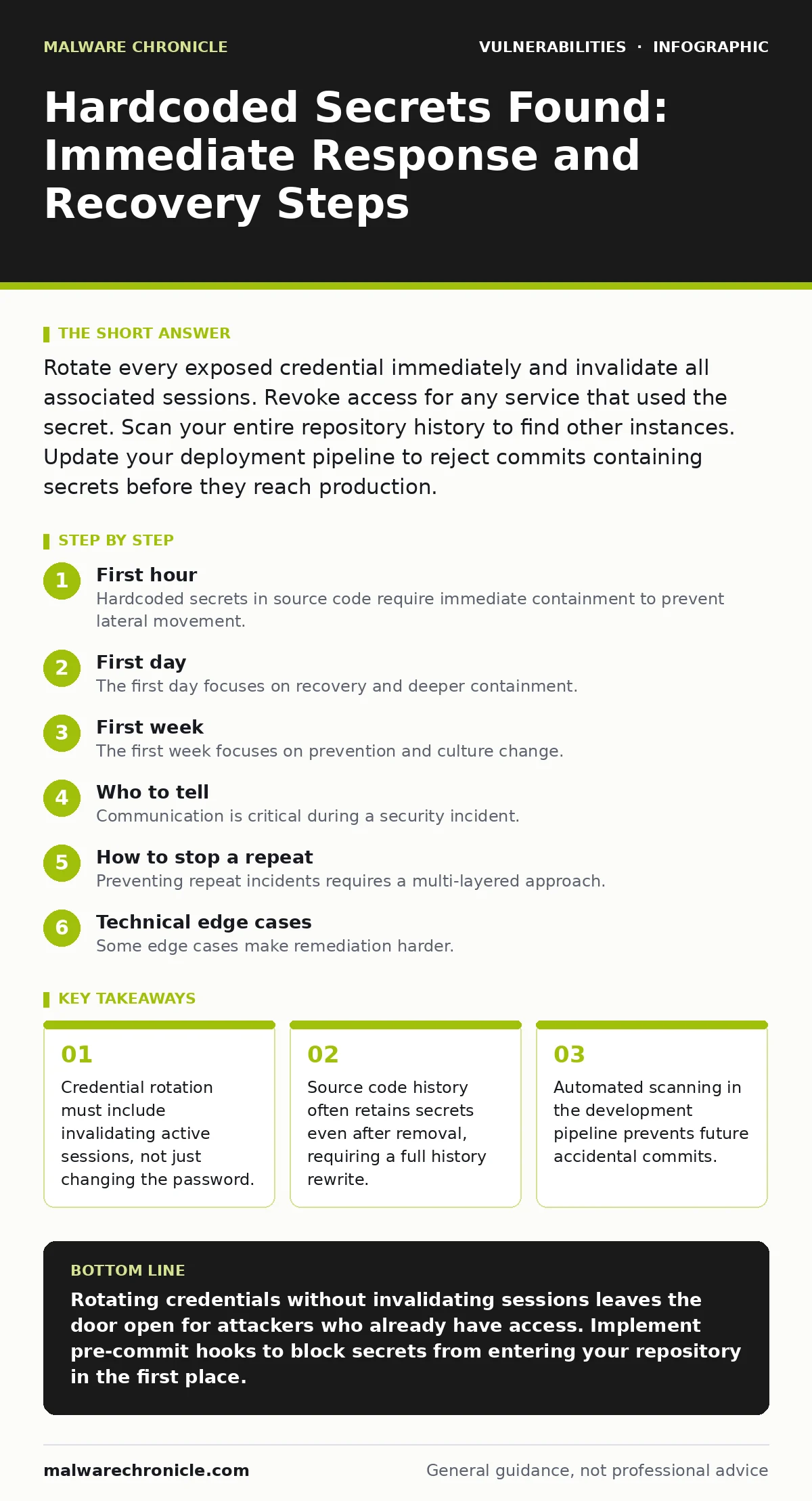
Rotate every exposed credential immediately and invalidate all associated sessions. Revoke access for any service that used the secret. Scan your entire repository history to find other instances. Update your deployment pipeline to reject commits containing secrets before they reach production.
First hour
Hardcoded secrets in source code require immediate containment to prevent lateral movement. You must assume an attacker has accessed the secret the moment it appears in a public or shared repository. The presence of a secret in code implies it was used in production or staging. Attackers scrape repositories for these tokens constantly.
You must act with urgency but maintain a calm process. Panic leads to incomplete remediation. The first hour focuses on stopping the bleeding. You are not trying to fix the code yet. You are trying to close the door the attacker is using.
- Identify the exact type of secret exposed.
- Determine the scope of services using that secret.
- Rotate the secret to a new, random value.
- Invalidate all active sessions tied to the old secret.
- Revoke access for any service accounts compromised.
- Disable the exposed service account if rotation is not possible.
Imagine a developer commits a database password to a public GitHub repository. Within minutes, automated bots scrape the repo. The attacker logs in. If you only delete the file, the attacker remains logged in. You must change the password and kick the attacker out. This is the difference between containment and continued breach.
First day
The first day focuses on recovery and deeper containment. You have stopped the immediate leak, but you must ensure no other secrets were exposed. One hardcoded secret rarely exists in isolation. Developers often copy-paste configuration blocks. If one file has a secret, others likely do too.
You must scan the entire codebase for similar patterns. Look for API keys, private keys, and connection strings. Use static analysis tools to find these patterns. Do not rely on manual search. Regular expressions often miss variations. Tools designed for secret detection are more accurate.
Check your logs for unusual activity during the exposure window. Look for login attempts from unknown locations. Check for data exfiltration patterns. If the secret was for a cloud provider, check for new resources created. Attackers often spin up crypto miners or send spam.
You must also review your deployment pipeline. How did this secret make it into the code? The pipeline should have caught it. If it did not, you must fix the pipeline. This is not just about fixing the code. It is about fixing the process that allowed the code to ship.
First week
The first week focuses on prevention and culture change. You have contained the incident and scanned the code. Now you must ensure it never happens again. This requires technical controls and process changes. Technical controls catch mistakes. Process changes reduce the likelihood of mistakes.
Implement pre-commit hooks that scan code for secrets. These hooks run locally before the developer pushes code. They provide immediate feedback. If a developer tries to commit a secret, the hook blocks it. This stops the secret from entering the repository at all.
Update your security advisories to include hardcoded secrets as a critical risk. Educate your team on why this is dangerous. Many developers think a secret in a test file is harmless. It is not. Test files often get merged into production by mistake.
Review your infrastructure as code scanning practices. Secrets often leak into configuration files like Terraform or CloudFormation. These files are also code. They must be treated with the same scrutiny. Ensure your scanning tools cover all configuration formats.
Who to tell
Communication is critical during a security incident. You must tell the right people at the right time. Telling too many people can cause panic. Telling too few can delay response. You need a clear communication plan.
Notify your security team immediately. They need to help with containment and investigation. Notify your engineering leads. They need to help with code scanning and pipeline fixes. Notify your product managers. They need to know if there is customer impact.
If the secret was for a third-party service, notify the service provider. They can help with rotation and monitoring. Some providers have specific incident response procedures. Follow their guidance. Do not assume they know about the leak.
Document everything. Keep a log of actions taken. This log helps with post-incident review. It also helps if you need to explain the incident to auditors or regulators. Clear documentation reduces liability.
How to stop a repeat
Preventing repeat incidents requires a multi-layered approach. No single control is sufficient. You must combine technical controls, process changes, and education. This is similar to addressing authorization bypass vulnerabilities. You need checks at every layer.
Use a secrets manager. Store secrets in a dedicated service. Reference secrets in code by their identifier, not their value. This ensures secrets never appear in source code. The secrets manager handles rotation and access control. This reduces the risk of human error.
Implement least privilege access. Service accounts should only have the permissions they need. If a secret is leaked, the damage is limited. An attacker cannot do much if the secret only allows read access to a log file.
Regularly audit your secrets. Check who has access to what. Rotate secrets periodically. This limits the window of opportunity for an attacker. Even if a secret is leaked, it expires soon. This reduces the impact of any single leak.
See also: Build a Cyber Incident Response Team: Step-by-Step Implementation · Attacker Dwell Time: Definition, Measurement and Reduction Tactics
Technical edge cases
Some edge cases make remediation harder. For example, some secrets are embedded in binaries. You cannot simply rotate a secret in a compiled binary. You must rebuild and redeploy the binary. This can be complex for large applications.
Other secrets are used in multiple environments. You must rotate the secret in all environments. If you only rotate it in production, the staging environment still uses the old secret. An attacker can use the staging secret to pivot to production.
Some secrets are part of cryptographic operations. Rotating these requires careful planning. You must ensure that old data can still be decrypted. This often requires a key migration process. Rushing this process can lead to data loss.
Checklist for the first hour
Use this checklist to ensure you do not miss critical steps.
- Identify the secret and its scope.
- Rotate the secret immediately.
- Invalidate active sessions.
- Revoke access for compromised services.
- Scan the entire repository history.
- Notify the security team.
- Document all actions taken.
Key takeaways
- Credential rotation must include invalidating active sessions, not just changing the password.
- Source code history often retains secrets even after removal, requiring a full history rewrite.
- Automated scanning in the development pipeline prevents future accidental commits.
Rotating credentials without invalidating sessions leaves the door open for attackers who already have access. Implement pre-commit hooks to block secrets from entering your repository in the first place.
Frequently asked questions
Do I need to rewrite my git history to remove hardcoded secrets?
Yes, if the secrets are in public repositories or shared with external parties. Standard deletion leaves the secret in the commit history. Tools like git-filter-repo can help rewrite history, but backup your data first.
Can I just mark the secret as deprecated in the code?
No, marking a secret as deprecated does not revoke access. Attackers will still use the active secret. You must rotate the secret to a new value and ensure the old one is invalid.
How do I scan for secrets in large repositories?
Use specialized secret scanning tools that support common secret formats. Integrate these tools into your CI/CD pipeline to scan every commit. Regular full-history scans are also recommended.
What if the secret is used in a third-party library?
You cannot control third-party code. Update the library to a patched version if available. If not, you may need to replace the library. Monitor the library for security advisories regularly.
How this guide was produced: written by the Malware Chronicle editorial team with AI assistance, checked against the public references listed below, and reviewed when the facts change. See our editorial policy or report an error.