
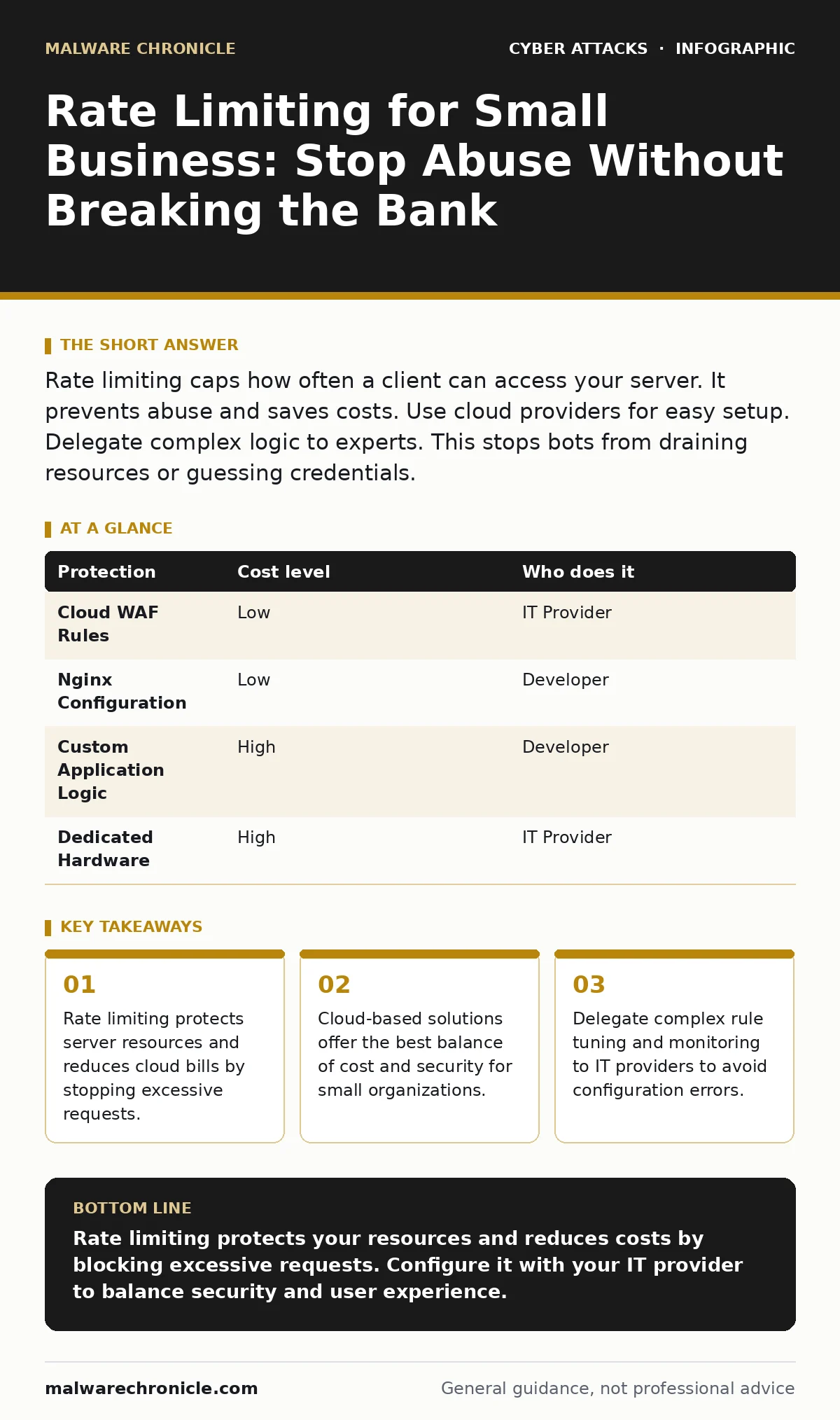
Rate limiting caps how often a client can access your server. It prevents abuse and saves costs. Use cloud providers for easy setup. Delegate complex logic to experts. This stops bots from draining resources or guessing credentials.
Why Small Teams Need Limits
Small organizations often believe they are too small to be targeted. This belief creates a dangerous blind spot. Attackers use automated tools to scan the entire internet for open ports and weak configurations. They do not care about company size. They care about open doors.
Rate limiting controls the number of requests a client can make in a given time. It acts as a speed bump for traffic. When a user sends too many requests, the server rejects the excess. This protects your application from crashing. It also prevents attackers from guessing passwords through brute force.
Without this control, a single malicious script can consume all your available bandwidth. Your legitimate customers will see error pages. Your cloud hosting costs will spike as you pay for wasted compute cycles. Rate limiting keeps your infrastructure responsive and your expenses predictable.
The Hidden Cost of Unchecked Traffic
Many developers focus on application logic and ignore network traffic patterns. This oversight leads to unexpected expenses. Cloud providers charge for data transfer and compute time. A botnet can generate terabytes of useless traffic in hours. You pay for every byte.
Rate limiting reduces this waste by rejecting bad traffic early. It stops the request before it reaches your application code. This saves CPU cycles and memory. It also improves the experience for human users who do not click buttons at machine speed.
Imagine your login page. An attacker tries ten thousand passwords per minute. Without limits, your database processes every attempt. With limits, the server blocks the attacker after ten tries. Your database remains healthy. Your users log in quickly.
Affordable Ways to Implement Controls
You do not need expensive hardware to implement rate limiting. Most modern cloud platforms include this feature. Services like AWS WAF or Cloudflare offer built-in rules. You can set limits by IP address or by user account.
For small teams, managed services are the most cost-effective choice. They handle the heavy lifting of traffic analysis. You only pay for what you use. This model scales with your growth. It avoids the upfront cost of dedicated security appliances.
If you host your own servers, you can use open-source software. Nginx and Apache have modules for rate limiting. These tools are free but require configuration skills. You must monitor logs to adjust thresholds. This adds operational overhead.
| Protection | Cost level | Who does it |
|---|---|---|
| Cloud WAF Rules | Low | IT Provider |
| Nginx Configuration | Low | Developer |
| Custom Application Logic | High | Developer |
| Dedicated Hardware | High | IT Provider |
What to Delegate to Experts
Configuration is not a one-time task. Attackers change their tactics. They rotate IP addresses. They use residential proxies to mimic human behavior. You must update your rules to stay effective.
Delegate rule tuning to an IT provider. They have the tools to analyze traffic patterns. They can distinguish between a slow user and a bot. They can adjust thresholds without disrupting service. This saves your team time.
Do not delegate the definition of business rules. You know your application. You know how many requests a normal user makes. Provide these metrics to your provider. They will translate them into technical limits.
Common Mistakes in Configuration
A common error is setting limits too low. This blocks legitimate users. It creates frustration and support tickets. You want to stop bots, not humans. Find the balance between security and usability.
Another mistake is relying solely on IP-based limits. Attackers use large pools of IP addresses. They can bypass simple IP blocks. Combine IP limits with other signals. Look at request headers and behavior patterns.
Some teams forget to rate limit internal APIs. Internal services are often less protected. Attackers who breach the perimeter can abuse these APIs. Apply limits everywhere. Treat internal traffic with the same caution as external traffic.
See also: What Is the Purpose of Security Awareness Training? · Email Filtering FAQ: 8 Answers for Secure Inbox Management
Integrating with Other Defenses
Rate limiting is one layer of defense. It works best with other controls. Combine it with intrusion detection systems to spot anomalies. These systems alert you when traffic patterns change. They help you refine your limits.
Use it alongside phishing simulations to train your staff. Rate limiting stops automated attacks. It does not stop a human from clicking a malicious link. Your staff must remain vigilant. Education complements technical controls.
Consider DNS spoofing risks. Attackers may redirect traffic to fake servers. Rate limiting on your real server does not help if users are sent elsewhere. Ensure your DNS security is strong. Use DNSSEC to protect your domain.
Questions for Your IT Provider
When hiring help, ask specific questions. Vague answers hide gaps in knowledge. You need to understand their approach.
- How do you distinguish between a slow user and a bot?
- What happens when a legitimate user exceeds the limit?
- How do you update rules when attack patterns change?
- Do you monitor internal API traffic as well?
- How do you report blocked traffic to our team?
Balancing Security and Experience
Security measures must not degrade user experience. If your site is too strict, users will leave. They will go to competitors. You must test your limits regularly. Simulate high traffic. Check for false positives.
Adjust your rules based on feedback. Monitor error rates. Listen to customer support. If users complain about being blocked, raise the threshold. If you see abuse, lower it. This is an ongoing process.
Rate limiting is a tool, not a solution. It reduces risk. It does not eliminate it. Combine it with strong authentication and regular updates. This creates a resilient system. Your small business can compete securely.
Key takeaways
- Rate limiting protects server resources and reduces cloud bills by stopping excessive requests.
- Cloud-based solutions offer the best balance of cost and security for small organizations.
- Delegate complex rule tuning and monitoring to IT providers to avoid configuration errors.
Rate limiting protects your resources and reduces costs by blocking excessive requests. Configure it with your IT provider to balance security and user experience.
Frequently asked questions
Does rate limiting stop DDoS attacks?
It mitigates small-scale application-layer attacks. It does not stop large volumetric floods. You need specialized DDoS protection for those.
Can I implement this myself?
Yes, if you have technical skills. Use cloud WAF or open-source web servers. However, tuning requires expertise.
How do I set the right limit?
Measure your normal traffic. Set limits above the 95th percentile. Adjust based on error rates and user feedback.
Does this affect mobile users?
It can, if they have poor connections. Ensure your limits account for retry behavior. Do not block users for transient errors.
How this guide was produced: written by the Malware Chronicle editorial team with AI assistance, checked against the public references listed below, and reviewed when the facts change. See our editorial policy or report an error.