
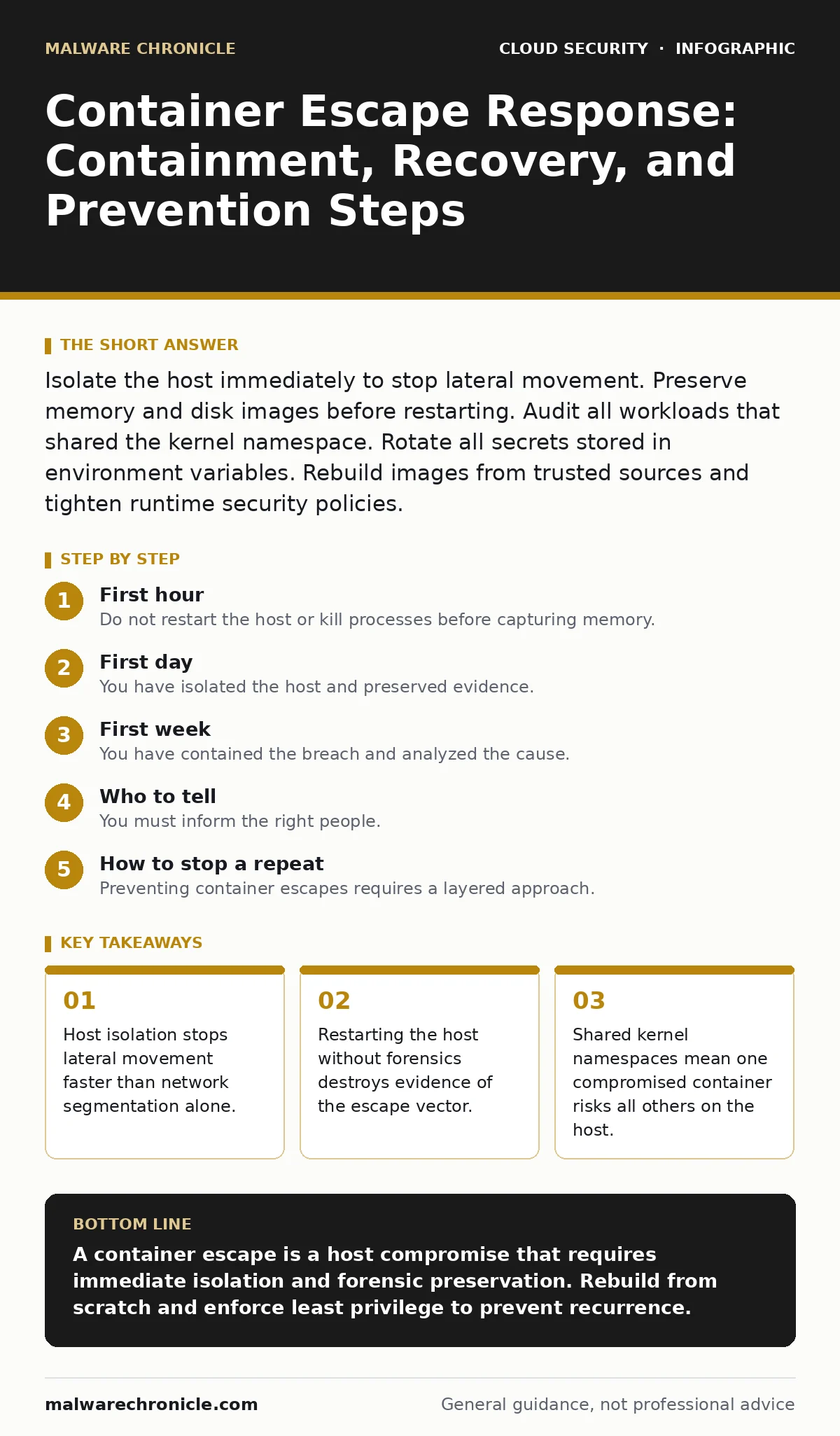
Isolate the host immediately to stop lateral movement. Preserve memory and disk images before restarting. Audit all workloads that shared the kernel namespace. Rotate all secrets stored in environment variables. Rebuild images from trusted sources and tighten runtime security policies.
First hour
Checklist for the first hour
- Isolate the compromised host from the network immediately.
- Snapshot the host’s memory and disk before any changes.
- Identify all containers that ran on the affected host.
- Rotate secrets exposed in environment variables or mounted volumes.
- Check for new user accounts or SSH keys on the host.
- Verify if the attacker accessed the container runtime API.
Imagine you detect unusual outbound traffic from a container. The process is sending data to an IP address not in your allowlist. You suspect a container escape, where a process breaks out of its isolated environment to access the underlying host. This is not a simple application bug. It is a full system compromise.
Your first action must be isolation. Do not try to debug the container. Do not restart the service. Cut the host off from the network. If you use a cloud provider, detach the network interface or apply a security group that denies all traffic. Physical servers require pulling the network cable. This stops the attacker from moving laterally to other hosts or exfiltrating more data.
Next, preserve the state. The host’s memory contains the attacker’s tools, decrypted keys, and the exact moment of the breakout. Take a memory dump. Snapshot the disk. If you are in a cloud environment, create a snapshot of the volume before terminating the instance. These artifacts are your only proof of what happened.
Identify the scope. List every container that ran on this host. Even if they are not currently running, they shared the kernel. If the attacker gained root on the host, they could have modified the binaries of any other container that was scheduled there. Assume all workloads on that host are compromised.
Rotate secrets immediately. If the attacker accessed the host, they likely read environment variables from other containers or accessed mounted secret files. Treat every secret that existed on that host as exposed. Rotate API keys, database passwords, and signing certificates. Do not wait for confirmation. Assume the worst.
Check for persistence. Look for new user accounts, SSH keys, or cron jobs on the host. Attackers often install backdoors to return after you reboot. If you find any, document them. Do not delete them yet. They are evidence.
First day
Containment and Analysis
You have isolated the host and preserved evidence. Now you must contain the damage and analyze the breach. Do not rush to rebuild. You need to understand the escape vector to prevent it from happening again.
Analyze the memory dump. Look for processes that should not be there. Check for network connections that the attacker established. Look for files that were modified recently. The goal is to find the tool they used to escape. Common methods include kernel exploits, misconfigured capabilities, or shared volumes.
Review the container configuration. Did the container run with privileged mode? Did it mount the host’s filesystem? Did it have access to the Docker socket? These are common mistakes that allow escape. If you found the escape vector, you know what to fix.
Check for lateral movement. Did the attacker access other hosts? Check logs from other servers for unusual login attempts or process executions. If the attacker moved, you need to isolate those hosts too. This is where microsegmentation helps. If your network is properly segmented, the attacker’s movement is limited.
Rotate all credentials again. If the attacker accessed the host, they might have accessed credential stores or identity providers. Rotate tokens and keys for any service that the host could access. This includes cloud provider credentials, database credentials, and internal API keys.
Document everything. Write down what you found, what you did, and when. This documentation is critical for post-incident review and for legal or compliance purposes. It also helps you spot patterns if this happens again.
First week
Recovery and Prevention
You have contained the breach and analyzed the cause. Now you must recover and prevent recurrence. Do not just rebuild the host. You must fix the underlying issues.
Rebuild the host from scratch. Do not clean the existing host. Attackers can hide in places you cannot see. Reinstall the operating system. Rebuild the container runtime. Restore only the data you trust. Do not restore binaries or configuration files from the compromised host.
Rebuild the container images. Do not just re-run the old images. They may contain backdoors. Rebuild images from trusted sources. Use infrastructure-as-code scanning to check for vulnerabilities in the base images and dependencies. Ensure the images are built from a secure CI/CD pipeline.
Tighten runtime security. Apply the principle of least privilege. Do not run containers as root. Do not mount the host filesystem unless absolutely necessary. Do not give containers privileged mode. Use policy as code to enforce these rules automatically. This prevents configuration drift and human error.
Implement service mesh security. A service mesh can enforce mutual TLS between containers. This ensures that even if an attacker escapes a container, they cannot easily communicate with other services without proper credentials. It adds a layer of defense that is independent of the container runtime.
Review your cloud landing zones. Ensure that your cloud infrastructure follows security best practices. This includes network segmentation, identity management, and logging. A secure landing zone provides a foundation that makes container escapes harder to exploit.
Monitor for anomalies. Set up alerts for unusual behavior, such as new processes, network connections, or file modifications. Use behavioral analytics to detect escapes that signature-based tools might miss. This helps you catch future incidents faster.
Who to tell
You must inform the right people. This includes your security team, legal department, and potentially your customers. Do not hide the incident. Transparency builds trust.
Inform your security team immediately. They need to coordinate the response and ensure that all steps are followed. They also need to document the incident for future reference.
Inform your legal department. They need to assess the legal implications of the breach. This includes data privacy laws and contractual obligations. They can also advise on whether you need to notify regulators or customers.
Inform your customers if their data was affected. Be honest and transparent. Explain what happened, what you did to fix it, and what you are doing to prevent it from happening again. This builds trust and reduces the risk of reputational damage.
See also: Security Misconfigurations: Response and Recovery Steps · Build a Cyber Incident Response Team: Step-by-Step Implementation
How to stop a repeat
Preventing container escapes requires a layered approach. No single measure is enough. You must combine secure configuration, runtime protection, and continuous monitoring.
Use confidential computing for sensitive workloads. This encrypts data in memory and ensures that even if an attacker escapes the container, they cannot read the data. This is particularly useful for handling sensitive information like financial data or personal health records.
Regularly audit your container configurations. Use automated tools to check for misconfigurations. Ensure that containers are running with the minimum required privileges. This reduces the attack surface and makes escapes harder.
Keep your container runtime updated. Vulnerabilities in the runtime can allow escapes. Ensure that you are using the latest version and that you apply patches promptly. This closes known vulnerabilities before attackers can exploit them.
Train your developers. Many container escapes are caused by misconfigurations. Educate your developers on secure container practices. This includes how to write secure Dockerfiles, how to manage secrets, and how to configure runtime security.
Key takeaways
- Host isolation stops lateral movement faster than network segmentation alone.
- Restarting the host without forensics destroys evidence of the escape vector.
- Shared kernel namespaces mean one compromised container risks all others on the host.
A container escape is a host compromise that requires immediate isolation and forensic preservation. Rebuild from scratch and enforce least privilege to prevent recurrence.
Frequently asked questions
Should I delete the compromised container immediately?
No. Isolate the host and preserve evidence first. Deleting the container destroys valuable forensic data needed to understand the attack.
Can a container escape affect other containers on the same host?
Yes. All containers on a host share the kernel. If an attacker escapes one container, they can potentially access or modify other containers on that host.
Is running containers as root the only way to prevent escapes?
No. Running as root is a risk, but escapes can occur through kernel vulnerabilities, shared volumes, or misconfigured capabilities. Use multiple layers of defense.
Do I need to notify customers of a container escape?
It depends on whether customer data was accessed. Consult your legal team to determine your obligations under data privacy laws and contracts.
How this guide was produced: written by the Malware Chronicle editorial team with AI assistance, checked against the public references listed below, and reviewed when the facts change. See our editorial policy or report an error.