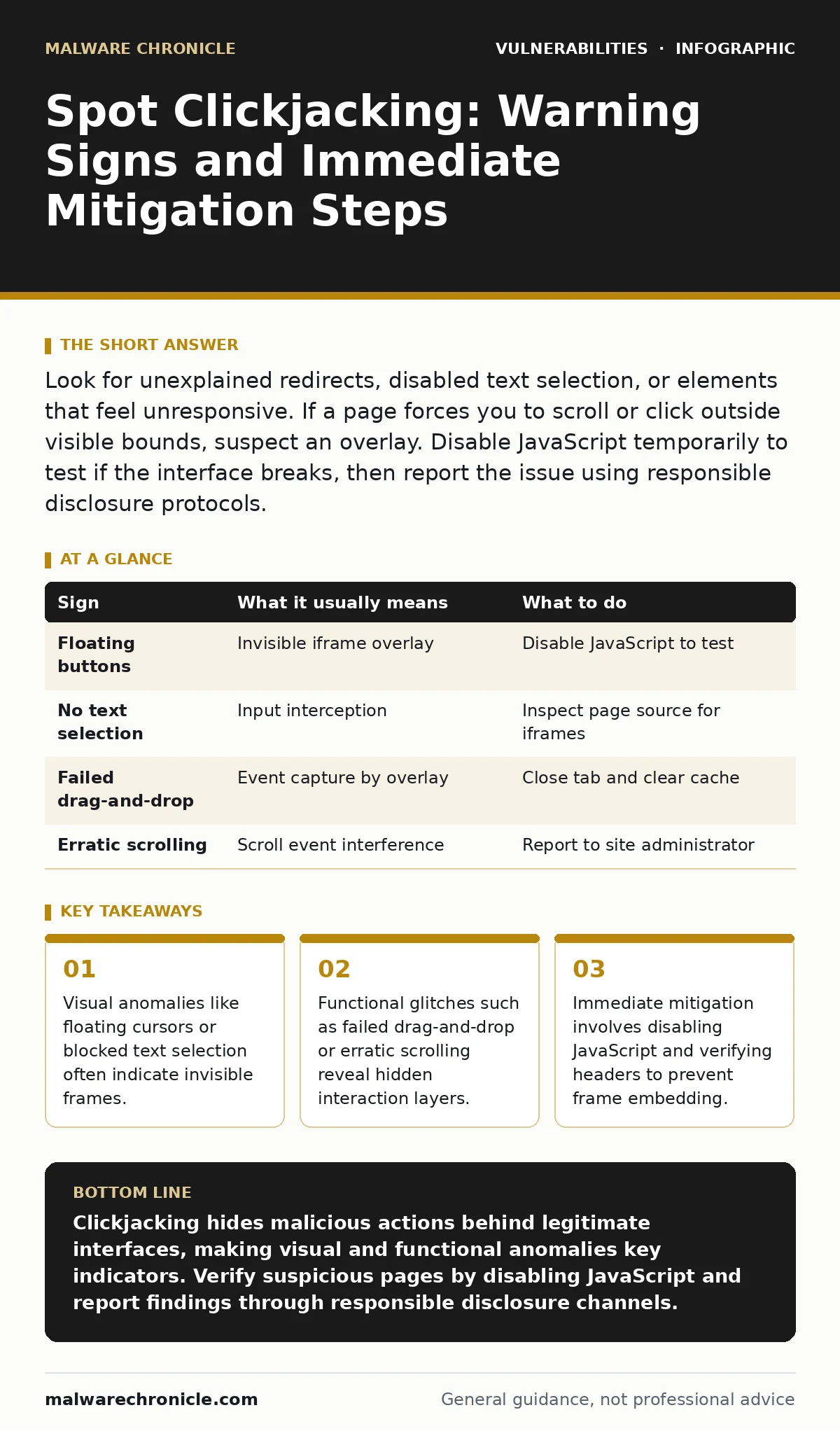
Look for unexplained redirects, disabled text selection, or elements that feel unresponsive. If a page forces you to scroll or click outside visible bounds, suspect an overlay. Disable JavaScript temporarily to test if the interface breaks, then report the issue using responsible disclosure protocols.
Visual Distortions and Overlay Artifacts
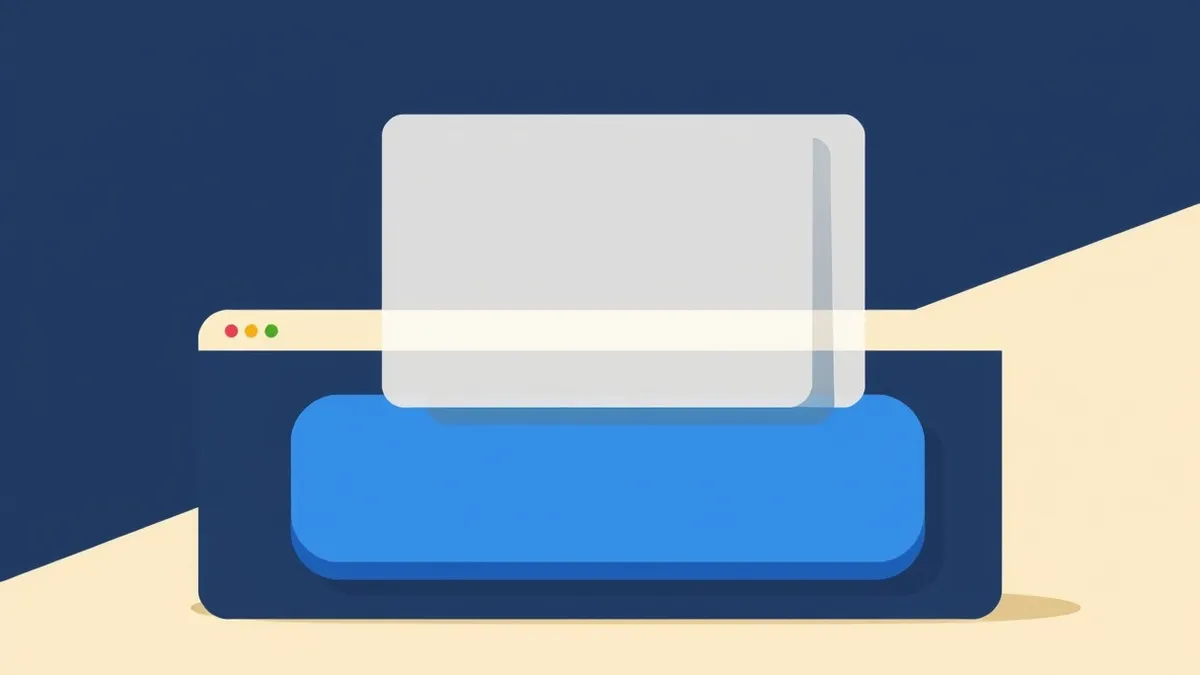
The first sign of a clickjacking attack often appears as a subtle visual glitch. You might notice that certain buttons on a webpage seem to float above the rest of the content, lacking the proper depth or shadowing of the surrounding interface. This happens when an attacker loads your site inside an invisible iframe, a nested browsing context that allows one webpage to be displayed within another.
The attacker makes this iframe transparent and places their own malicious interface on top. When you think you are clicking a benign button, you are actually clicking the hidden button beneath it. Look for misaligned text or images that do not match the expected layout. These artifacts occur because the overlay does not perfectly mask the underlying page, leaving small gaps or visual inconsistencies.
Text Selection and Input Anomalies
A more technical but equally telling sign involves how the browser handles text selection. Try to highlight a paragraph of text on the suspected page. If the selection fails, stops abruptly, or selects text in an unexpected order, an invisible layer is likely intercepting your input events. Attackers often disable text selection in their overlay to prevent you from inspecting the source code or revealing the hidden content through selection highlighting.
Input fields may also behave strangely. You might find that you cannot type into a search box, or that the cursor jumps to a different location after each keystroke. This indicates that the focus is not on the visible input field but on a hidden element within the iframe. These input anomalies are hard to miss if you are actively trying to interact with the form, but they are easy to overlook during casual browsing.
Functional Glitches and Navigation Issues
Functional failures often reveal the presence of a clickjacking attack when visual cues are absent. Suppose you attempt to drag and drop an element, such as a file or a UI component, and the action fails immediately. This failure suggests that the drag event is being captured by an invisible layer that does not support the operation.
Scrolling behavior can also be a red flag. If the page scrolls in a way that feels jerky or unresponsive, an overlay might be interfering with the scroll events. Additionally, if clicking a link causes the page to reload or navigate to an unexpected location without any visible change, the click may have been intercepted by a hidden submit button. These functional glitches are often dismissed as poor website performance, but they are strong indicators of a compromised interface.
The Hidden Cost of Invisible Attacks
The danger of clickjacking lies in its ability to bypass traditional security controls. Since the user is interacting with their own browser and their own session, there is no obvious sign of a third-party intrusion. The attack relies on social engineering and interface manipulation rather than exploiting code vulnerabilities directly. This makes it difficult for automated security tools to detect, as the traffic appears legitimate.
Imagine a scenario where you are managing your account settings. An attacker lures you to a page that looks like your account dashboard. You click "Save Changes," thinking you are updating your profile. In reality, you are clicking a hidden button that transfers funds or changes your password. The browser confirms the action because it originated from your session, not from an external source. This highlights the importance of verifying the context of every action you take online.
Immediate Mitigation Steps
If you suspect a clickjacking attack, your first step is to disable JavaScript in your browser. Many clickjacking attacks rely on JavaScript to manipulate the iframe and hide the underlying content. Disabling JavaScript will often break the overlay, revealing the true nature of the page. This is a temporary measure to verify the suspicion, not a long-term solution.
Next, check the page source for any iframe elements. Look for frames with attributes like display: none or opacity: 0. These attributes are used to hide the iframe from view. If you find such elements, do not interact with the page further. Close the tab immediately and clear your browser cache to remove any potentially malicious scripts.
| Sign | What it usually means | What to do |
|---|---|---|
| Floating buttons | Invisible iframe overlay | Disable JavaScript to test |
| No text selection | Input interception | Inspect page source for iframes |
| Failed drag-and-drop | Event capture by overlay | Close tab and clear cache |
| Erratic scrolling | Scroll event interference | Report to site administrator |
Preventing Future Exploits
To protect yourself from clickjacking, ensure your browser is up to date. Modern browsers include features like X-Frame-Options and Content Security Policy headers that prevent websites from being embedded in iframes without permission. These headers are part of configuration hardening practices that site administrators should implement.
You can also use browser extensions that block iframes or detect suspicious overlay patterns. While these tools are not foolproof, they add an extra layer of defense. Additionally, be wary of links from untrusted sources. If a link leads to a page that looks slightly off, do not interact with it. Instead, navigate to the site directly by typing the URL into the address bar.
Reporting and Responsible Disclosure
If you discover a clickjacking vulnerability on a website, report it to the site administrator or security team. Use responsible disclosure channels to ensure the issue is addressed without exposing users to risk. Do not share the details publicly until the site has had time to patch the vulnerability.
Reporting helps improve the security of the web for everyone. It allows developers to implement proper frame-busting techniques and headers. This collaborative approach is more effective than trying to protect yourself in isolation. By sharing your findings, you contribute to a safer online environment.
Key takeaways
- Visual anomalies like floating cursors or blocked text selection often indicate invisible frames.
- Functional glitches such as failed drag-and-drop or erratic scrolling reveal hidden interaction layers.
- Immediate mitigation involves disabling JavaScript and verifying headers to prevent frame embedding.
Clickjacking hides malicious actions behind legitimate interfaces, making visual and functional anomalies key indicators. Verify suspicious pages by disabling JavaScript and report findings through responsible disclosure channels.
Frequently asked questions
How do I know if my browser is protected against clickjacking?
Most modern browsers enforce security headers by default, but you can check the page source for X-Frame-Options or Content Security Policy directives to confirm protection.
Can disabling JavaScript stop all clickjacking attacks?
Disabling JavaScript breaks many attacks that rely on dynamic overlays, but it does not protect against all techniques, especially those using pure HTML and CSS.
What is the difference between clickjacking and cross-site scripting?
Clickjacking tricks users into clicking hidden elements, while cross-site scripting injects malicious code into webpages viewed by other users.
Should I report clickjacking vulnerabilities to bug bounty programs?
Yes, if the website participates in a bug bounty program, reporting the vulnerability can lead to a reward and help improve the site's security posture.
How this guide was produced: written by the Malware Chronicle editorial team with AI assistance, checked against the public references listed below, and reviewed when the facts change. See our editorial policy or report an error.