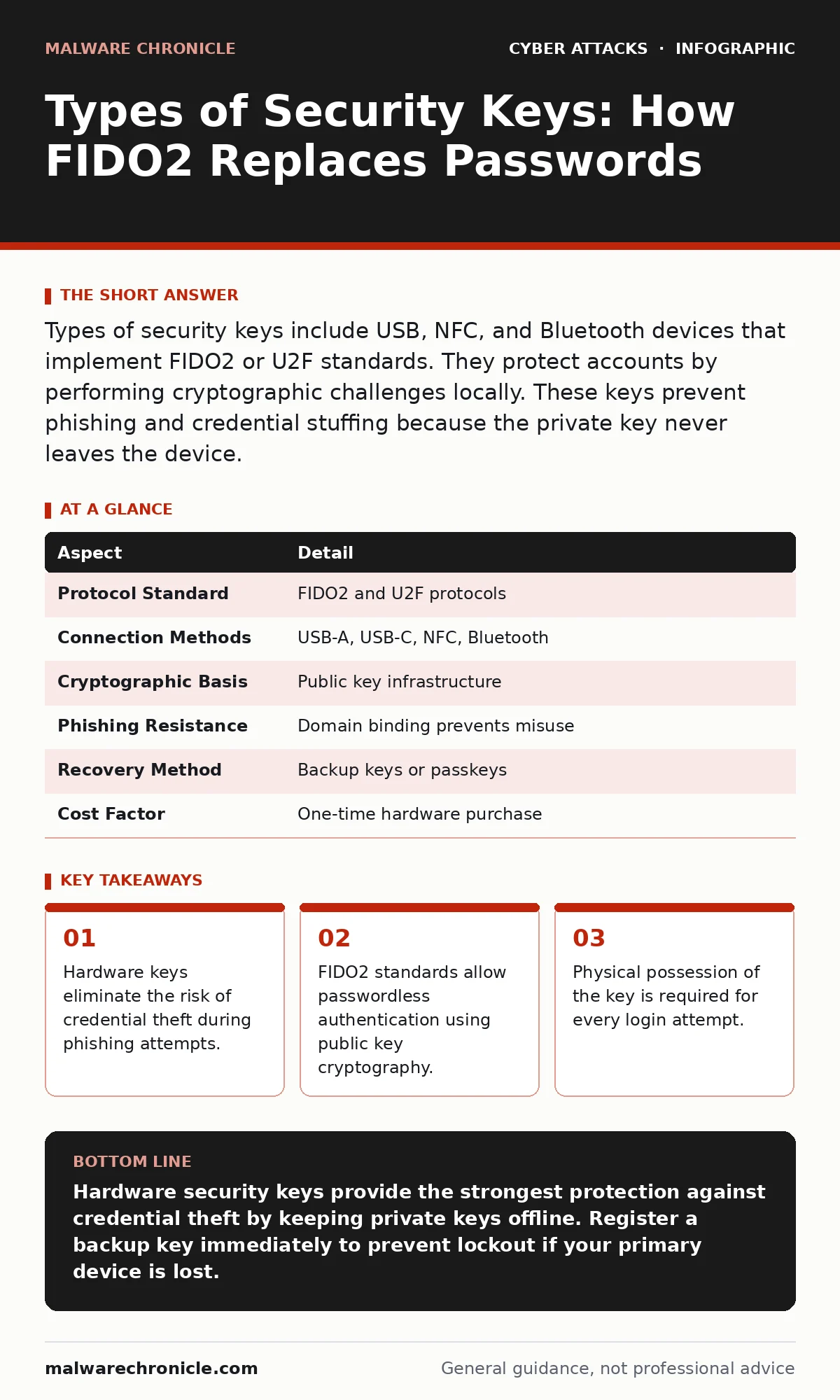
Types of security keys include USB, NFC, and Bluetooth devices that implement FIDO2 or U2F standards. They protect accounts by performing cryptographic challenges locally. These keys prevent phishing and credential stuffing because the private key never leaves the device.
Understanding the Hardware Key Mechanism
Imagine a bank vault that requires two distinct actions to open. You must present a unique physical key and turn it in a specific way. A software password is like a combination that can be written down, photographed, or guessed. A hardware security key acts as the physical key. It stores cryptographic material that cannot be extracted. The device proves your identity without revealing the secret.
This mechanism relies on asymmetric cryptography. The key holds a private key, which never leaves the device. It shares a public key with the service provider. When you log in, the server sends a challenge. The key signs this challenge with the private key. The server verifies the signature using the public key. This process confirms your identity without transmitting sensitive data.
The security benefit is isolation. Malware on your computer cannot see the private key. Phishing sites cannot trick the key into signing a challenge for the wrong domain. The key checks the origin of the request. If the domain does not match the registered service, the key refuses to act. This binding prevents replay attacks and credential harvesting.
| Aspect | Detail |
|---|---|
| Protocol Standard | FIDO2 and U2F protocols |
| Connection Methods | USB-A, USB-C, NFC, Bluetooth |
| Cryptographic Basis | Public key infrastructure |
| Phishing Resistance | Domain binding prevents misuse |
| Recovery Method | Backup keys or passkeys |
| Cost Factor | One-time hardware purchase |
Types of Security Keys and Interfaces
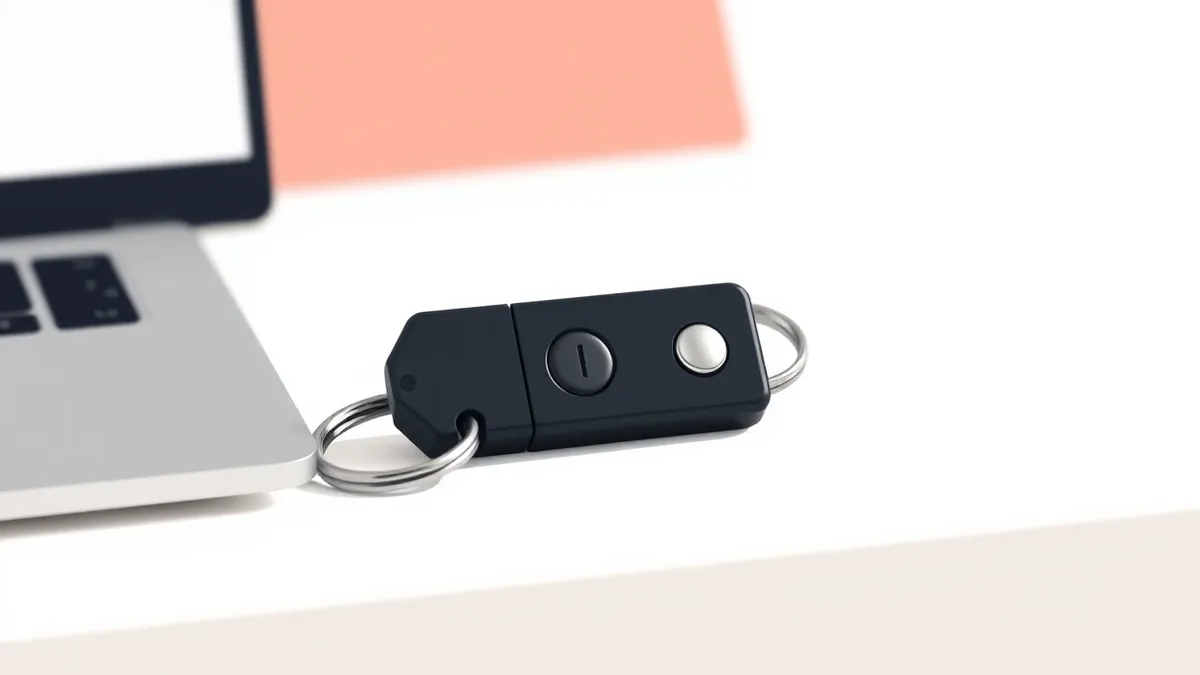
You need to understand the physical interfaces before choosing a device. The connection method determines where you can use the key. USB-A keys plug into older computers and laptops. USB-C keys work with modern smartphones and tablets. NFC keys tap against the back of a phone. Bluetooth keys pair wirelessly for convenience.
USB keys offer the highest level of assurance. The operating system detects the hardware directly. This direct connection makes it difficult for an attacker to intercept the signal. NFC keys provide flexibility for mobile devices. They require the phone to support Near Field Communication. The key must be physically close to the reader. This proximity requirement adds a layer of physical security.
Bluetooth keys are convenient but carry higher risk. The wireless signal can potentially be intercepted or relayed. An attacker could amplify the signal to trick the key into thinking it is near the device. This is known as a relay attack. USB and NFC keys are generally preferred for high-security accounts. They limit the attack surface by requiring direct contact.
Why Physical Keys Outperform Software Tokens
Software tokens rely on shared secrets or time-based codes. These codes can be intercepted via man-in-the-middle attacks. They can be stolen if your phone is compromised. A hardware key stores the secret in a secure element. This chip is resistant to physical tampering. It isolates the cryptographic operations from the main processor.
The difference lies in the threat model. Software solutions assume the device is hostile. They try to protect the secret within the software. Hardware keys assume the device is untrusted. They protect the secret in dedicated hardware. This architectural difference makes hardware keys superior for protecting against malware. The malware cannot read the memory of the secure element.
Another advantage is origin binding. FIDO2 keys bind the authentication to the specific domain. A software token usually generates a code that works on any site. If you reuse a token app, you risk cross-site confusion. Hardware keys prevent this by checking the certificate of the website. This binding ensures that a stolen code cannot be used on a different service.
Common Misconceptions About Hardware Keys
Many users believe hardware keys are only for high-value corporate accounts. This view ignores the value of personal data. Your email account is the master key to your digital life. Compromising it allows an attacker to reset passwords for every other service. Hardware keys protect this critical entry point. They are affordable enough for personal use.
Another mistake is assuming keys are lost-proof. If you lose the key, you are locked out. You must have a backup method. Most services allow you to register multiple keys. You should keep one key at home and one at work. Some services support passkeys as a backup. Passkeys store the credential on your device. This reduces the risk of total lockout.
Users often think hardware keys replace passwords entirely. While FIDO2 supports passwordless login, many services still require a password as a fallback. The key serves as the second factor. It verifies that you possess the physical device. It does not replace the need for strong, unique passwords on the backend. The key adds a layer, it does not remove the base layer.
Integrating Keys into Your Security Posture
Hardware keys work best when combined with other defenses. They do not protect against social engineering. An attacker might call you and ask you to disable your key. This is a whaling attack targeting your trust. Security awareness training helps you recognize these attempts. You must verify the identity of anyone asking for security changes.
Keys also complement email filtering. If an attacker cannot phish your credentials, they may try to bypass email filters. Secure email gateways scan for malicious content. They block malicious attachments and links. Hardware keys stop the login attempt. Email filters stop the delivery of the attack vector. Using both creates a layered defense.
Consider the role of intrusion detection systems. These systems monitor network traffic for anomalies. They can detect if an attacker is trying to brute-force a login. Hardware keys make brute-forcing impossible. The key requires physical interaction. Each attempt needs a button press. This slows down automated attacks to a halt. The combination of detection and prevention is powerful.
See also: Account Takeover: Definition, Vectors, and Defense Strategies · Prevent Whaling Attacks: Stop Targeted CEO Fraud Attempts
What to Do About Key Management
You must manage your keys like physical assets. Label each key clearly. Note which accounts it protects. Keep a written record in a secure location. If a key is lost or stolen, revoke it immediately. Most services have a dashboard for managing authenticators. You can remove the compromised key and add a new one.
Test your backup keys regularly. Do not wait until you are locked out. Log in with your backup key every few months. This ensures it still works. It also trains you on the process. Familiarity reduces panic during an actual emergency. You should also check if your service supports passkeys. Passkeys offer a software alternative that shares the same security model.
Avoid using cheap, unbranded keys. The security of the device depends on its build quality. Cheap keys may lack proper secure elements. They might be vulnerable to side-channel attacks. Stick to manufacturers that follow industry standards. FIDO Alliance certification ensures the device meets baseline requirements. This certification provides confidence in the hardware.
The Future of Authentication Standards
The industry is moving toward passwordless authentication. FIDO2 is the leading standard for this shift. It allows devices to act as the primary authenticator. Your smartphone can become a hardware key. This reduces the need for separate dongles. The security model remains the same. The private key stays on the device.
Biometrics often unlock the use of these keys. Your fingerprint or face scan proves you are the owner. This adds convenience without sacrificing security. The biometric data stays on the device. It is not sent to the server. The server only sees the cryptographic proof. This separation protects your biometric data.
As these standards mature, adoption will increase. Major platforms are already supporting them. You will see fewer password prompts. You will see more requests to tap your device. This shift reduces the cognitive load on users. It also reduces the attack surface for attackers. The future of security is physical and bound to the device.
Key takeaways
- Hardware keys eliminate the risk of credential theft during phishing attempts.
- FIDO2 standards allow passwordless authentication using public key cryptography.
- Physical possession of the key is required for every login attempt.
Hardware security keys provide the strongest protection against credential theft by keeping private keys offline. Register a backup key immediately to prevent lockout if your primary device is lost.
Frequently asked questions
Can a hardware key be hacked remotely?
No, the private key never leaves the device. Remote attacks cannot extract the secret material from the secure element.
What happens if I lose my hardware key?
You must use a backup key or recovery code to regain access. Always keep a spare key in a safe location.
Do hardware keys work with all websites?
Most major services support FIDO2 or U2F. Check the security settings of your account to see if hardware keys are supported.
Are NFC keys less secure than USB keys?
NFC keys are secure but require physical proximity. They are resistant to remote attacks but vulnerable to relay attacks if the signal is amplified.
How this guide was produced: written by the Malware Chronicle editorial team with AI assistance, checked against the public references listed below, and reviewed when the facts change. See our editorial policy or report an error.