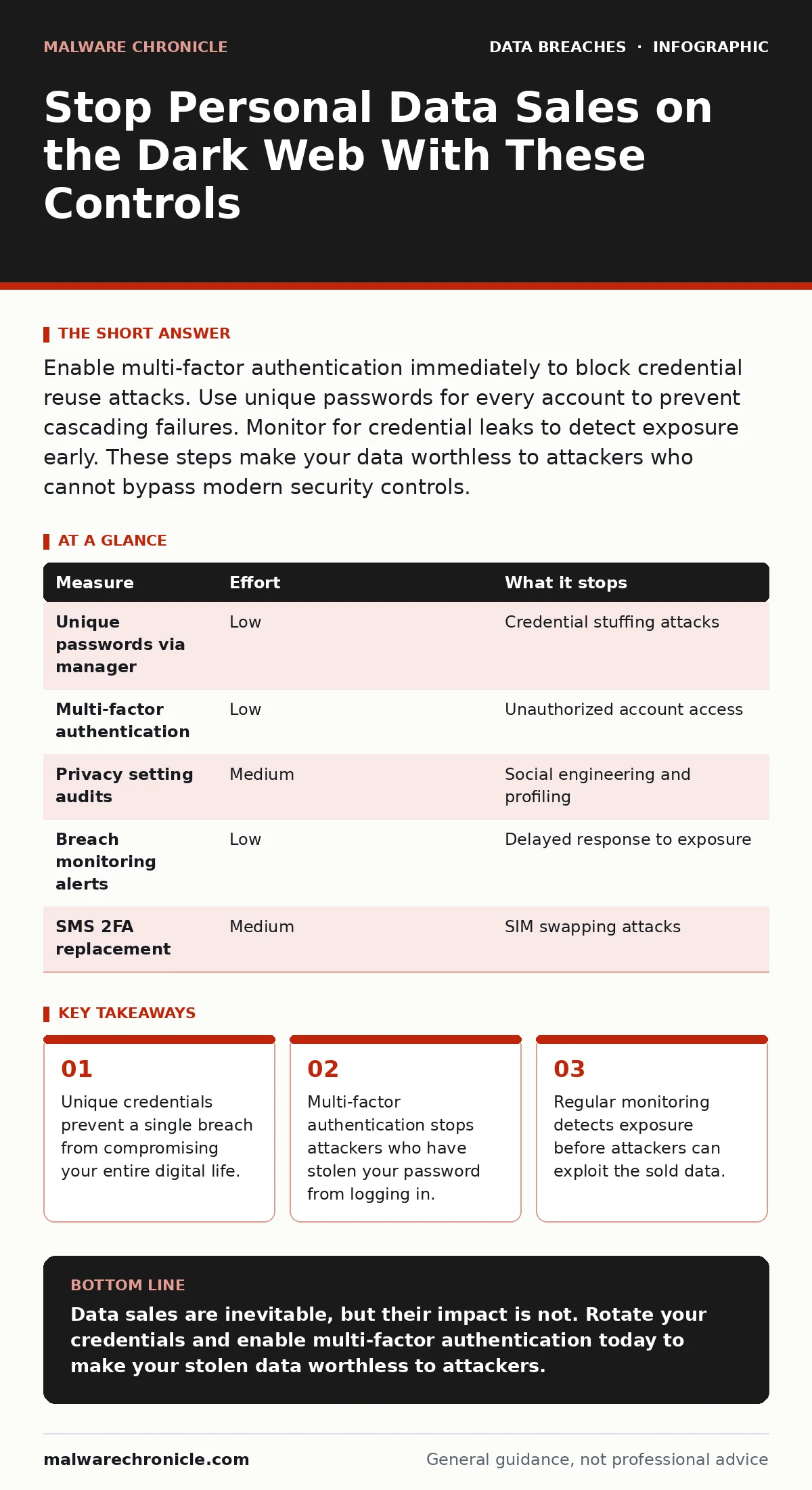
Enable multi-factor authentication immediately to block credential reuse attacks. Use unique passwords for every account to prevent cascading failures. Monitor for credential leaks to detect exposure early. These steps make your data worthless to attackers who cannot bypass modern security controls.
The Mechanics of Data Sales
Personal data does not sit idle after a breach. Attackers package it into structured formats that match the needs of different criminal markets. A list of email addresses and passwords is worth less than a dataset containing passwords, security questions, and partial credit card numbers. The value increases when the data is fresh, meaning it was stolen recently and has not been changed yet.
You must understand that your data is a commodity. The seller does not care who you are. They care about the utility of your information. If your credentials are unique and protected by additional verification steps, the data becomes difficult to sell. This reduces the incentive for attackers to target your specific accounts.
Why Generic Advice Fails
Many people believe that using a strong password is enough. This is a dangerous misconception. A strong password is only effective if it is unique. If you reuse a password across multiple sites, a breach at one location gives attackers access to all your other accounts. This is known as credential stuffing.
Imagine you use the same complex password for your email, banking, and social media. An attacker steals the password from a small forum with poor security. They now have your email address and password. They try these credentials on your bank’s login page. Because the password is the same, they gain access. Your "strong" password provided no protection because it was not isolated.
Priority One: Isolate Your Accounts
The most effective step you can take is to ensure every account has a unique password. This requires a password manager. You do not need to memorize these passwords. The manager stores them in an encrypted database and fills them in automatically. This eliminates the human tendency to reuse simple patterns.
When you use unique passwords, a breach at one site remains contained. The attacker has your credentials for that specific service, but they cannot log into your email or financial accounts. This breaks the chain of compromise. It turns a potentially catastrophic event into a manageable inconvenience.
You should also enable multi-factor authentication everywhere it is available. This adds a second layer of verification, such as a code from an app or a physical key. Even if an attacker has your password, they cannot complete the login without this second factor. This renders stolen credentials largely useless on the dark web.
Priority Two: Limit Exposure Surface
Reducing the amount of personal data you share publicly lowers your risk. Attackers often harvest data from social media profiles to answer security questions or create phishing emails. The more details you post, the easier it is for them to impersonate you or bypass recovery processes.
Review your privacy settings on all social platforms. Limit who can see your posts, friends lists, and personal details. Remove unnecessary information like your birth date, home address, or pet names. These details are often used in social engineering attacks. By minimizing your digital footprint, you remove the raw material attackers need to craft targeted exploits.
Consider using alias email addresses for non-essential services. This keeps your primary email address hidden from most websites. If an alias is compromised, you can discard it without affecting your main communication channel. This strategy helps you track which service leaked your data.
Priority Three: Detect and Respond Early
Prevention is not always possible. You must assume that some of your data will eventually appear in a breach. The goal is to find out about it quickly. Use a service that monitors for credential leaks to alert you when your email or password appears in a known breach.
Early detection allows you to rotate passwords before attackers can exploit them. If you receive an alert, change the password for that service immediately. Check other services where you may have used the same password. This proactive approach limits the window of opportunity for attackers.
See also: What Causes Data Breaches: The Hidden Mechanics Behind Every Leak · Tokenization Mistakes That Expose Data and How to Fix Them
What Does Not Work
Several popular measures provide a false sense of security. Changing your password frequently without using unique ones does not help. Attackers can still use old passwords if they have been cached or if you reuse them. The focus should be on uniqueness, not frequency.
Avoid using security questions for account recovery if possible. These questions often rely on publicly available information. If you must use them, treat the answers as passwords. Use a random string of characters and store it in your password manager. Do not answer the questions truthfully.
Summary of Controls
The following table ranks measures by their effectiveness in reducing risk. Focus on the high-impact items first.
| Measure | Effort | What it stops |
|---|---|---|
| Unique passwords via manager | Low | Credential stuffing attacks |
| Multi-factor authentication | Low | Unauthorized account access |
| Privacy setting audits | Medium | Social engineering and profiling |
| Breach monitoring alerts | Low | Delayed response to exposure |
| SMS 2FA replacement | Medium | SIM swapping attacks |
Immediate Action Plan
You do not need to overhaul your entire digital life today. Start with the highest impact actions. These steps will significantly reduce your exposure to data sales on the dark web.
- Install a password manager and generate unique passwords for your most critical accounts.
- Enable multi-factor authentication on your email, banking, and social media accounts.
- Check a breach database to see if your credentials have already been exposed.
Key takeaways
- Unique credentials prevent a single breach from compromising your entire digital life.
- Multi-factor authentication stops attackers who have stolen your password from logging in.
- Regular monitoring detects exposure before attackers can exploit the sold data.
Data sales are inevitable, but their impact is not. Rotate your credentials and enable multi-factor authentication today to make your stolen data worthless to attackers.
Frequently asked questions
How do I know if my data is on the dark web?
Use a reputable breach monitoring service that checks known databases for your email addresses and passwords. These services alert you when your information appears in a new leak.
Is a password manager safe to use?
Yes, if you use a reputable provider with strong encryption. The master password you create should be unique and complex. The manager protects your data better than storing it in a spreadsheet or your memory.
What if I already reused passwords?
Change them immediately, starting with your email and financial accounts. Use a password manager to generate new, unique passwords for each service. Do not reuse the old passwords.
Can I remove my data from the dark web?
No, you cannot remove data once it is sold. However, you can render it useless by changing passwords and enabling multi-factor authentication. This prevents attackers from using the stolen information.
How this guide was produced: written by the Malware Chronicle editorial team with AI assistance, checked against the public references listed below, and reviewed when the facts change. See our editorial policy or report an error.