
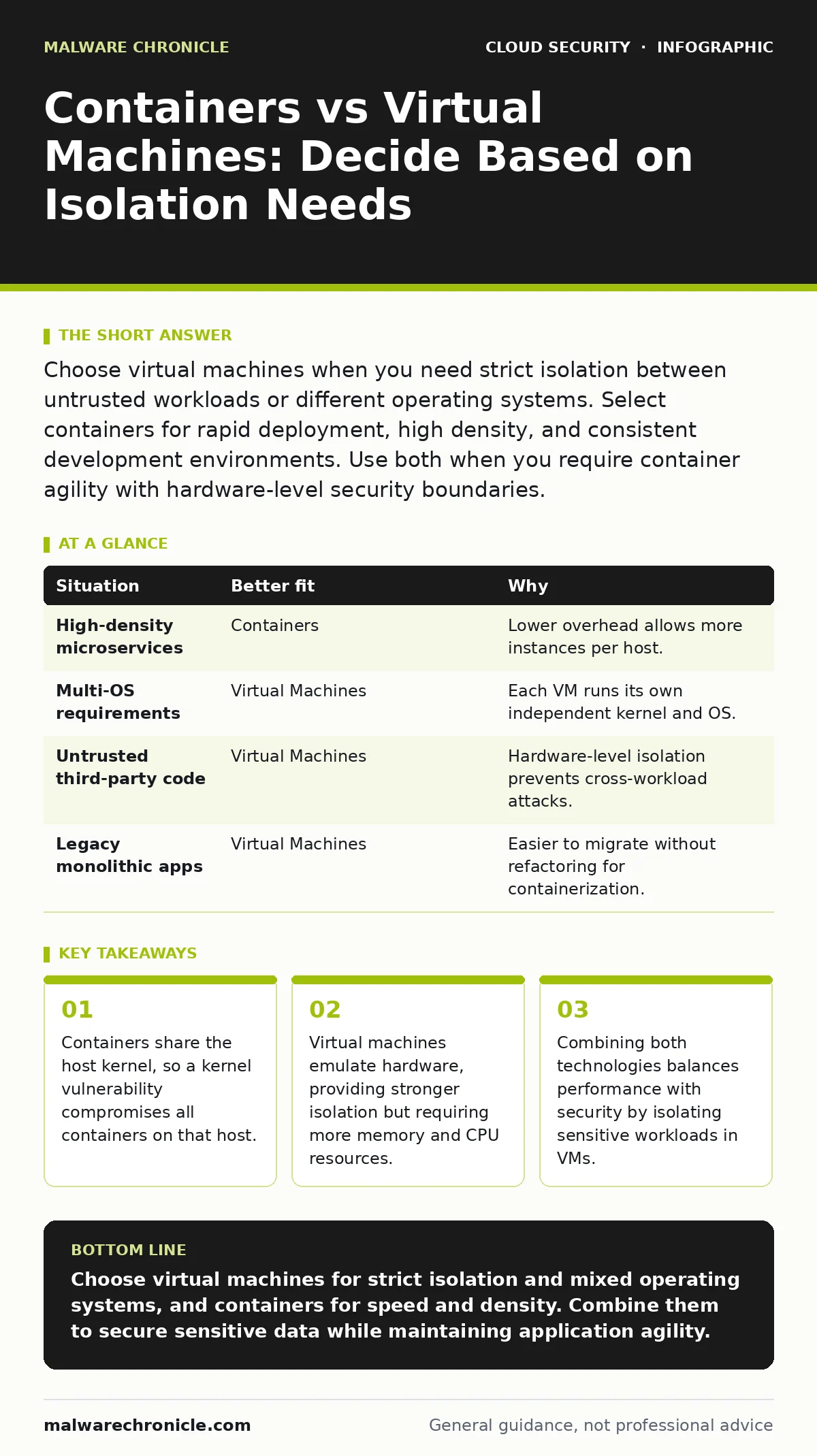
Choose virtual machines when you need strict isolation between untrusted workloads or different operating systems. Select containers for rapid deployment, high density, and consistent development environments. Use both when you require container agility with hardware-level security boundaries.
Does the workload trust the host kernel?
Containers are not virtual machines. They do not emulate hardware. Instead, they use operating system-level virtualization to share the host’s kernel. This means every container on a server talks directly to the same core system code. If an attacker exploits a vulnerability in that shared kernel, they gain control over every container running on that machine. This is known as a container escape.
Virtual machines include a hypervisor that sits between the guest operating system and the physical hardware. Each virtual machine runs its own independent kernel. A breach in one virtual machine rarely affects others because the hypervisor enforces strict boundaries. You must decide if your application’s risk profile allows sharing the kernel.
How much resource overhead can you afford?
Running a full operating system inside a virtual machine consumes significant memory and processing power. The guest operating system must boot, manage drivers, and maintain its own services. This overhead adds up when you run hundreds of small services. Containers strip away the guest operating system. They only package the application and its dependencies.
This efficiency allows you to run many more containers on the same hardware compared to virtual machines. For stateless microservices that start and stop frequently, containers reduce latency and cost. However, this density increases the impact of a single host compromise. You trade isolation for efficiency.
Do you need different operating systems?
Virtual machines can run different operating systems on the same physical server. You might run Linux, Windows, and BSD guests side by side. The hypervisor presents virtualized hardware to each guest, allowing them to boot their own kernels. Containers cannot do this. They must match the host’s kernel type.
If your host runs Linux, your containers must be Linux-compatible. You cannot run a Windows container on a Linux host without complex translation layers that add overhead and security risks. If your infrastructure requires mixed operating systems for legacy support or specific compliance needs, virtual machines are the only practical choice.
How complex is your deployment lifecycle?
Containers excel at consistency. The same image that runs on your developer’s laptop runs in production. This eliminates environment drift. Virtual machines are heavier to update. Patching a guest operating system requires rebooting the entire virtual machine. This downtime can disrupt services.
Containers update by replacing the image. New instances start with the updated code while old ones finish their current tasks. This supports rolling updates with zero downtime. However, managing container security requires different tools. You must scan images for vulnerabilities before deployment. See our guide on container escape to understand how misconfigured images lead to host compromise.
| Situation | Better fit | Why |
|---|---|---|
| High-density microservices | Containers | Lower overhead allows more instances per host. |
| Multi-OS requirements | Virtual Machines | Each VM runs its own independent kernel and OS. |
| Untrusted third-party code | Virtual Machines | Hardware-level isolation prevents cross-workload attacks. |
| Legacy monolithic apps | Virtual Machines | Easier to migrate without refactoring for containerization. |
Can you isolate the most sensitive data?
When handling highly sensitive data, such as encryption keys or personal health records, you need the strongest possible isolation. Virtual machines provide this by default. The hypervisor ensures that one virtual machine cannot access the memory or disk of another. This is critical for confidential computing scenarios where data must be protected even from the cloud provider.
Containers can be hardened, but they still rely on the host kernel. If the host is compromised, the data inside the containers is at risk. For these high-value targets, running them in virtual machines reduces the blast radius. You should also implement cloud encryption to protect data at rest, regardless of the compute model.
See also: Configuration Drift Mechanics: How Security Posture Decays Over Time
Why use both together?
Most modern cloud architectures use both. This hybrid approach balances security and performance. You run your sensitive database in a virtual machine for strong isolation. You run your web servers and API gateways in containers for speed and scalability. This is often called a containerized virtual machine architecture.
The virtual machine acts as a secure boundary. Inside that virtual machine, you run a container runtime. This gives you the isolation of the VM and the agility of containers. It also simplifies patching. You patch the VM operating system less frequently and update containers often. This reduces the window of exposure for kernel vulnerabilities.
This separation allows you to apply policy as code to enforce security rules across both types of workloads. You can define network policies that restrict container traffic while ensuring the VMs maintain strict access controls. See service mesh security for details on managing traffic between these mixed workloads.
Remember to maintain a cloud asset inventory that tracks both containers and virtual machines. Missing one type in your inventory creates blind spots. When planning a cloud migration security strategy, map which workloads move to containers and which stay in virtual machines. This decision should be based on the specific risk and performance needs of each service.
Key takeaways
- Containers share the host kernel, so a kernel vulnerability compromises all containers on that host.
- Virtual machines emulate hardware, providing stronger isolation but requiring more memory and CPU resources.
- Combining both technologies balances performance with security by isolating sensitive workloads in VMs.
Choose virtual machines for strict isolation and mixed operating systems, and containers for speed and density. Combine them to secure sensitive data while maintaining application agility.
Frequently asked questions
Are containers more secure than virtual machines?
No. Containers are easier to misconfigure and share the host kernel, making them potentially less secure for untrusted workloads. Virtual machines provide stronger hardware-level isolation.
Can I run containers inside virtual machines?
Yes. This is a common pattern. The virtual machine provides isolation from other hosts, while containers provide agility and consistency for the applications running inside that VM.
Do I need a hypervisor for containers?
No. Containers use the host operating system’s kernel. Virtual machines require a hypervisor to emulate hardware and manage guest operating systems.
How does this affect my security monitoring?
You need different monitoring strategies. Monitor container image registries and runtime behavior for containers. Monitor hypervisor logs and guest OS integrity for virtual machines.
How this guide was produced: written by the Malware Chronicle editorial team with AI assistance, checked against the public references listed below, and reviewed when the facts change. See our editorial policy or report an error.