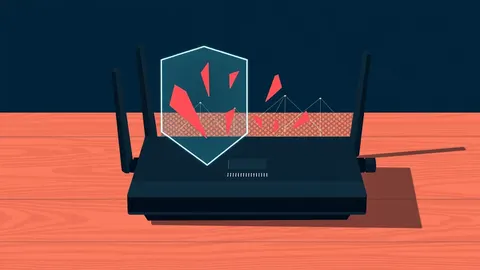
Router vulnerabilities are flaws in the device that manages your internet connection. They allow attackers to bypass security, steal data, or take control of your network. Risks arise from weak passwords, outdated software, and misconfigured settings.
The Gatekeeper Analogy
Imagine your home network is a house with a single front door. The router is the lock on that door. If the lock is broken, anyone with the right key—or even no key at all—can walk in. They do not need to break a window or pick the lock. They simply turn the handle. This is how router vulnerabilities work. They do not always require sophisticated hacking. They often rely on simple oversights that leave the door unlocked.
What Is a Router Vulnerability?
A router vulnerability is a weakness in the hardware, software, or configuration of the device that directs traffic between your devices and the internet. These flaws can exist in the code that runs the router, known as firmware. They can also exist in how you set up the device. When an attacker finds a vulnerability, they can bypass the router’s security controls. This allows them to view, modify, or block the data passing through your network.
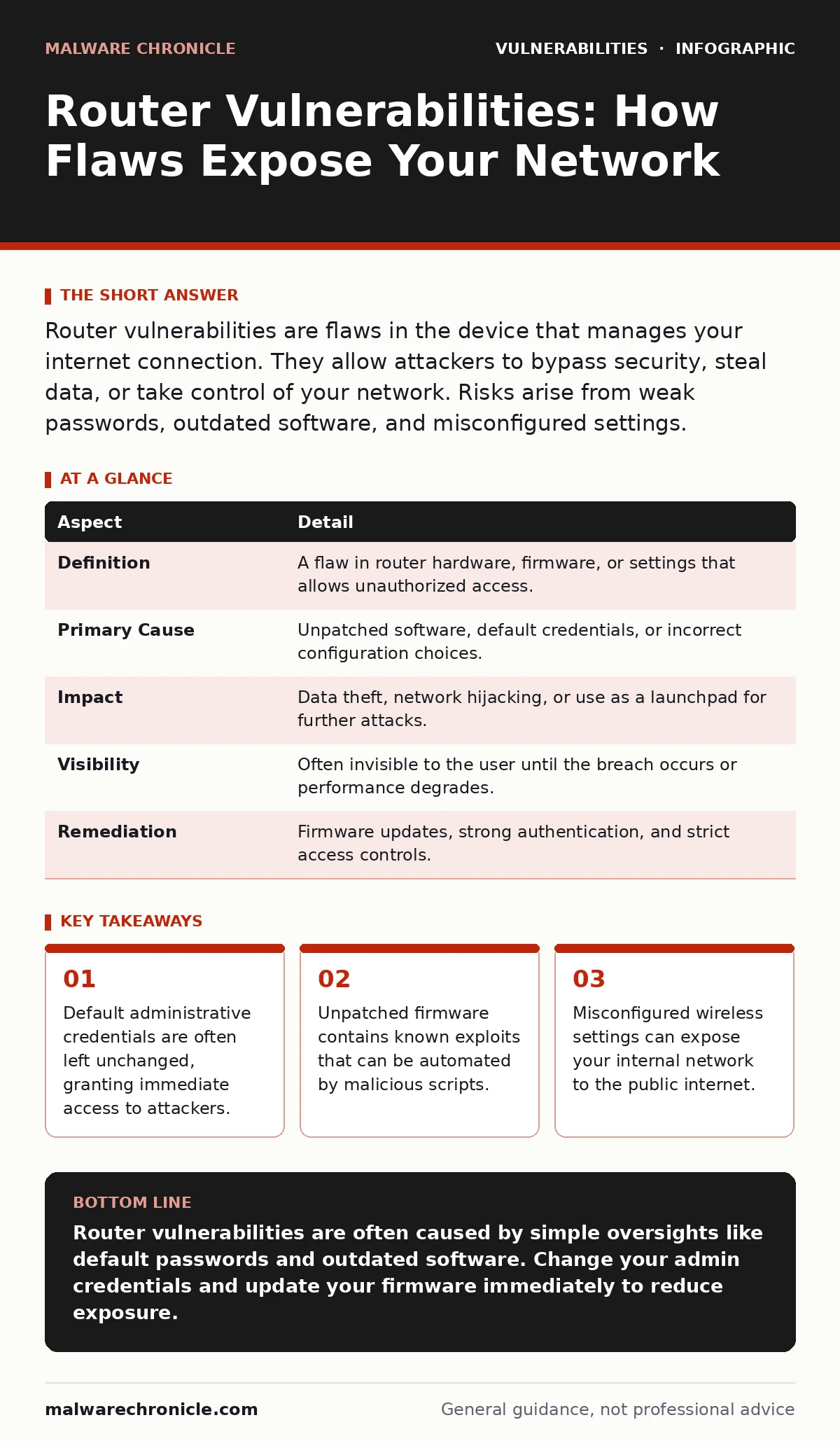
| Aspect | Detail |
|---|---|
| Definition | A flaw in router hardware, firmware, or settings that allows unauthorized access. |
| Primary Cause | Unpatched software, default credentials, or incorrect configuration choices. |
| Impact | Data theft, network hijacking, or use as a launchpad for further attacks. |
| Visibility | Often invisible to the user until the breach occurs or performance degrades. |
| Remediation | Firmware updates, strong authentication, and strict access controls. |
How the Exploit Occurs
Attackers scan the internet for routers that respond in specific ways. They look for devices that broadcast identifying information or fail to reject unauthorized login attempts. Once a target is identified, the attacker exploits the weakness. This might involve sending a specially crafted network packet that crashes the router’s service. It might involve guessing a weak password. In many cases, the exploit is automated. The attacker uses a script to test thousands of routers in minutes. If your router has a known flaw, the script succeeds without human intervention.
Who Is Affected
Every device connected to the internet through a router is at risk. This includes smartphones, laptops, smart home devices, and servers. The risk is not limited to large organizations. Home users are frequent targets because their devices are often poorly secured. Small businesses are also vulnerable because they may lack the resources for regular maintenance. The consequence is the same for all: loss of privacy and control. Your data travels through the router. If the router is compromised, your data is exposed.
Common Forms of Weakness
The most common vulnerability is the use of default credentials. Many routers ship with a username and password printed on a label. Users often leave these unchanged. Another common issue is unpatched firmware. Manufacturers release updates to fix security holes. Users rarely install these updates. This leaves known exploits active on the device. Wireless security settings are also a frequent failure point. Weak encryption protocols can allow attackers to intercept wireless traffic. Even wired connections are not safe if the management interface is exposed to the internet.
What People Usually Get Wrong
Many people believe that a firewall alone protects their router. A firewall blocks unauthorized incoming connections. It does not stop an attacker who has valid login credentials. If you use a weak password, the firewall allows the login. Another common mistake is assuming that wireless security is enough. You can have strong Wi-Fi encryption, but if the router’s web interface is accessible from the outside, you are exposed. People also ignore the importance of an IT asset inventory. If you do not know which devices are connected to your network, you cannot secure them properly.
Reducing the Risk
Start by changing the default administrative credentials. Use a long, complex password that you do not use elsewhere. Enable two-factor authentication if the router supports it. This adds a second layer of verification. Keep the firmware updated. Check the manufacturer’s website for updates regularly. Disable remote management features unless you absolutely need them. This prevents attackers from accessing the admin panel from the internet. Use a strong encryption protocol for your wireless network. Avoid older standards that have known weaknesses.
Advanced Mitigation Strategies
For those who manage more complex networks, consider segmenting your network. Create separate wireless networks for guests and IoT devices. This limits the damage if one device is compromised. Use a web application firewall to filter malicious traffic before it reaches your router. This adds an extra layer of protection.
Perform regular penetration testing to identify vulnerabilities before attackers do. This involves simulating attacks to find weak points. Document your configuration changes. This helps you restore settings if something goes wrong. Follow responsible disclosure practices if you find a vulnerability in a device you own. Report it to the manufacturer so they can fix it.
The Hidden Cost of Convenience
The biggest risk is often the desire for convenience. Users skip steps to save time. They do not update firmware because it is tedious. They do not change passwords because it is annoying. This convenience comes at a high cost. A compromised router can be used to launch attacks on other networks. It can steal sensitive data like banking credentials. It can monitor your online activity. The effort to secure your router is small compared to the damage of a breach. Take the time to configure your device properly. It is the foundation of your digital security.
Key takeaways
- Default administrative credentials are often left unchanged, granting immediate access to attackers.
- Unpatched firmware contains known exploits that can be automated by malicious scripts.
- Misconfigured wireless settings can expose your internal network to the public internet.
Router vulnerabilities are often caused by simple oversights like default passwords and outdated software. Change your admin credentials and update your firmware immediately to reduce exposure.
Frequently asked questions
Can a router virus spread to my computer?
Yes, if the router is compromised, it can redirect your computer to malicious sites or inject malware into downloaded files.
How do I know if my router has been hacked?
Look for unexpected changes in settings, unknown devices on your network, or slow internet speeds without a clear cause.
Is a hardware firewall enough to protect my router?
No, a hardware firewall blocks external attacks but does not protect against weak passwords or misconfigurations from inside your network.
Should I reset my router if I suspect a breach?
Yes, resetting the router to factory settings can remove malicious changes, but you must then reconfigure it with strong security settings.
How this guide was produced: written by the Malware Chronicle editorial team with AI assistance, checked against the public references listed below, and reviewed when the facts change. See our editorial policy or report an error.