
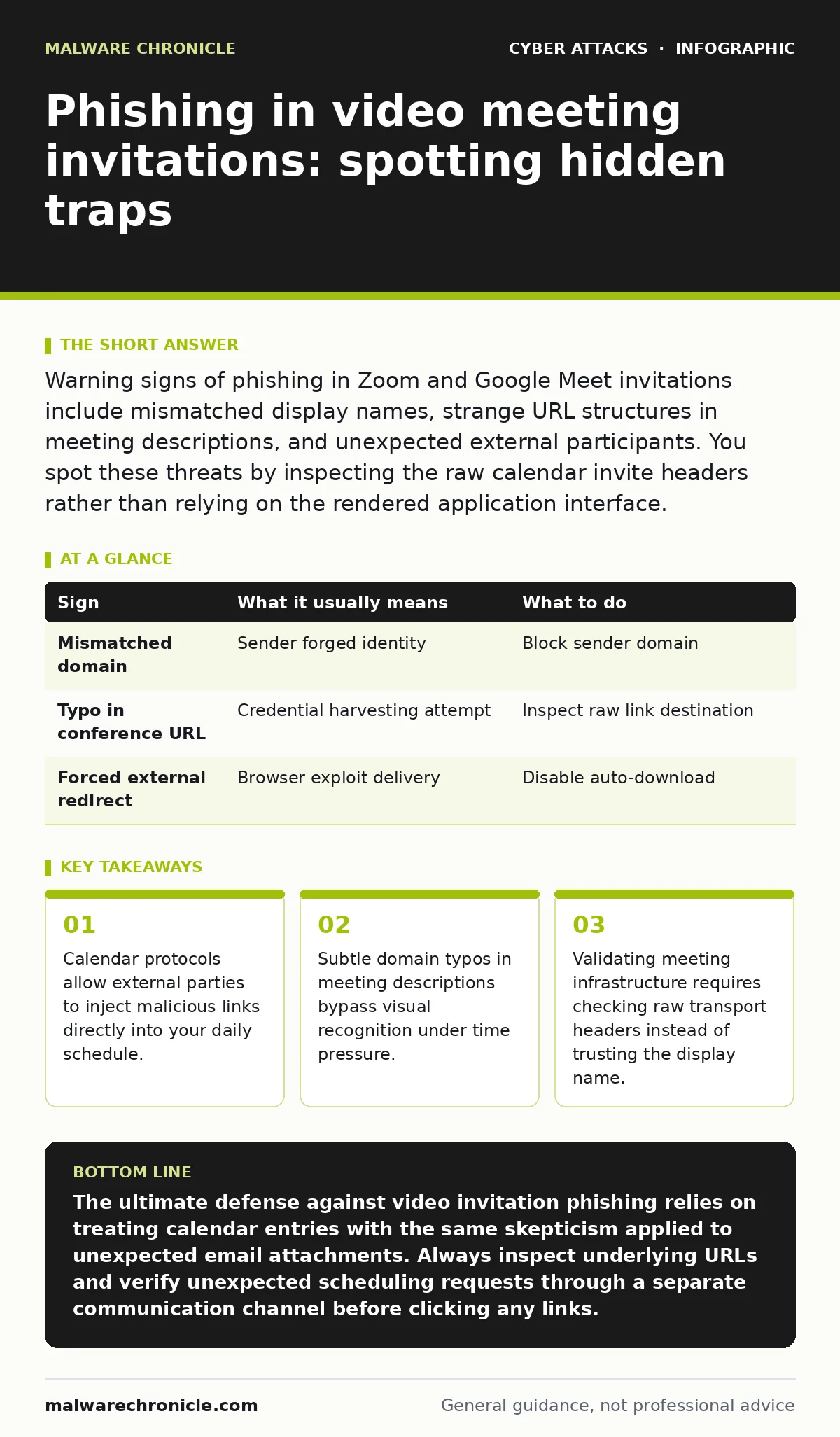
Warning signs of phishing in Zoom and Google Meet invitations include mismatched display names, strange URL structures in meeting descriptions, and unexpected external participants. You spot these threats by inspecting the raw calendar invite headers rather than relying on the rendered application interface.
What are the obvious warning signs in meeting invitations?
The obvious warning signs in meeting invitations involve glaring discrepancies in sender identities, strange formatting, and unsolicited attachments. Attackers frequently rely on urgency to make you overlook a generic display name masking an external email address. 3 distinct visual cues usually appear when an adversary attempts a basic social engineering campaign against your calendar.
Display names rarely match the underlying routing domain when malicious actors forge calendar events. Domain spoofing tricks mail servers into accepting the message, but modern secure email gateways occasionally catch these blatant mismatches before they reach your inbox.
Which subtle indicators are easy to miss?
Subtle indicators that are easy to miss include minor character substitutions in conference URLs, manipulated time zones designed to create scheduling confusion, and preloaded tracking pixels. Adversaries register lookalike domains using internationalized character sets to mimic legitimate video hosting platforms. You fail to notice these tiny typographic anomalies because your brain automatically completes familiar words under high-stress multitasking conditions.
Calendar invitations frequently preload tracking pixels or redirect scripts disguised as registration links for supplementary conference materials. These secondary web resources log your active status and operating system details without triggering any visible browser warnings during normal interaction.
How do technical transport anomalies expose fake invites?
Technical transport anomalies expose fake invites through header discrepancies, external relay routing paths, and unverified originating server internet protocol addresses. Calendar invites carry underlying transport metadata containing the true originating server IP address and routing path. Organizations deploy conditional access policies to block authentication requests originating from these unverified routing paths, mitigating the risk of credential theft.
Imagine receiving a meeting notification purportedly from an internal executive discussing confidential budget reviews. Inspecting the raw MIME headers reveals an external relay server in an unrelated geographic region delivering the payload directly to your calendar application, bypassing standard routing expectations entirely.
What patterns appear in malicious calendar events?
Patterns appearing in malicious calendar events include mass-imported scheduling requests, automated recurring slots designed to clutter workflows, and hidden credential harvesting links. Attackers abuse open calendar sharing protocols to inject spam and credential harvesting links directly into corporate time management tools. Phishing pages that mimic Google login frequently wait behind these links, demanding re-authentication under the guise of an expired video session token.
What does a comprehensive threat matrix reveal?
The following breakdown compares common invitation anomalies against their operational meanings and required mitigations.
| Sign | What it usually means | What to do |
|---|---|---|
| Mismatched domain | Sender forged identity | Block sender domain |
| Typo in conference URL | Credential harvesting attempt | Inspect raw link destination |
| Forced external redirect | Browser exploit delivery | Disable auto-download |
What immediate steps neutralize calendar invitation attacks?
Immediate steps to neutralize calendar invitation attacks require disabling automatic meeting additions, establishing strict URL inspection habits, and enforcing strict schema validation on incoming payloads. You neutralize these threats by configuring your email client to require manual approval before placing external events onto your schedule. Software developers building internal tooling should enforce strict validation on incoming calendar payload schemas to prevent automated injection vectors.
How do you verify conference infrastructure before joining?
Verifying conference infrastructure before joining requires examining underlying connection parameters, copying destination links into text editors, and avoiding blind trust in application interfaces. You verify legitimacy by copying the destination link into a text editor to inspect the full domain path before launching your browser.
Never trust a meeting room link simply because it appears inside a recognized calendar application interface. Attackers continuously refine their distribution vectors to exploit the inherent trust users place in scheduling notifications, making mechanical verification steps a mandatory habit.
Key takeaways
- Calendar protocols allow external parties to inject malicious links directly into your daily schedule.
- Subtle domain typos in meeting descriptions bypass visual recognition under time pressure.
- Validating meeting infrastructure requires checking raw transport headers instead of trusting the display name.
The ultimate defense against video invitation phishing relies on treating calendar entries with the same skepticism applied to unexpected email attachments. Always inspect underlying URLs and verify unexpected scheduling requests through a separate communication channel before clicking any links.
Frequently asked questions
Why do attackers target video meeting invitations instead of traditional email?
Attackers target video meeting invitations because calendar applications automatically integrate events into user workflows, bypassing the initial skepticism typically applied to standalone email messages. This direct scheduling integration creates a false sense of urgency and legitimacy.
Can malicious calendar invites infect a device without user interaction?
Malicious calendar invites can occasionally trigger automated software vulnerabilities if your client software attempts to render complex rich text or media payloads automatically. Disabling automatic preview and rendering features prevents these zero-click exploitation vectors.
How do external calendar invites bypass spam filters?
External calendar invites bypass spam filters by abusing legitimate scheduling protocols and trusted cloud collaboration platforms that organizations whitelist for operational continuity. Security filters struggle to differentiate between valid partner scheduling requests and malicious calendar injections.
What should you do if you accidentally click a phishing link in a meeting invite?
You should immediately disconnect your device from the network, revoke all active session tokens, and report the incident to your security team for credential rotation. Acting swiftly limits the window of opportunity for an attacker to abuse compromised accounts.
How this guide was produced: written by the Malware Chronicle editorial team with AI assistance, checked against the public references listed below, and reviewed when the facts change. See our editorial policy or report an error.